31 Windows apps in 31 days One dev’s daily sharing
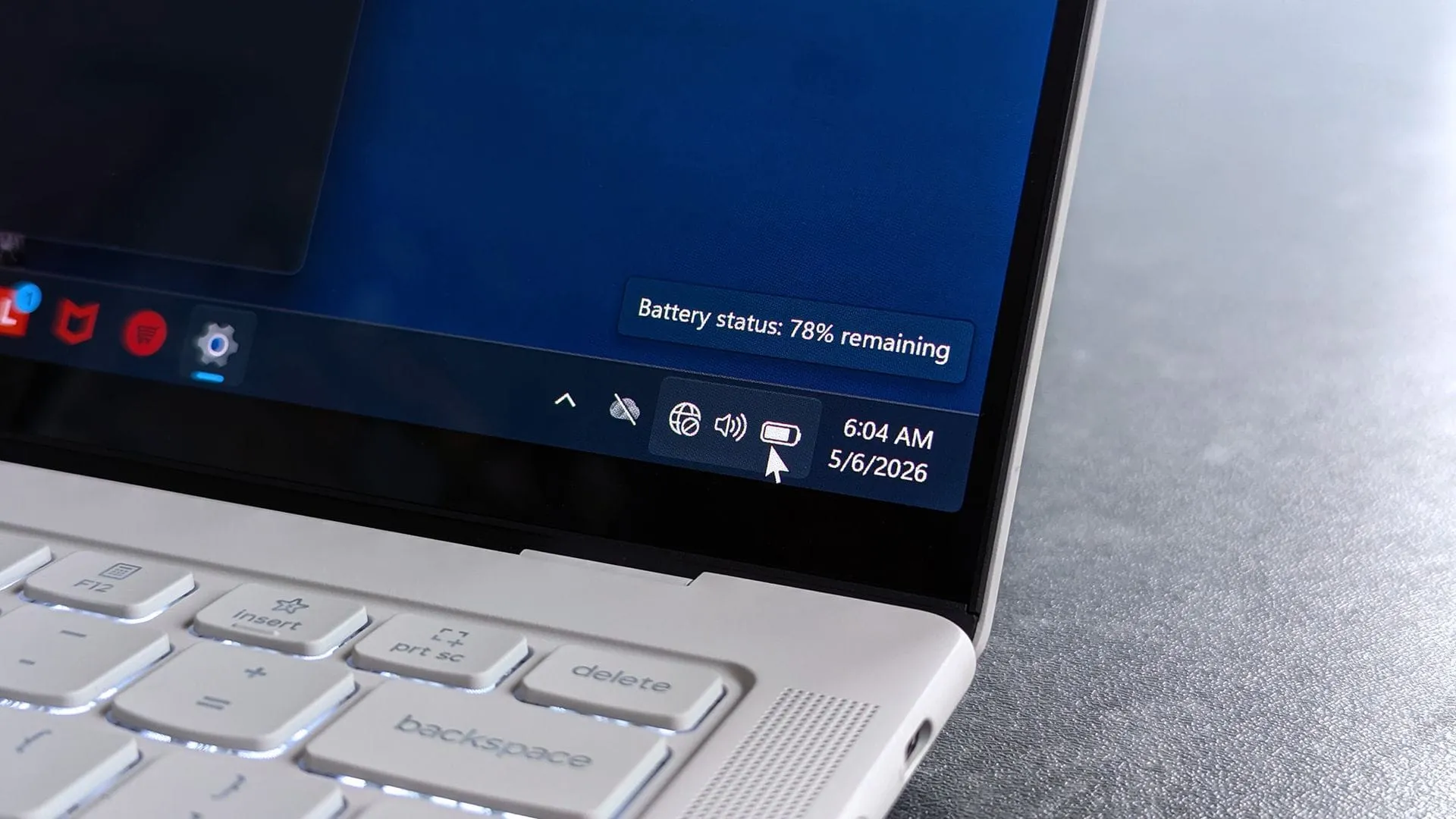
While the calendar screams Halloween and spooky celebrations, some developers are choosing to channel that autumnal energy into something much more subtle: deep dives into the often-ignored corners of our operating systems. Developer Joe Finney has taken this concept and turned October into a playful challenge, launching a daily system tray utility throughout the month, creating an experience dubbed Tray-tober.
The premise is simple yet brilliant: the Windows 11 system tray—that small, often overlooked area near the clock—is not just a place for notifications. It’s a blank canvas waiting to be filled with clever, small-scale applications. Finney’s project encourages users to explore and utilize these hidden features, suggesting that the system tray is a treasure trove of little digital goodies.
Rather than overwhelming users with 28 separate downloads, Finney provides a central hub, a dedicated Tray-tober page, where enthusiasts can find links to every utility released. This collection of tools transforms the mundane system tray into an interactive space, packed with utilities that range from productivity boosters to pure digital entertainment.
The tools showcase the versatility of this approach. They aren’t limited to pure productivity; some are pure fun. For instance, players can engage in classic gaming right at their fingertips with Tray Battleship, which debuted early in the month. Other utilities tackle everyday annoyances, offering features like Tray Converter for unit conversions and Trayulator, a handy calculator. There is also a focus on information, with tools like TrayRadar providing live weather forecasts from NOAA and Traysky allowing users to scroll through the Bluesky feed directly from the tray.
Finney’s library also includes tools designed to nudge the user toward better habits, such as Tray Nudge, which gently reminds users to complete pending tasks.
Perhaps one of the most practical innovations is PowerDisplay, a utility integrated within PowerToys that gives users granular control over their external monitor’s brightness. By pinning this tool to the system tray, users gain immediate access to fine-tune their display settings without having to hunt for physical buttons—a small convenience that pays off big time.
This collection demonstrates that even the most complex operating systems hold hidden potential. By turning the system tray into a source of daily, bite-sized applications, Joe Finney has successfully proven that some of the best software is the software you don’t even realize you need until you discover it.
Buy on Amazon
Credit
