7 laptop features I can’t pass up
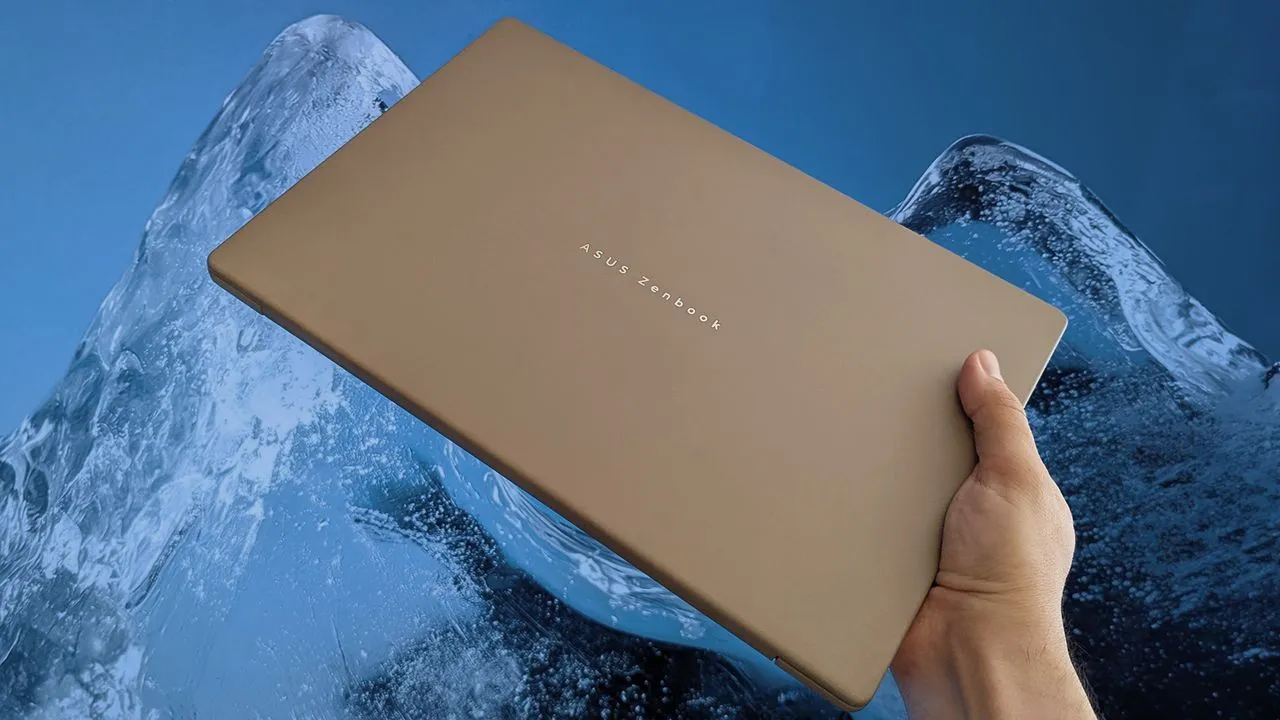
For years, I lived in the realm of desktop PCs, but the reality of modern life—filled with travel, conventions, and the constant need to work from anywhere—forced a shift. After spending half a decade testing the latest hardware and advising people on where to spend their money, I learned quickly that the best machine wasn’t a giant tower, but a lightweight laptop built for the road.
When narrowing down the options for a new Windows machine, my criteria stopped being about raw power and started focusing on portability and experience. Traveling by plane, train, and car meant my laptop had to perform flawlessly in cramped hotel rooms and busy airport lounges. This experience boiled down to seven non-negotiables that dictate what I seek in a portable device.
First and foremost, the screen is critical. I found that an OLED display delivers a noticeable upgrade over traditional screens, offering superior contrast and deeper blacks. While some high-end mini LED screens boast incredible brightness, for my daily workflow, OLED provides the perfect balance of visual quality without unnecessary complexity.
The physical design also demands attention. I found that a 14-inch chassis with a 16:10 aspect ratio provided the optimal balance. It’s large enough for comfortable work when I connect an external mouse, yet compact enough to easily fit into a carry-on bag without feeling bulky.
Physical size matters immensely when packing. I aim for laptops weighing around or below 2.65 pounds. This pursuit of lightness means finding models that prioritize efficiency, such as those powered by Intel’s newer processors, which have shown impressive efficiency gains over previous generations.
Storage capacity is another key factor. While some budget options settle for 256GB, I require at least 512GB of storage. For a workflow that involves images, videos, and heavy applications, having ample space is essential, ensuring that files and projects don’t constantly force a migration to external drives.
Connectivity remains a point of contention for me. Though USB-C is becoming the standard, I still value the presence of a traditional USB-A port. It’s a throwback to reliable legacy accessories, and while modern setups work fine with Thunderbolt 4 and USB4, having that full-size port is a welcome safety net.
Beyond physical ports, all-day battery life is no longer a luxury; it’s an expectation. With the evolution of AI PCs and highly efficient processors like Intel’s Core Ultra Series 2, achieving reliable endurance is now within reach. I’ve seen tests that prove these new chips deliver vastly improved efficiency, making all-day operation a reasonable expectation.
To enhance the travel experience, a backlit keyboard is a simple but powerful addition. Typing in dim environments, whether at a convention or on a red-eye flight, becomes a necessity. It eliminates the hassle of fumbling for external light sources.
Finally, the power situation must be simple. I prioritize laptops that offer no proprietary chargers. The complexity of dealing with various power bricks and barrel jacks is unnecessary. I want to travel with a single USB-C adapter that can handle charging my laptop, phone, and all my other devices seamlessly.
Ultimately, while the market is flooded with options, these requirements—OLED screens, a slim 14-inch form factor, ample storage, and excellent battery life—guide the selection. My ideal laptop falls into a price bracket of at least $1,000, allowing room for the necessary features, and I remain vigilant for those smart deals.
Buy on Amazon
Credit
