Asus fixes BIOS vulnerability on older Intel motherboards
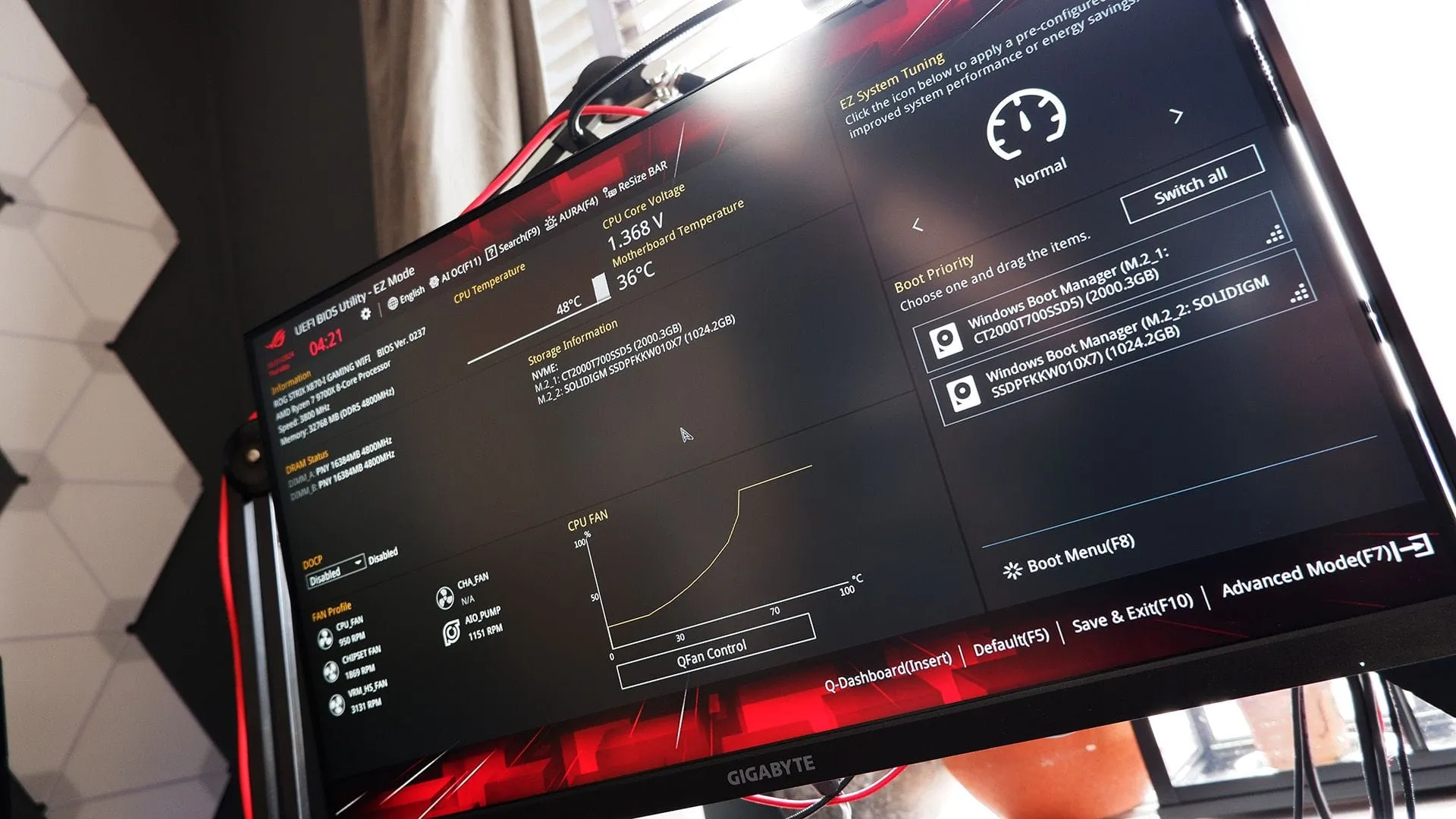
The world of computer security often feels like a high-stakes game of cat and mouse, and sometimes the most critical moves involve a simple firmware update. Recently, a significant vulnerability surfaced within motherboard BIOS settings, prompting a necessary—and timely—response from manufacturers like Asus.
This issue targets motherboards featuring 8th and 9th Gen Intel chips and, while the exploit requires physical proximity, the potential damage it allows is substantial. The vulnerability, officially designated as CVE-2026-93495, stems from an error in the initialization process within certain ASUS motherboards. Essentially, a malicious actor could potentially read or write arbitrary memory by inserting a specially crafted device, making the security of the system highly dependent on the integrity of the underlying firmware.
Security experts assess this flaw as serious, assigning it a high severity score of 7.0. Recognizing this risk, Asus swiftly released a security bulletin strongly recommending that users update their BIOS to the latest version to patch the loophole.
The scope of the required action involves several popular ROG Strix and ROG Maximus models. This mandatory update affects a range of high-end systems, including models such as the PRIME Z390-A and PRIME Z390-A/H10, as well as various ROG MAXIMUS XI series boards, including the ROG MAXIMUS XI HERO, ROG MAXIMUS XI EXTREME, and many others, up through the version 2101 firmware.
To resolve the issue, Asus provides a specific, fixed BIOS version that users need to download and install. The recommended update brings the affected boards up to version 2203, effectively closing the security gap.
For users looking to implement this critical fix, Asus provides convenient resources, including a direct link to the support site where the relevant updates are hosted. They also offer a helpful guide to walk users through the process of updating the BIOS within Windows.
For those utilizing specialized software tools, such as Asus Armoury Crate, it is also important to ensure that all related system software is also current, as these tools often incorporate security patches alongside firmware updates. Staying on top of these updates is a simple, yet essential, step in maintaining the integrity and security of your computing environment.
Buy on Amazon
Credit
