Check internet speed on Win 11 without a browser
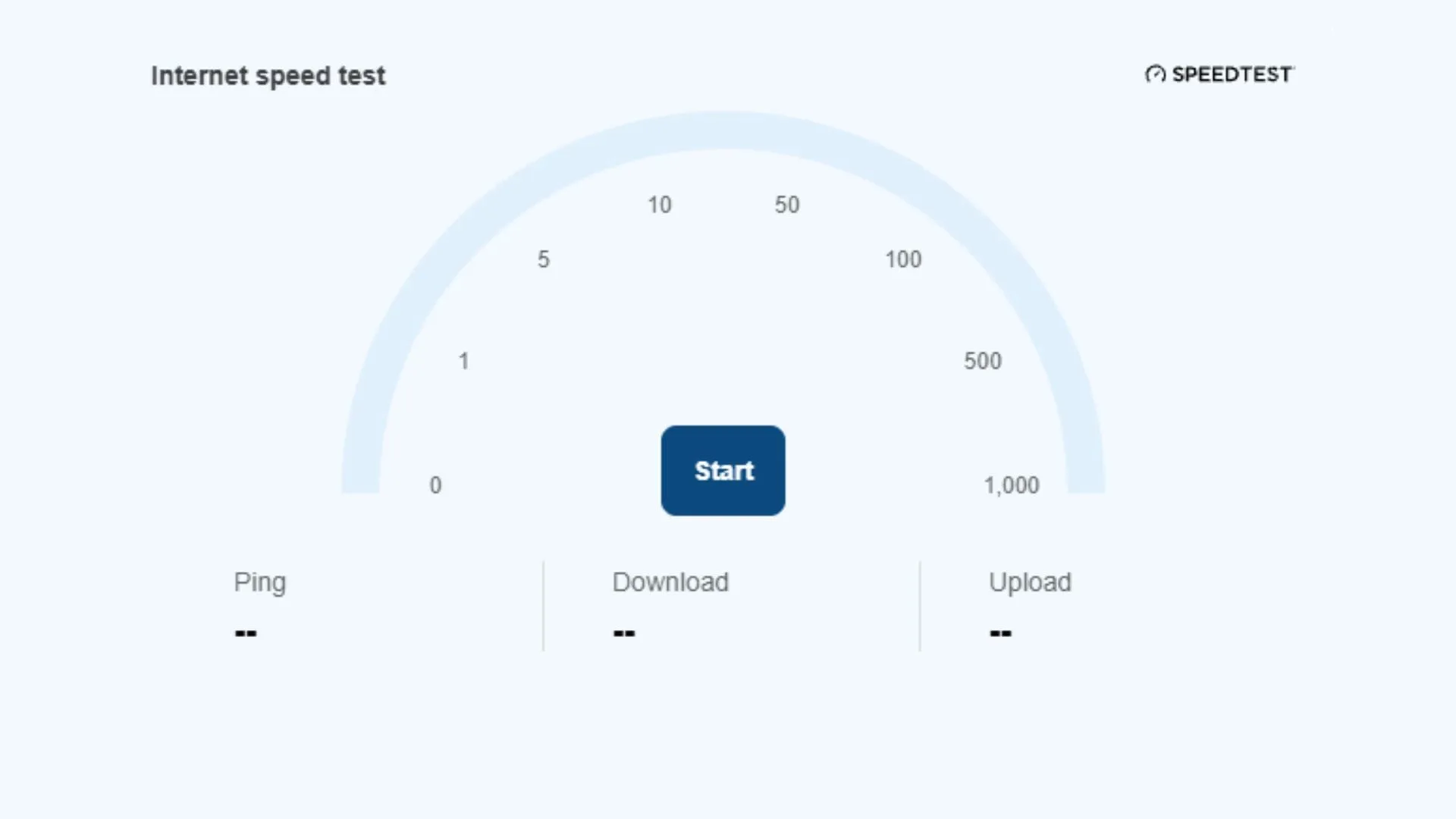
Tired of unnecessary steps just to check your internet speed? For some Windows 11 users, the wait is over, as the experimental Insider program is rolling out features that aim to streamline the user experience—starting with a much-needed shortcut to measure broadband performance.
In the latest Insider Experimental build, users can now test their internet speed directly from the Quick Settings menu. Gone are the days of having to jump into a web browser and run a separate test through Bing simply to find out how speedy your new broadband package truly is. Instead, a dedicated speed test button is now conveniently located within Quick Settings.
For those diving into the experimental software, accessing this function is as simple as clicking on Quick Settings and scrolling down. Alternatively, users can locate the network icon in the system tray, right-click it, and select the option to test the internet speed, instantly revealing download and upload metrics without leaving the operating system.
This shift addresses a long-standing annoyance. Previously, accessing internet speed tests required a redirection to a browser, adding an extra, unnecessary barrier to a simple task. Streamlining this process reflects a focus on making the operating system more intuitive and efficient for the end user.
But the improvements don’t stop there. Beyond the convenience of speed testing, the current build also introduces several other helpful feature flags and updates. These include granting access to mobile phones through Quick Settings, adding a handy Magnifier keyboard shortcut, and providing an easier route to accessing Microsoft 365 subscriptions.
While exploring these cutting-edge features, it is important to remember that Insider builds are inherently experimental. These updates serve as beta testing environments, meaning there is no guarantee that every feature implemented in the Insider program will make it to the stable version of Windows 11.
Nevertheless, the push for smoother, more direct functionality is a positive step. Removing hurdles to essential information, like checking connection speed, feels like a beneficial update. It allows users to get the information they need faster, whether they are troubleshooting slow speeds or simply curious about their connection quality.
Buy on Amazon
Credit
