CoD MW4 runs smoothly on RTX 3060 Ti best settings
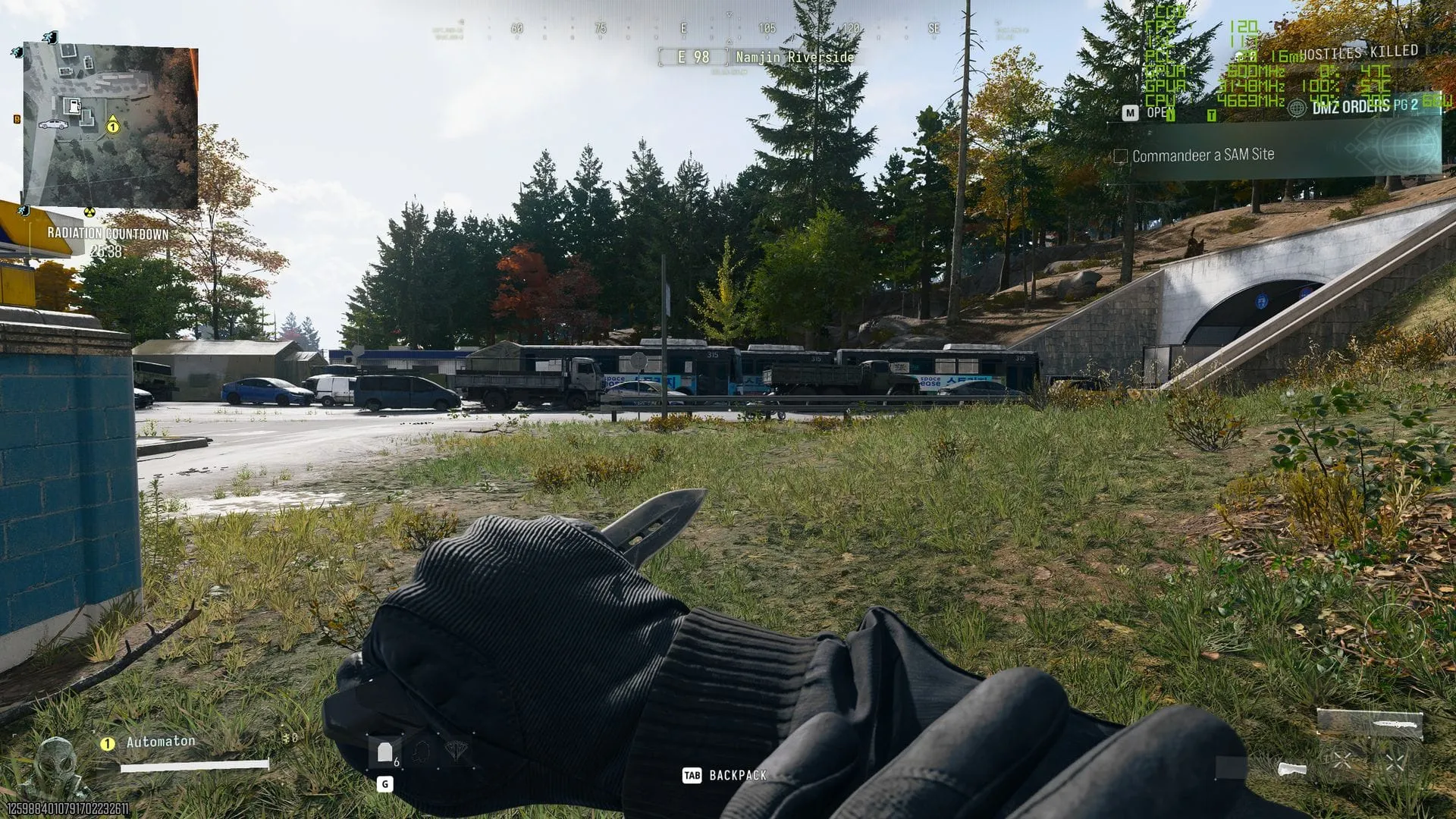
I recently dove into the action of Call of Duty: Modern Warfare 4, pairing it with my trusty RTX 3060 Ti. While the game demands serious graphical muscle, the reality is that many players want to experience the campaign and multiplayer action on hardware that isn’t brand new. The real test, however, isn’t just whether the game runs, but how smoothly it runs when pushing those demanding settings.
Activision lists other cards, like the AMD RX 6600 XT and Intel Arc B580, as the recommended entry points for achieving 90 fps in multiplayer at high settings. This immediately sets a high bar for performance optimization, proving that getting great results requires more than just installing the game.
I put my RTX 3060 Ti to the test and was pleasantly surprised by the results. To achieve truly buttery smooth frame rates, the secret lies in leveraging upscaling technology, specifically DLSS. Without it, native 1440p performance often struggles, especially in the more demanding campaign areas.
When we analyzed the performance across different resolutions, the picture quickly became clear: pushing for native 1440p performance often means settling for lower frame rates. However, by integrating DLSS in Quality mode, the game transforms from merely playable into a genuinely smooth experience. Testing showed that using the DLSS Quality upscaling, utilizing either the CNN or Transformer model, can elevate frame rates significantly.
For those aiming for 1440p, the combination of the RTX 3060 Ti, the Balanced preset, and DLSS Quality mode delivers excellent results. I found that opting for the Balanced preset provides the optimal balance between visual fidelity and performance, avoiding the steep drop-off in frame rates that comes with Ultra or Extreme settings.
The real magic, however, happens when dialing back to 1080p. By dropping the resolution, especially when paired with DLSS, the performance gains are substantial. For instance, achieving 1080p with DLSS enabled gave us fantastic frame rates, pushing toward 130 fps on average in the campaign, which is more than enough for a smooth, engaging experience.
Ultimately, my personal sweet spot for playing Call of Duty: Modern Warfare 4 on a 1440p monitor is using the RTX 3060 Ti with DLSS Quality (CNN) and the Balanced preset. This combination allows me to maintain high visual quality while consistently hitting frame rates closer to 100 fps, which is incredibly smooth and immersive.
A final tip for anyone looking to maximize their experience is to avoid the lowest presets, as lowering the graphical details often sacrifices crispness. Instead, I recommend setting the detail quality to High to eliminate some of the blocky textures and ensure that the details—like those important trees and shrubbery—look genuinely realistic.
In short, while the game pushes our hardware, smart optimization is the key to unlocking a stunning and fluid experience.
Credit
