Custom Valheim sign text for color-coded chests without mods
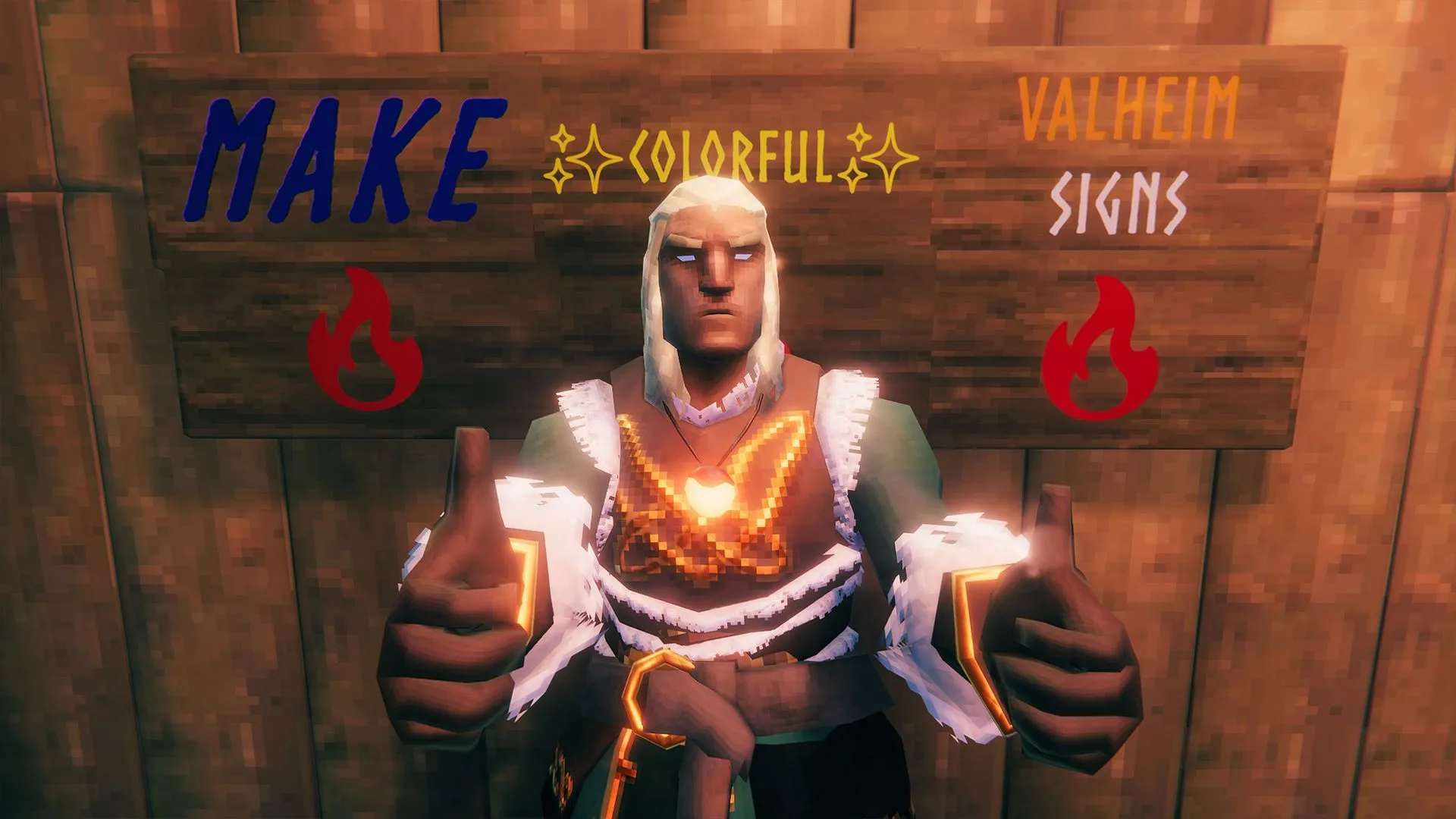
Unlock the Secrets of Valheim: How to Master Your Storage with Code
There’s a certain satisfaction that comes from perfectly organizing your life, and in the chaotic world of Valheim, that often means tackling those infamous storage chests. If you’ve ever felt overwhelmed by the sheer volume of resources, you might be looking for a secret cheat—a way to make your inventory management as sharp as your axe skills. Well, prepare to discover that the solution doesn’t require grinding for mods; it requires simply understanding the built-in markup language of the game.
Forget endless sorting. The real trick to mastering your Valheim base lies in turning your simple signs into dynamic, colorful billboards. By leveraging basic markup codes and Unicode characters, you can transform mundane signs into vibrant, informative guides that bring organization and flair to your entire world.
The Art of Color Coding
The first step to visual mastery is color. You can completely redefine the look of your signs using hex codes, which are essentially the digital recipe for every color imaginable. Think of it as a secret cheat sheet for visual storytelling. By inputting a specific hex value into the sign’s markup, you can assign any color you desire.
For example, you can use codes like #ff0000ff for bright red or #0000ffff for a shimmering blue. While you can use any six-digit hex value, referencing a simple color code calculator can help you find exactly what you need. This allows you to clearly differentiate between your valuable chests, your raw materials, and your essential structures with effortless clarity.
Styling with Markup Attributes
Color is just the beginning. Valheim’s sign system supports a wide array of markup attributes that allow you to manipulate the text itself. You aren’t limited to plain text; you can make your information pop with various styles:
You can control the size of the text, making important labels stand out, and apply formatting like bold, italics, or underlines. Furthermore, you have options for alignment, letting you center or shift your text across the sign for perfect visual balance. This simple use of attributes ensures that every sign serves not only an informational purpose but also an aesthetic one.
Injecting Visual Flair with Unicode
To take your customization to the next level, you can infuse your signs with powerful Unicode characters. These special symbols allow you to add iconography—arrows, hearts, tools, and food symbols—directly into your sign text. This method is fantastic for creating quick, recognizable labels for your chests and resources without needing to type out long descriptions.
Whether you are labeling a pile of 🥩 meat, a stash of 💎 gems, or a path marked by ▶ arrows, Unicode symbols provide a universally understood visual language. By combining color, style, and these unique symbols, you can craft personalized sign art that is both efficient and brilliantly decorative. Experiment with these combinations to design the ultimate, fully customized Valheim base!
Mastering these simple coding techniques turns basic game signs into powerful organizational tools, proving that the best way to organize your digital world is often by tapping into the hidden features designed by the creators.
Buy on Amazon
Credit