Edge Reading Mode became an ad blocker when plugins failed
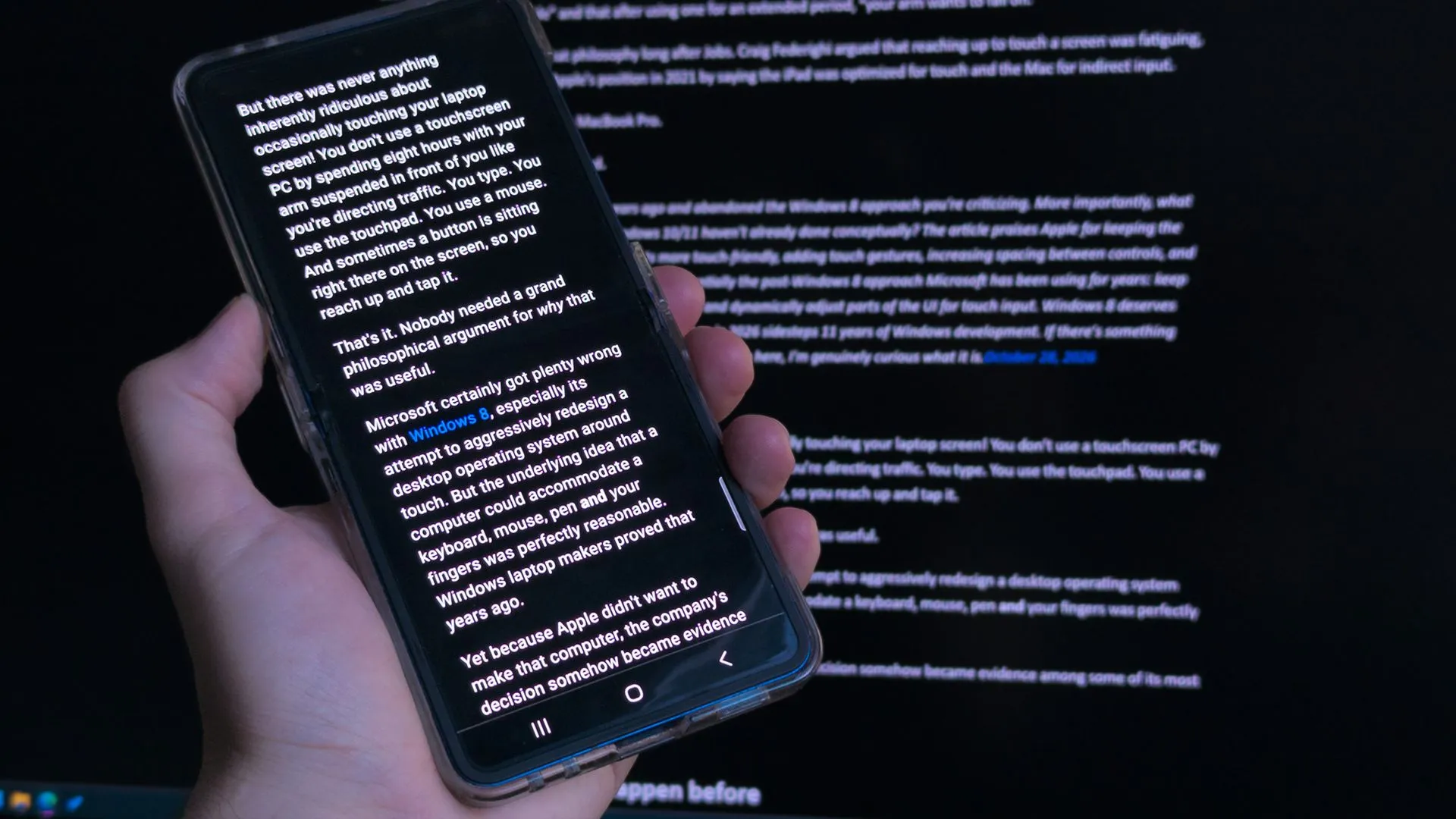
Browsing the web without an ad blocker is an adventure, especially on mobile. It’s a digital quest for peace and quiet, but sometimes the internet throws curveballs when certain pages manage to bypass our defenses. I used to rely on built-in tools, like Microsoft Edge‘s built-in blocker on Android, to keep things clean, but inevitably, those glitches happen.
I wasn’t in a position to migrate my bookmarks and history to yet another browser just to escape the noise. Instead, I leaned into a simpler solution for the past few months: Reading Mode. It turned out to be a remarkably flawless experience.
The Underappreciated Power of Reading Mode
Reading Mode isn’t a brand-new gimmick, but it is significantly underappreciated. It allows compatible articles to transform into a focused reading experience with a single keypress. Microsoft Edge activates this with the F9 key, while Google Chrome requires a slightly more involved Alt+Shift+R shortcut.
Beyond simply hiding ads, the real magic lies in the customization. Inside Reading Mode, users can fine-tune their environment with options like adjusting text size, paragraph width, and applying color themes—options that go well beyond simple light or dark modes. For some, a sepia-toned background offers a soothing visual break, and overriding the font to a serif or sans-serif style helps some people absorb dense text much faster. It’s fundamentally designed as an accessibility feature, which, surprisingly, benefits everyone seeking clarity.
When the Digital World Gets a Little Messy
While the experience is generally smooth, it isn’t without its quirks. Occasionally, some articles prove inexplicably incompatible with Reading Mode, causing the feature to disappear entirely. This tends to happen with specific websites, which can be frustrating when you are just trying to read a long-form piece.
There are also visual hiccups; sometimes, tiny SVG vector images can get a bit overinflated, turning into full-page eyesores. However, these minor annoyances pale in comparison to the constant barrage of ads that follow us around the web.
Simplify any article or webpage by removing ads, sidebars, and visual clutter—so you can focus and read at your own pace.
Microsoft, describing Reading Mode
Ultimately, there’s no need for grand claims of innovation. Reading Mode feels less like a groundbreaking discovery and more like one of those moments where you realize, “Huh, I should have been using this for years.” It simply offers a much-needed way to minimize distractions.
We all seek to consume creative writing and human-driven opinions, not synthesized AI summaries. For me, Reading Mode has proven to be the best tool for achieving that focus. While I remain open to suggestions for even better plugins that can handle absolutely any article, I’m quite happy with this setup for now. Hopefully, Microsoft keeps the feature polished on mobile.
Buy on Amazon
Credit
