Faster customizable context menus rolling out in Windows 11
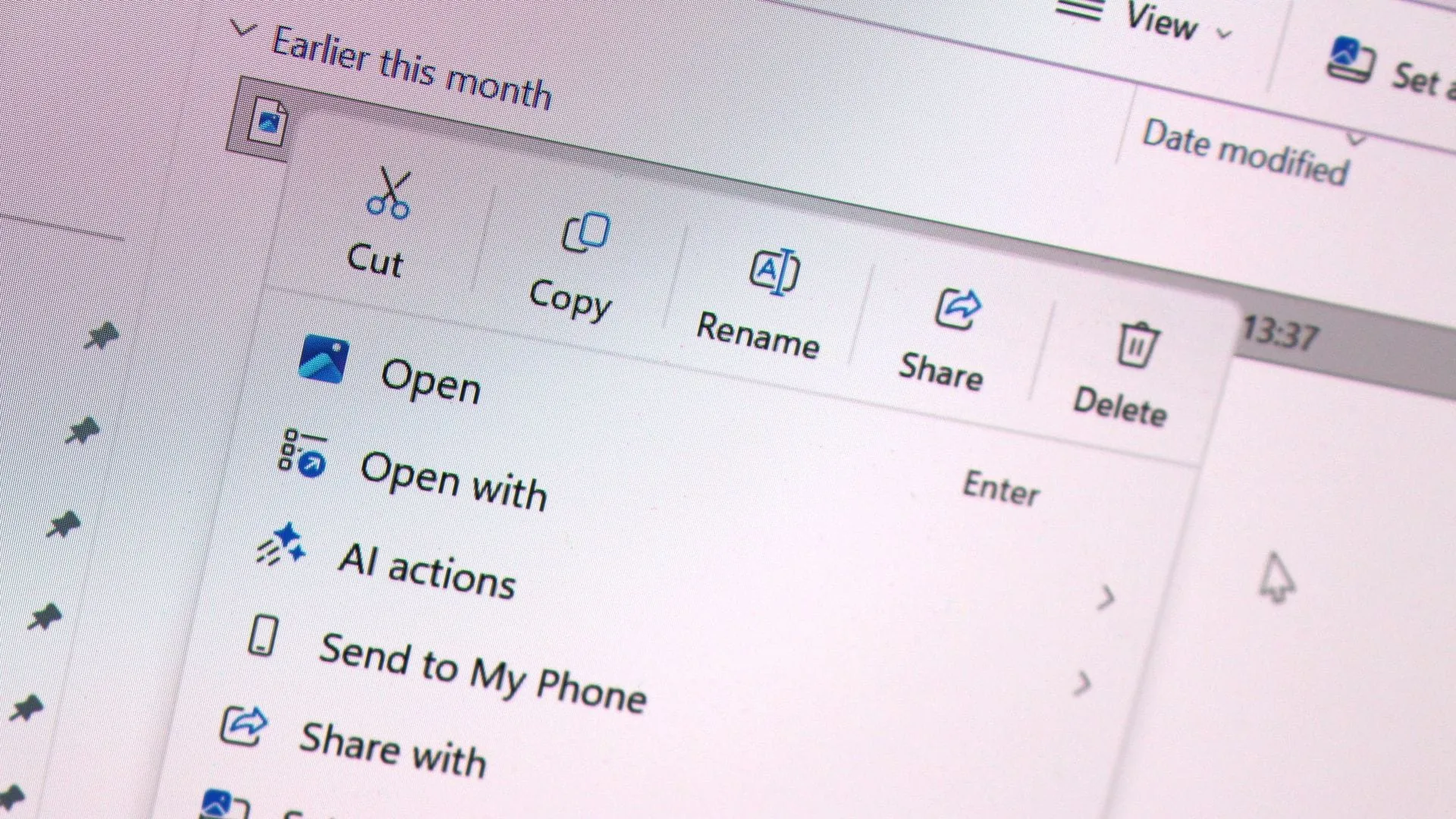
Tired of wrestling with complicated menus? Microsoft is finally rolling out a major refresh for Windows 11, promising a streamlined, customizable experience for right-clicking on your screen. This month’s non-security update, known as KB5127936, isn’t just a routine patch; it’s a significant step in addressing long-standing user frustrations with the operating system’s interface.
For too long, the context menus in Windows 11 have been described as slow, cluttered, and confusing. Now, Microsoft is tackling this issue head-on as part of its ongoing “Windows K2” initiative, focused entirely on making core operating system improvements based on user feedback. The goal is simple: make the fundamental interaction with the computer faster, cleaner, and more tailored to individual needs.
The core promise of this update is an updated context menu that is designed to open instantly while giving users far greater control over the commands and application extensions they encounter.
What does this mean for your workflow? The new system instantly eliminates the lag, allowing you to access commands exactly when you need them. But the real magic lies in the deep level of customization. Users can now personalize the menu significantly:
- You gain the ability to toggle built-in Windows commands, such as Send to and Create shortcut, on or off.
- You can add essential commands, like Print, directly into the context menu.
- Control exactly which application extensions appear in the main menu or in a submenu, giving you fine-grained control over the visual clutter.
- Common actions like Cut, Copy, Paste, Rename, Delete, and Share can now be displayed directly within the menu instead of buried in a row of icons.
- You can even reposition key options, such as moving Properties to the bottom of the menu for easier access.
These improvements aren’t just for Windows 11 users. The redesign also brings substantial benefits to Windows 10 users, enabling familiar functionalities like the vertical list view for common actions such as copy and paste, offering a more intuitive and accessible experience.
Beyond the polished context menus, the update includes broader enhancements across the operating system. Users will also see new features rolling out, including a revamped Xbox task view interface, and essential updates to File Explorer and Windows Settings. For a comprehensive overview of all the changes, checking the official changelog is recommended.
While these exciting changes are being rolled out gradually, users who want to access them sooner should ensure the “Get the latest updates as soon as they’re available” toggle is enabled in Windows Settings. With these enhancements, the Windows experience is poised to become significantly more responsive, intuitive, and ultimately, much more enjoyable.
Buy on Amazon
Credit
