Fixing Windows 11 HDR with a free app
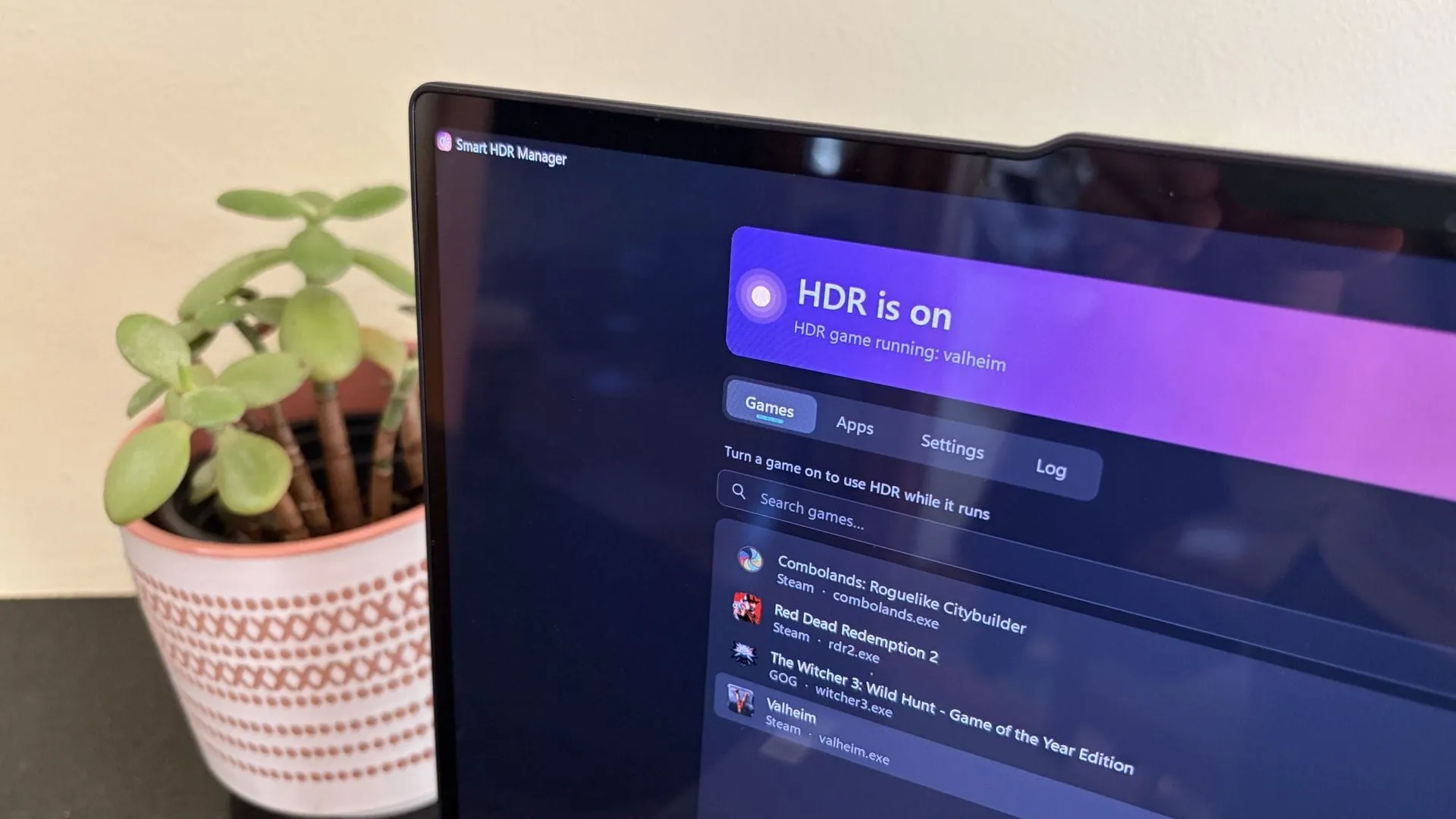
Taming the Light: How One App Brings Smart HDR Management to Windows
High Dynamic Range, or HDR, promises a richer, more vibrant visual experience. For users with premium displays, especially those opting for the deep blacks and vivid colors of OLED monitors, this promise is incredibly appealing. Yet, for many Windows users, the experience with HDR often feels like an unnecessary hurdle. The current handling of HDR on Windows 11, requiring manual toggling and often failing to automatically adjust when content changes, is a frustrating experience that most users simply wish were native.
This gap between the potential of HDR technology and its clunky implementation has led developers to create clever workarounds. Enter Smart HDR Manager, a free and highly useful application that transforms HDR from a tedious manual chore into a seamless, “set and forget” perk on the operating system.
This ingenious app acts as a bridge, solving the core problem: ensuring that the system’s display settings perfectly match the media being consumed. When a game launches or a high-definition video begins playing, Smart HDR Manager automatically switches the system from Standard Dynamic Range (SDR) to HDR. Crucially, the moment the content is closed or finished, the application automatically reverts Windows back to SDR, eliminating the need for constant, annoying manual adjustments.
The true power of Smart HDR Manager lies in its automation. It is designed to intelligently monitor your system, automatically detecting installed games across platforms like Steam, Xbox, and Epic, and ensuring they run in the optimal HDR mode. Furthermore, it manages other demanding applications, including video players, web browsers, creative software, and streaming platforms such as OBS Studio and Streamlabs, making it a central hub for dynamic display management.
Beyond managing applications, the tool also incorporates helpful tricks for optimizing media consumption. For those browsing content on web platforms, a simple Tampermonkey script can automatically recognize HDR-enabled YouTube videos within browsers like Edge or Chrome. For gamers utilizing NVIDIA RTX GPUs, the manager also supports RTX Video HDR, which can automatically convert SDR videos to HDR if the necessary settings are enabled in the NVIDIA application.
Ultimately, Smart HDR Manager addresses a long-standing deficiency in native Windows functionality. It proves that while true operating system integration might take time, a dedicated community solution can solve real-world problems instantly. It’s a fantastic example of how a small piece of software can enhance the user experience, ensuring that the stunning visual quality of HDR is finally delivered effortlessly.
Buy on Amazon
Credit
