Gemini & Copilot share the same Windows 11 shortcut
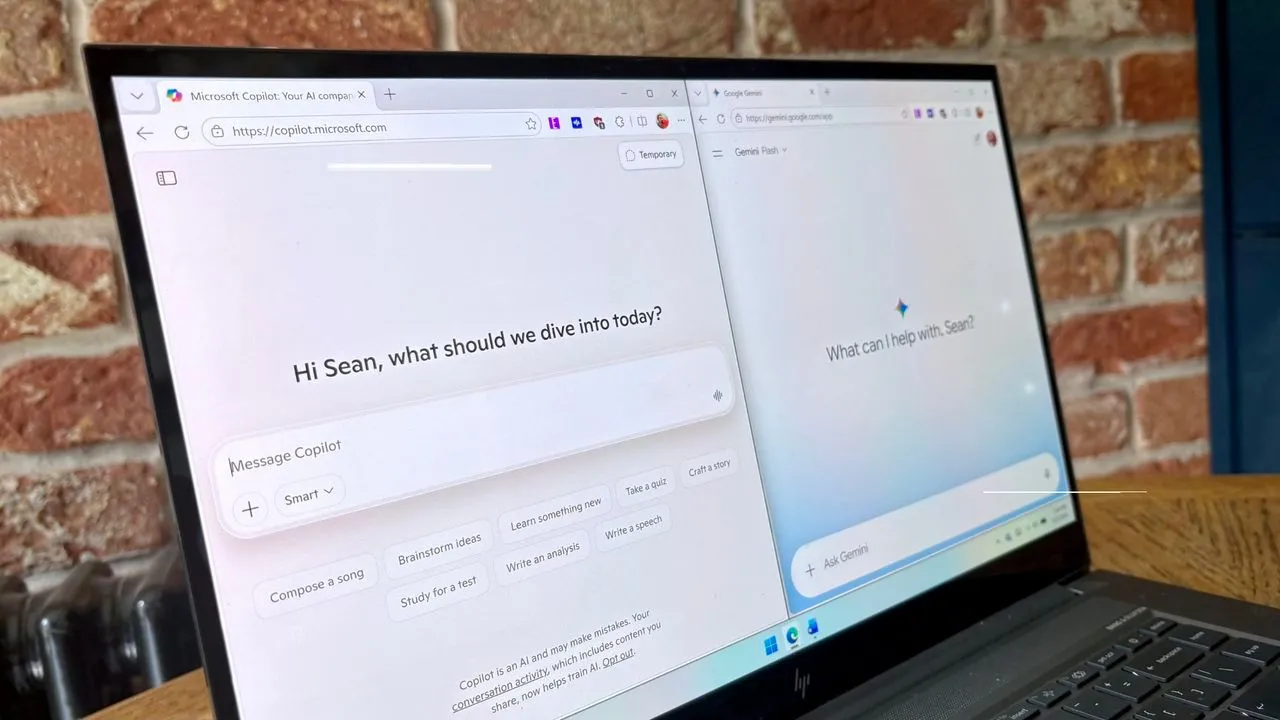
The AI Keyboard Clash: Gemini Challenges Copilot for Command of the Desktop
The landscape of personal AI assistants is heating up, and the battle for dominance is now moving from the screen to the keyboard. Google has entered the fray with Gemini for Windows, bringing powerful generative AI directly to the desktop and putting it in direct competition with Microsoft Copilot for the prime real estate on your keyboard.
The competitive edge comes down to a seemingly small detail: the hotkey. Gemini for Windows utilizes the same shortcut as Copilot—Alt + Space. This common shortcut already serves multiple functions, opening up the PowerToys Run utility alongside summoning Copilot. For users accustomed to familiar shortcuts, this move introduces a new layer of choice and potential system adjustment.
Gemini is now accessible on both Windows 11 and Windows 10, available for download directly from Google’s website. While the general capabilities of the Gemini application mirror its powerful web-based experience, the key differentiator is the ability to launch the AI tool instantly with a simple keypress, streamlining workflow considerably.
The integration is not limited to Windows. The macOS version of Gemini also supports native system features, including screen sharing and dictation activated by pressing both Command keys. Google is keen on expanding this native integration, promising even more deep system capabilities for the Windows version in the future.
Beyond system integration, user preferences highlight the subtle differences in experience. One user recently opted to test Gemini for a month as an alternative editor, finding it often more accurate in correcting tasks compared to Copilot. This led to a humorous comparison: one user noted that while Copilot felt like a modern Clippy, Gemini felt like an upgraded Microsoft Editor.
This preference reflects a broader user debate. In a recent poll examining how people use AI for proofreading, Microsoft Editor led with 21%, followed by Microsoft Copilot at 29%. Only 11% of participants relied on Gemini for document proofreading, suggesting that while Gemini excels in creative tasks, the established tools remain firmly entrenched for standard document tasks.
However, the utility of Gemini extends far beyond simple proofreading. Google recommends the new application for complex tasks, including fact-checking documents, generating presentation titles, and creating images and videos. For even more intricate projects, users can leverage Gemini Spark within the application to handle sophisticated demands.
Ultimately, the rivalry between Gemini and Copilot is shaping a future where AI assistants are not just powerful tools but deeply integrated components of our operating systems. Whether you choose the familiar, streamlined approach or the freshly integrated, cutting-edge experience, the innovation in AI accessibility is clearly moving forward.
Buy on Amazon
Credit
