Gorgeous PowerToys welcome screen forces other apps to take notes
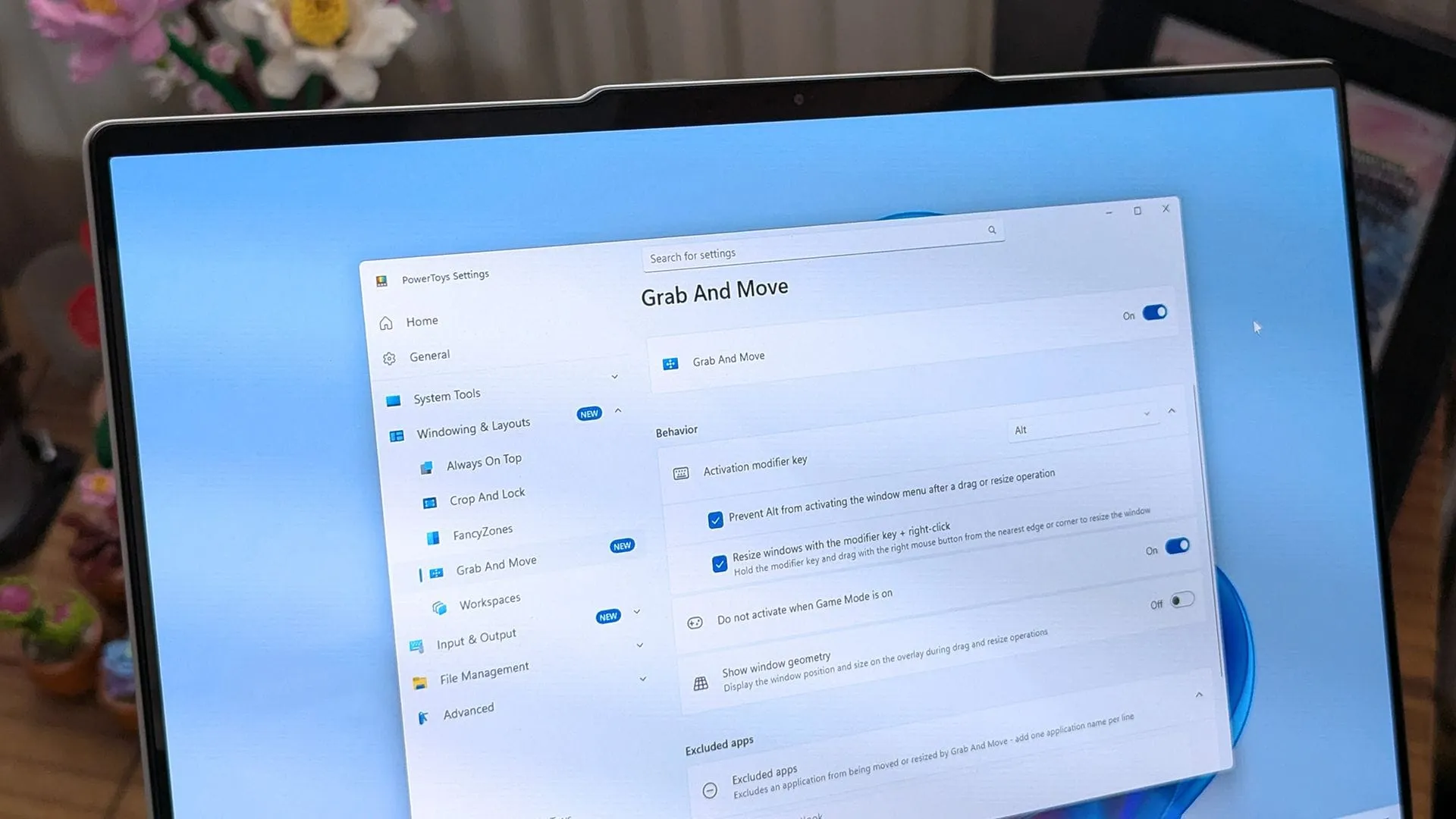
The Art of the Welcome: How PowerToys is Redefining Windows Aesthetics
In the world of operating system refinement, true innovation often lies in the subtle details. While major updates focus on performance benchmarks, the real magic sometimes happens in the smoothness of the experience—the way a system looks, feels, and responds. This pursuit of polished design is exactly what is happening behind the scenes in PowerToys, where the team is delivering a visual experience that is genuinely breathtaking.
PowerToys, already a favorite utility for power users, is set to introduce a brand new Welcome screen that promises to be a highlight. It’s an experience so engaging, it stops you in your tracks, showcasing the potential of modern Windows design. Yet, one might feel a touch of disappointment that this stunning visual is primarily reserved for initial setup, rather than being a feature the wider public experiences daily.
The seamless execution of this beautiful animation is rooted in cutting-edge system technology. The engaging out-of-box experience (OOBE) leverages Windows’ Composition feature, allowing the visuals to render at a fluid 60 frames per second. This isn’t just a pretty animation; it’s a masterclass in practical application of system capabilities.
This welcome screen acts as a stunning demonstration of what modern UI frameworks, specifically WinUI, are capable of achieving. It shows how a user interface can move beyond static mockups and become a dynamic, interactive space. This capability demonstrates how powerful the underlying technology is when given the freedom to render visual effects efficiently.
Behind this visual splendor is a deeper technical story. The new screen relies on Composition, a sophisticated layer that operates beneath WinUI. This layered architecture is what gives developers the necessary tools to manipulate UI controls and render complex visual effects with remarkable performance. It’s an example of how performance and aesthetics are intrinsically linked in contemporary software development.
This focus on visual quality and performance echoes a larger conversation about the Windows ecosystem. There’s a growing recognition that faster processing speed alone won’t save the user experience if the applications themselves—even web wrappers—are sluggish. The commitment to fluid animations and attention to detail signals a shift toward holistic system refinement.
Ultimately, these small, seemingly aesthetic changes add up to a significantly better overall experience. While millions of Windows users might not analyze the specific composition layers involved, the result is a smoother, more intuitive environment. PowerToys is proving that the tools we use to manage our computing can be designed not just for function, but for pure, delightful interaction.
Buy on Amazon
Credit
