How I found my perfect DPI setting ignoring polling rate
For many gamers, the pursuit of the perfect aim feels like a high-stakes battle against latency. But what if the key to better performance wasn’t just about faster hardware, but about a subtle setting buried deep in the communication between the mouse and the computer?
In the world of competitive gaming, details matter. I decided to put this theory to the test by diving into the world of hardware testing, specifically examining the concept of polling rate—the rate at which a gaming mouse communicates its position to the rig. A low polling rate, such as 125 Hz, provides feedback every eight milliseconds, while a high rate, like 8,000 Hz, updates that information every 0.125 milliseconds.
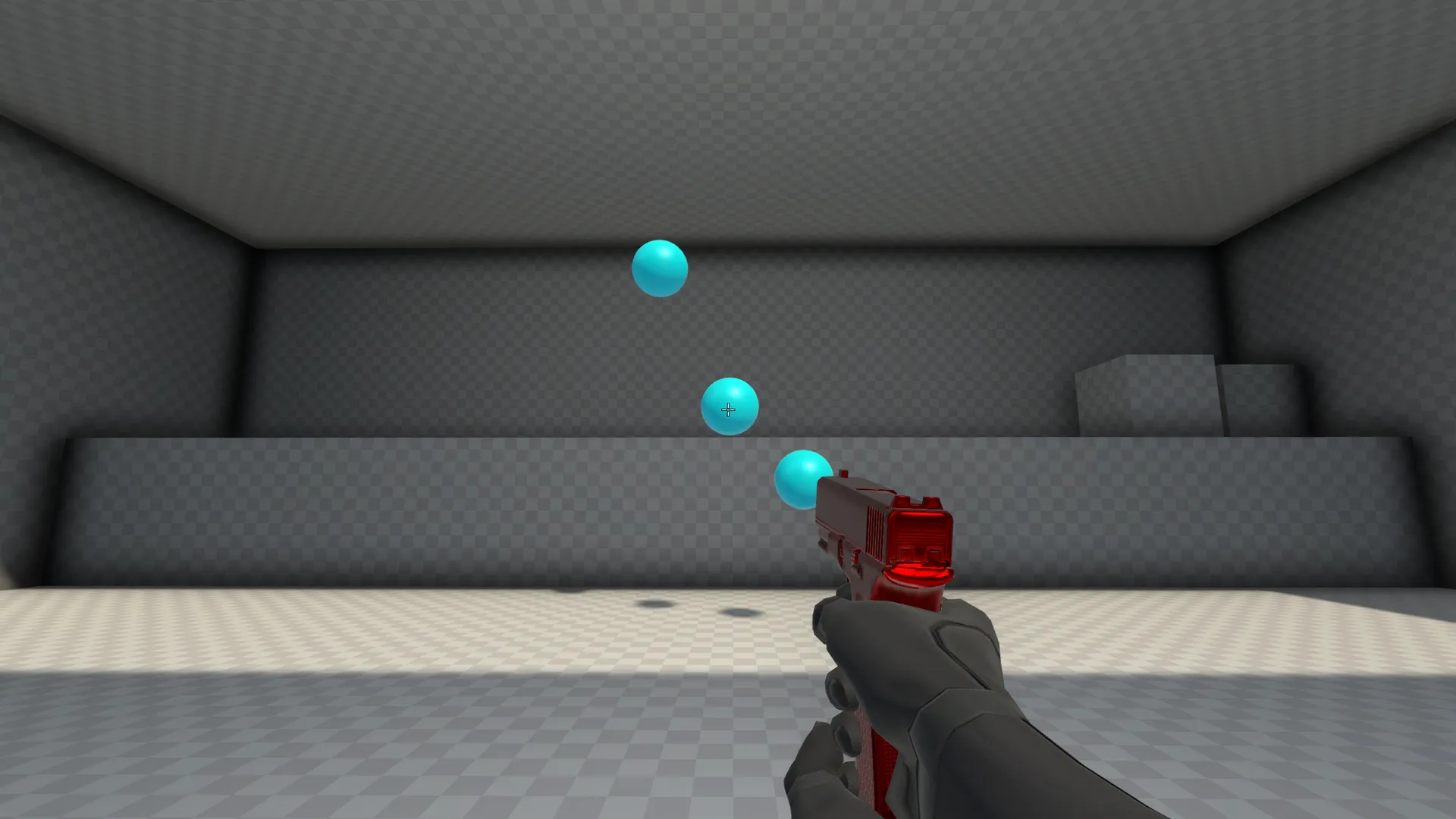
I approached this experiment as a statistical guinea pig, using the free Aimlabs software to measure aiming accuracy and speed across various polling rates. The goal was simple: determine if the average gamer would benefit from tweaking this setting to enhance their skills.
Aimlabs ranks performance, providing a final score that reflects both speed and accuracy. While some software tests are geared toward elite players, I found that even in this focused environment, there was a clear pattern emerging about what truly optimizes the human-machine interface.
Testing the limits of the hardware, I looked at how different polling rates interacted with various DPI settings. The results showed that the ideal setting wasn’t necessarily the fastest one, but the one that offered the most comfortable and accurate feel.
When testing at a standard 1600 DPI, the scores were all over the place. While 8,000 Hz offered the theoretical speed advantage, the results were inconsistent. The data suggested that while higher polling rates provided incredible speed, they didn’t necessarily translate into better aiming outcomes for me.
Interestingly, the 1,000 Hz setting emerged as my personal sweet spot. It provided a balance that allowed me to rely on muscle memory and feel, rather than being overwhelmed by millisecond adjustments. This finding suggests that while ultimate speed is tempting, a rate that balances responsiveness with stability is often the true performance winner.
Furthermore, the relationship between polling rate and DPI proved nuanced. I discovered that experimenting with lower DPI settings yielded even better performance scores. For example, when testing at 800 DPI, I achieved some of my highest results, confirming that a slower sensitivity, combined with a moderate polling rate, can unlock greater accuracy.
The overall takeaway for the average gamer is clear: don’t chase the highest polling rate just for the sake of it. Instead, look for the setting that feels best for you. While professional players often operate at lower DPIs, my experiment suggests that for many of us, finding the perfect balance between responsiveness and stability—perhaps settling on 1,000 Hz—is the key to unlocking genuinely improved aim.
| 1600 DPI Results | 125 Hz | 250 Hz | 500 Hz | 1,000 Hz | 2,000 Hz | 4,000 Hz | 8,000 Hz |
|---|---|---|---|---|---|---|---|
| 1600 DPI | 58,612 | 51,065 | 57,027 | 57,232 | 53,244 | 52,215 | 58,441 |
| 4000 DPI Results | 125 Hz | 250 Hz | 500 Hz | 1,000 Hz | 2,000 Hz | 4,000 Hz | 8,000 Hz |
|---|---|---|---|---|---|---|---|
| 4000 DPI | 37,885 | 41,183 | 43689 | 48341 | 46242 | 50,053 | 49,952 |
| 800 DPI Results | 125 Hz | 250 Hz | 500 Hz | 1,000 Hz | 2,000 Hz | 4,000 Hz | 8,000 Hz |
|---|---|---|---|---|---|---|---|
| 800 DPI | 57874 | 58,879 | 59,866 | 60,256 | 55041 | 58,700 | 56,170 |
Buy on Amazon
Credit
