I ignored Windows until Microsoft closed the feature gap
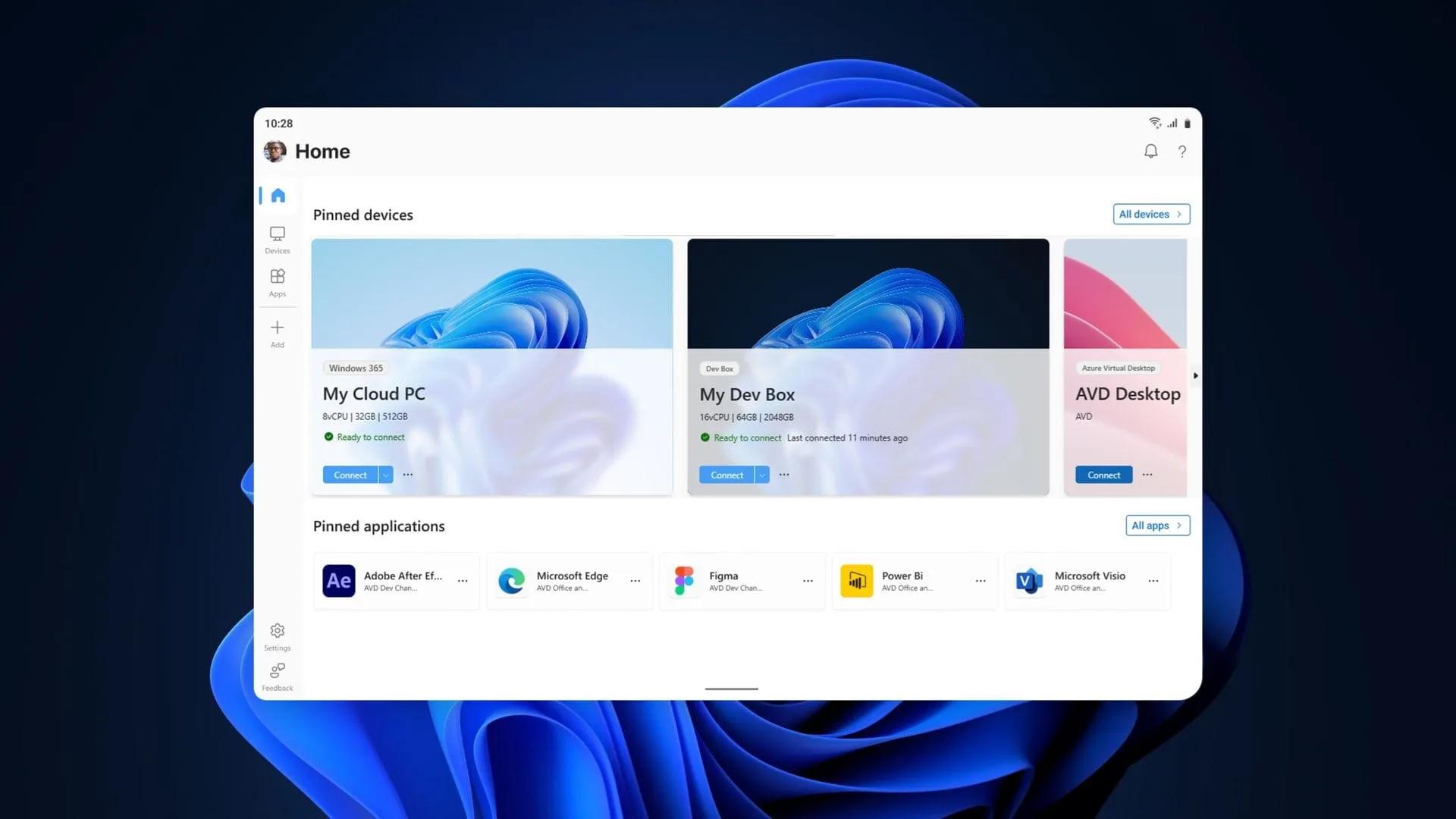
The Windows App Gets a Remote Revolution: Connecting Your PC Has Never Been Easier
Microsoft is streamlining the way users connect to their computers, and the latest update to the Windows App introduces a game-changing feature: native remote PC connections. This move creates a unified experience, bringing advanced connectivity directly into the application that users already rely on.
Before this expansion, the Windows App was already a powerhouse, supporting complex environments like Windows 365, Azure Virtual Desktop, and Microsoft Dev Box. Now, it is adding the critical layer of remote access, ensuring that managing your workspace is as seamless as possible, regardless of where you are.
This new capability arrives following the retirement of the standalone Remote Desktop application. Microsoft decided to consolidate and enhance its tools, and the Windows App is now the central hub for all your remote needs. This expansion entered testing in March and is now generally available, offering a smoother path for connectivity.
The excitement surrounding this update is amplified by the app’s cross-platform design. Users are no longer limited to a single operating system; the Windows App is available across macOS, iPadOS, Android, and web browsers, meaning remote access is now truly ubiquitous.
So, how do you start connecting to a remote PC using this new streamlined method? The process is designed to be straightforward:
- Ensure that Remote Desktop is enabled on the host PC you intend to connect to.
- Install or update the Windows App from the Microsoft Store.
- Open the Windows App and select the option to add a remote PC or click the Add button.
- Add your remote machine using either its PC name or its IP address.
- Select Add and Connect to start your session.
While this unified approach offers significant advantages, some long-time users still have a preference for established methods. Many developers and power users previously favored the classic Remote Desktop Connection tool, mstsc.exe, for its familiarity. However, the shift toward the Windows App signals a clear direction for future connectivity solutions.
The transition marks an evolution in how Microsoft handles remote access, moving toward a single, intuitive interface. It puts the power of remote work into the hands of the application that most users interact with daily, promising a more unified and effortless way to access their digital workspaces.
Buy on Amazon
Credit
