Microsoft boosts Windows 11 parental approvals and age verification
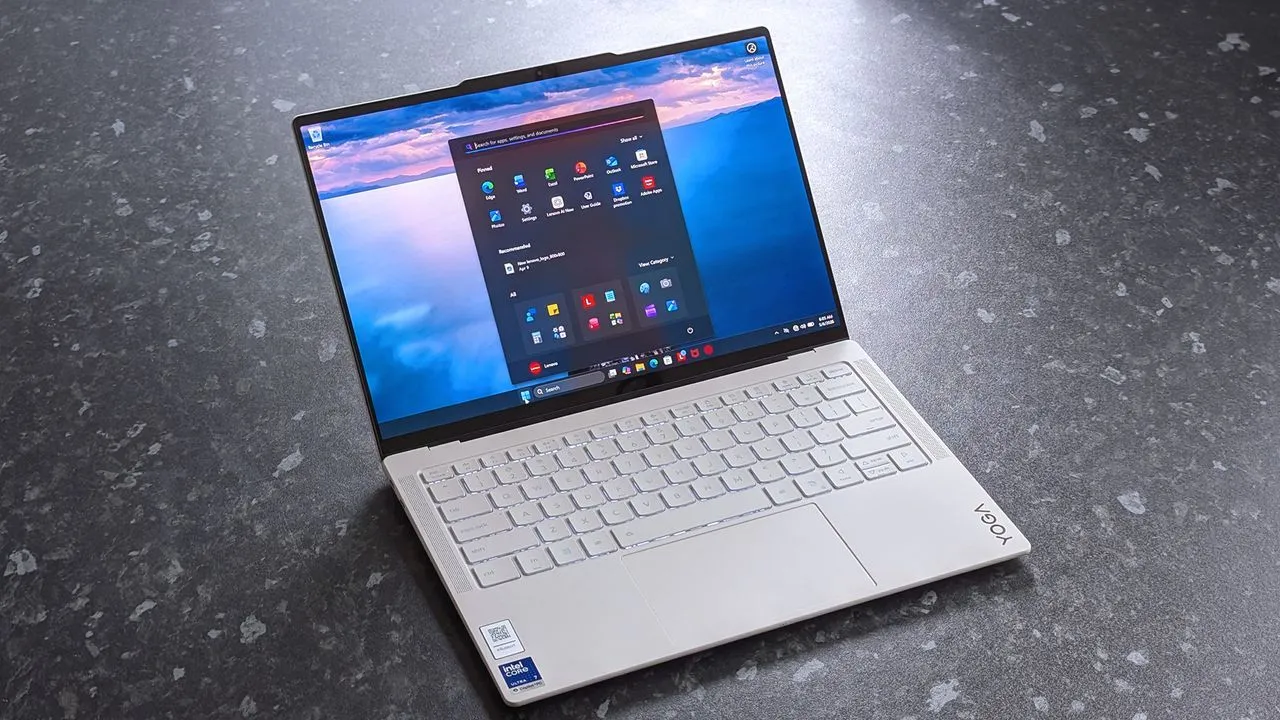
Windows Gets Smarter: New Safety Features Make Family Life Easier
Microsoft is rolling out a wave of new family safety features in Windows 11, designed to give parents and guardians more control and peace of mind in the digital world. These updates focus not just on blocking harmful content but on streamlining the experience so that managing digital boundaries becomes intuitive and less frustrating for everyone involved.
One of the immediate improvements is a significant boost in speed. Granting parental approval for activities, screen time, app access, and purchases is now much faster than before. This change eliminates the frustrating delays that often occur when kids need access to homework resources or age-appropriate content, allowing for quicker decisions and smoother family interactions.
Beyond speed, Microsoft has made it easier than ever for families to keep tabs on digital activity. The system now offers enhanced tools for tracking web activity, app usage, and spending within the family environment. Managing these family groups has also been simplified, making it easier to add or remove members when family dynamics shift.
At the heart of these safety mechanisms is the Microsoft account, which serves as the trusted foundation for all parental controls. Microsoft emphasizes that safety should be easy to understand and easy to build into the digital experiences children encounter. By leveraging the Microsoft account, Windows can accurately determine user age, allowing it to apply the necessary age-appropriate protections.
To expand this age awareness across the entire Windows ecosystem, Microsoft has introduced the Windows Age APIs. These new APIs allow applications to verify a user’s age and communicate that information without sharing unnecessary personal details. Think of it as a sophisticated form of age verification, similar to Windows Hello, but focused on ensuring every digital experience aligns with age guidelines.
This powerful age verification system means that safety and personalization can be woven deeper into the operating system. While these features are currently rolling out to Windows Insiders, they are slated to be available to all Windows users soon, promising a safer, more tailored digital experience for families everywhere.
Buy on Amazon
Credit
