Microsoft fixes 6 Windows 11 problems in the Oct update
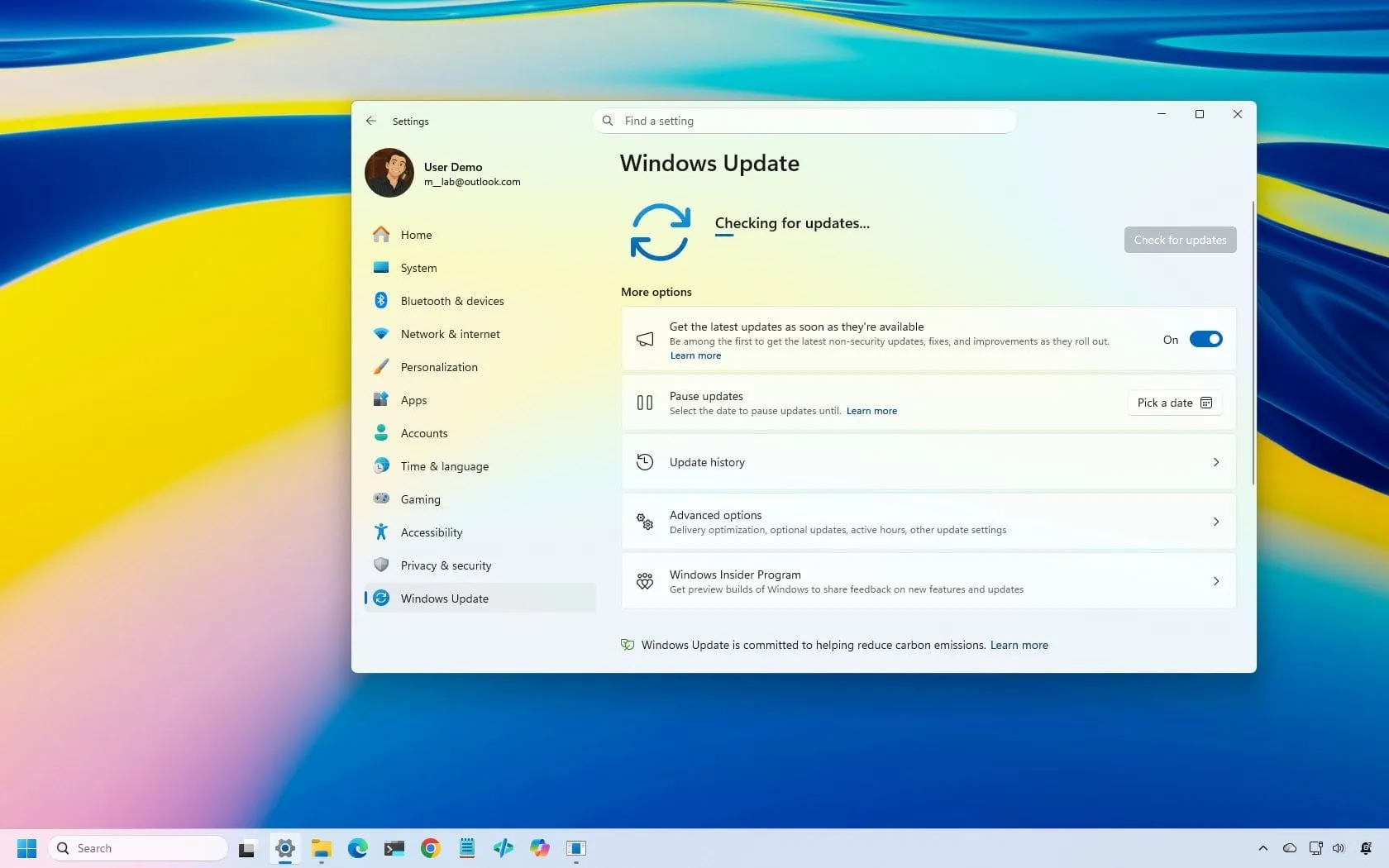
Every so often, Microsoft drops a cumulative update that promises exciting new features, but sometimes the real magic happens in the quiet corners—fixing the frustrating bugs that silently derail your daily workflow. The latest Windows 11 update, released on October 13, 2026, delivered some headline-grabbing additions, like the ability to always launch apps maximized and improved control over the Copilot key. But beneath the surface of these flashy updates, the real heroes of this patch are the subtle, yet profoundly impactful, fixes that ensure your system runs smoother, connects more reliably, and performs flawlessly.
If you’re looking to make your Windows experience truly seamless, paying attention to the less obvious changes is key. This recent security update, KB5127648, packed a six-point arsenal of improvements and fixes that touch everything from Bluetooth connectivity to gaming performance and critical system stability.
One of the most significant areas receiving a major boost is Bluetooth reliability. Microsoft has rolled out eight improvements designed to make connecting and using Bluetooth devices a much more stable experience. This includes better handling of connection status and a fix for crashes related to streaming audio. Users can now expect clearer feedback when adjusting volume and more robust performance for both Bluetooth Classic Audio and the newer Bluetooth Low Energy (LE Audio) accessories.
Beyond connectivity, the update tackles some classic annoyances. If you rely on Windows Hello for secure sign-in using your fingerprint, this patch resolves a tricky issue that could prevent authentication from working correctly after a full system reboot, restoring reliability for all users.
For gamers, the update brings a much-needed performance tweak. The patch addresses an issue that caused frustrating mouse stuttering in certain games. This means that aiming and camera movements should feel significantly more consistent and responsive, eliminating those distracting input inconsistencies.
System stability also saw a major win. The update addresses long-standing issues within File Explorer, specifically fixing crashes that could occur in multi-user environments like Azure Virtual Desktop deployments using FSLogix. This means fewer unexpected crashes and a more stable experience when managing multiple users.
Finally, the patch shored up essential enterprise functions by enhancing the reliability of Always On VPN connections. This resolves issues where protocols might get stuck or fail to establish a connection properly, ensuring that remote access—essential for business—is more secure and consistent.
These fixes extend to practical daily annoyances, too. Microsoft also addressed printing problems related to specific RAW and Generic Text Only drivers, ensuring that print jobs complete successfully across various applications. Together, these improvements prove that a great update isn’t just about new features; it’s about meticulously smoothing out the rough edges of your daily digital life.
Remember, these updates are available for several versions of Windows 11, including 26H2, 25H2, and 24H2. If you are still running an older version, we highly recommend exploring the path to the latest stable release for the best security and performance benefits.
Buy on Amazon
Credit
