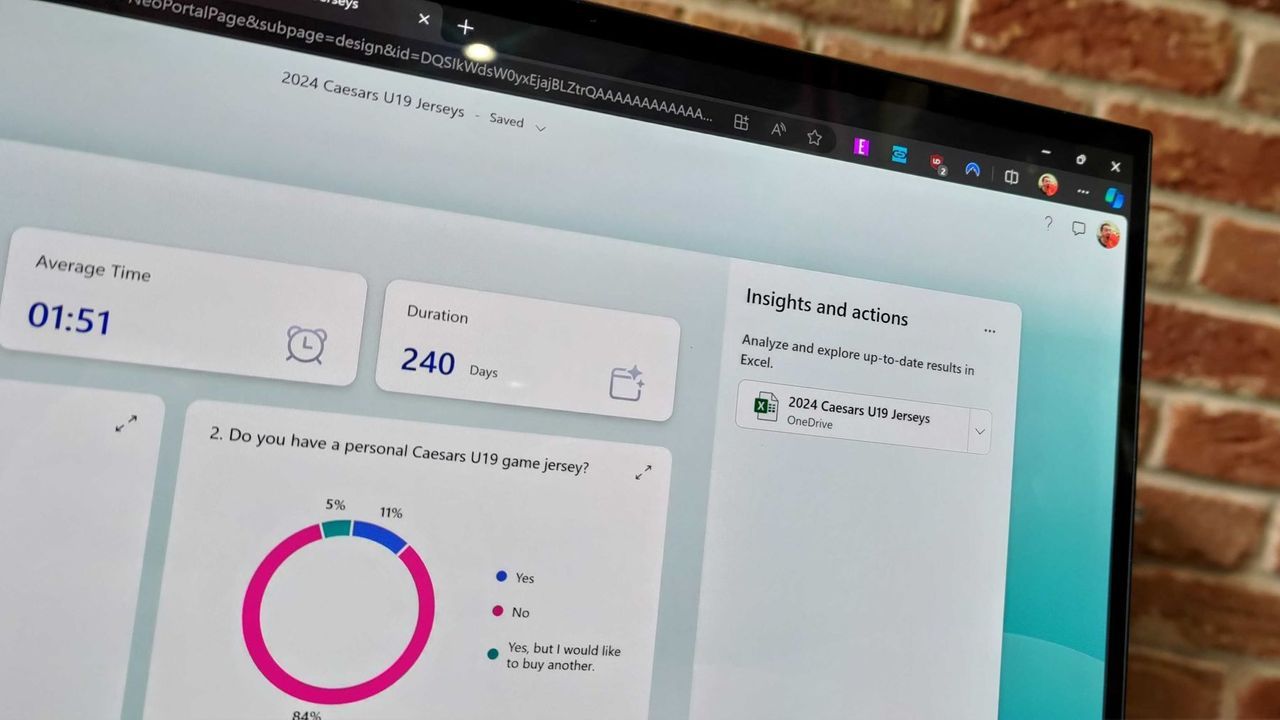
The future of feedback gathering just got a serious upgrade. Microsoft has rolled out Copilot integration within Microsoft Forms, injecting artificial intelligence directly into the process of creating polls and analyzing responses. This seamless blend brings familiar AI power to users already immersed in the Microsoft 365 ecosystem, enhancing how teams collect, refine, and understand data.
Copilot in Forms isn’t just a novelty; it’s a suite of tools designed to streamline the often tedious parts of form management. Users can now leverage Copilot to receive smarter suggestions on improving their forms, focusing on structure, clarity, and overall effectiveness. More impressively, Copilot can apply these refinements directly, allowing users to simply describe what they want to change and watch the magic happen—saving valuable editing time.
Beyond simple refinement, the integration provides powerful analytical capabilities. Copilot can now delve into form results with a new level of depth, offering clear insights and actionable takeaways for teams. Users can ask follow-up questions to parse complex data, effectively unlocking the next steps needed for decision-making.
The platform also smooths out administrative tasks significantly. With Copilot, managing settings becomes effortless; users can quickly update form configurations, set custom thank-you messages, adjust close dates, and even manage bulk question settings, such as marking questions as required. For those needing creative input, the integrated chat feature offers an open-ended space to seek inspiration on survey topics or consult on optimal form configuration.
Furthermore, Copilot assists with structural logic through basic branching capabilities, allowing users to implement conditional flow directly within their forms. While complex scenarios require careful human review, this built-in functionality makes creating dynamic polls much more accessible.
This integration appeals particularly strongly to users deeply invested in the Microsoft workflow. For many, the preference lies with Microsoft Forms because of its seamless synchronization with Excel documents, making data management effortless and keeping responses organized within the familiar M365 environment. Features like question-level branching and quick visual result layouts further solidify its position as a preferred tool over alternatives.
Ultimately, while we await widespread real-world testing, the potential for Copilot to act as an intelligent assistant—suggesting improvements, performing bulk edits, and summarizing data—is immense. It promises to make the process of turning raw feedback into actionable intelligence faster, smarter, and significantly more intuitive within Microsoft Forms.
Buy on Amazon
Credit: Windows Central
