Microsoft improves Xbox mode for handheld gaming
Windows Insiders Unleash Smarter Workflows with New Gaming and Multi-Screen Tools
The Windows Insider program is constantly delivering fresh, experimental builds, and this latest batch is packed with updates designed to enhance productivity, streamline multi-monitor setups, and deepen the gaming experience. Microsoft has been busy rolling out features that tackle common frustrations, giving users a sharper, more intuitive operating system.
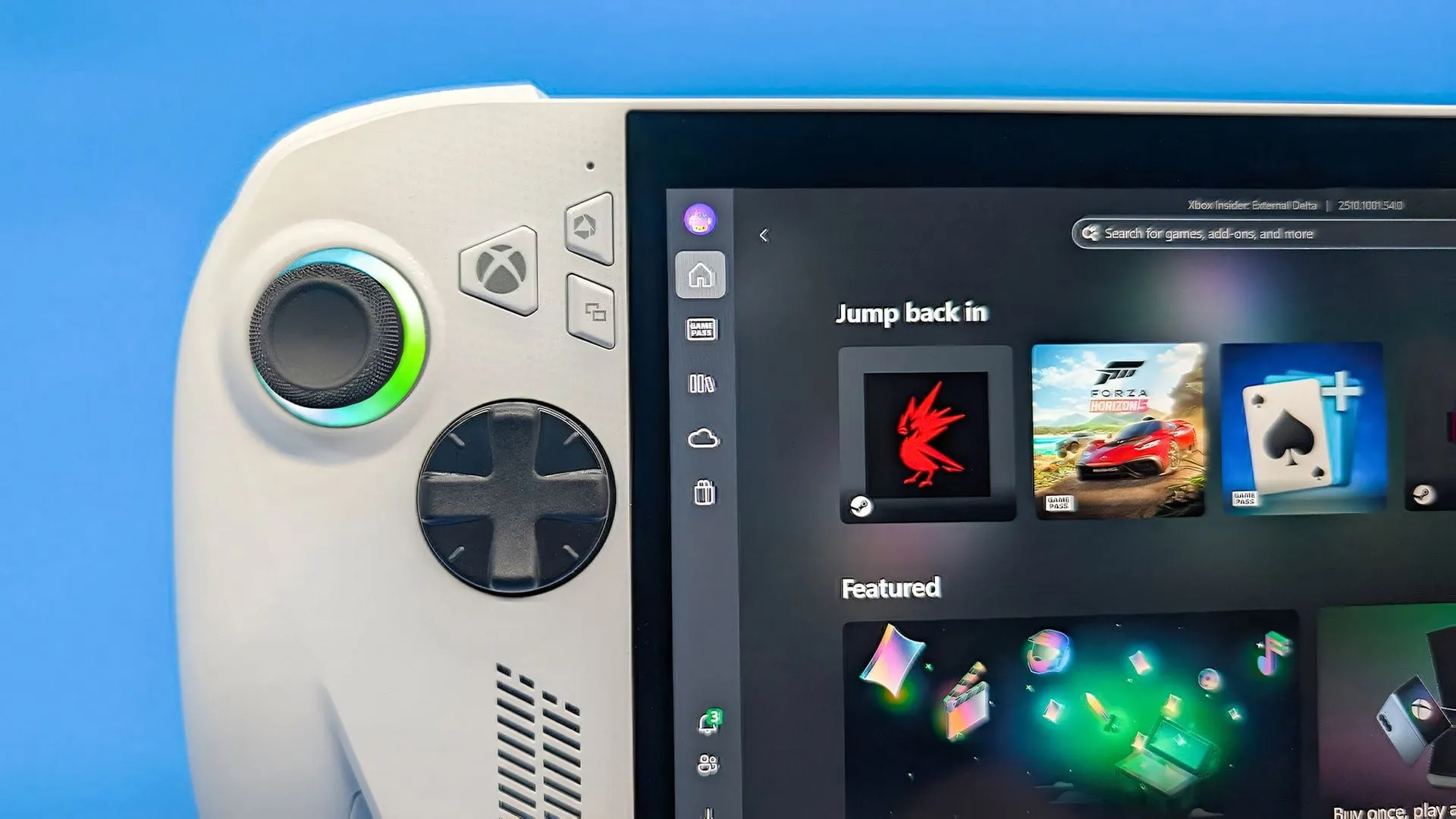
One of the most exciting additions centers around the gaming experience. Windows 11 now features a refreshed Gaming Task View specifically for XBOX mode. This update introduces a new navigation bar, offering gamers quick, one-click access to essential functions like Exit to Desktop and Power Options. This means users can manage their system settings without leaving the flow of gameplay, making system adjustments seamless while in the heat of the action.
Beyond gaming, the focus on multi-tasking and visual clarity is striking. The Magnifier feature has received a significant upgrade, now fully understanding each of your monitors. This allows users to utilize multi-screen setups—whether for drafting documents on one screen and viewing source material on another—with unprecedented freedom. Crucially, the new implementation respects individual screen boundaries, meaning you can set different zoom percentages for each display. This eliminates the frustrating experience of magnified content spilling over between screens, allowing you to customize reading and editing comfort across your entire setup.
To help users master this new multi-screen view, the system offers powerful control. Users can easily adjust per-monitor zoom using keyboard shortcuts like Windows key + Plus (+ / -), or by dragging the Magnifier toolbar directly onto a screen to make fine-tuned adjustments. For advanced users, features like viewport locking allow you to secure a specific view while working on another application, ensuring that critical information remains visible and static no matter where you move your cursor.
The improvements extend across the entire operating system, touching areas from security to file management. The Privacy & security page is now more intuitive, grouping related controls for Camera, Microphone, and Location access, making privacy management significantly easier. File Explorer also benefits from increased responsiveness, ensuring folder views update and sort correctly as files are added or renamed.
Security enhancements are also evolving. Web sign-in has been expanded to hybrid joined devices, offering a streamlined, passwordless experience using modern methods like FIDO2 security keys or passkeys. Furthermore, Windows Hello facial recognition can now temporarily brighten the screen, offering a handy solution for signing in quickly in low-light environments.
Even seemingly small details are getting polished. Search functionality has been refined to better provide context, clearly showing where search results originate, and settings have been introduced, such as the Device Info Card, which provides a quick snapshot of PC specifications directly from Settings Home. With these constant refinements, Windows 11 is continuously evolving into a more personalized, efficient, and visually sophisticated platform.
Buy on Amazon
Credit
