Mixed Reality updates Microsoft added features you already knew
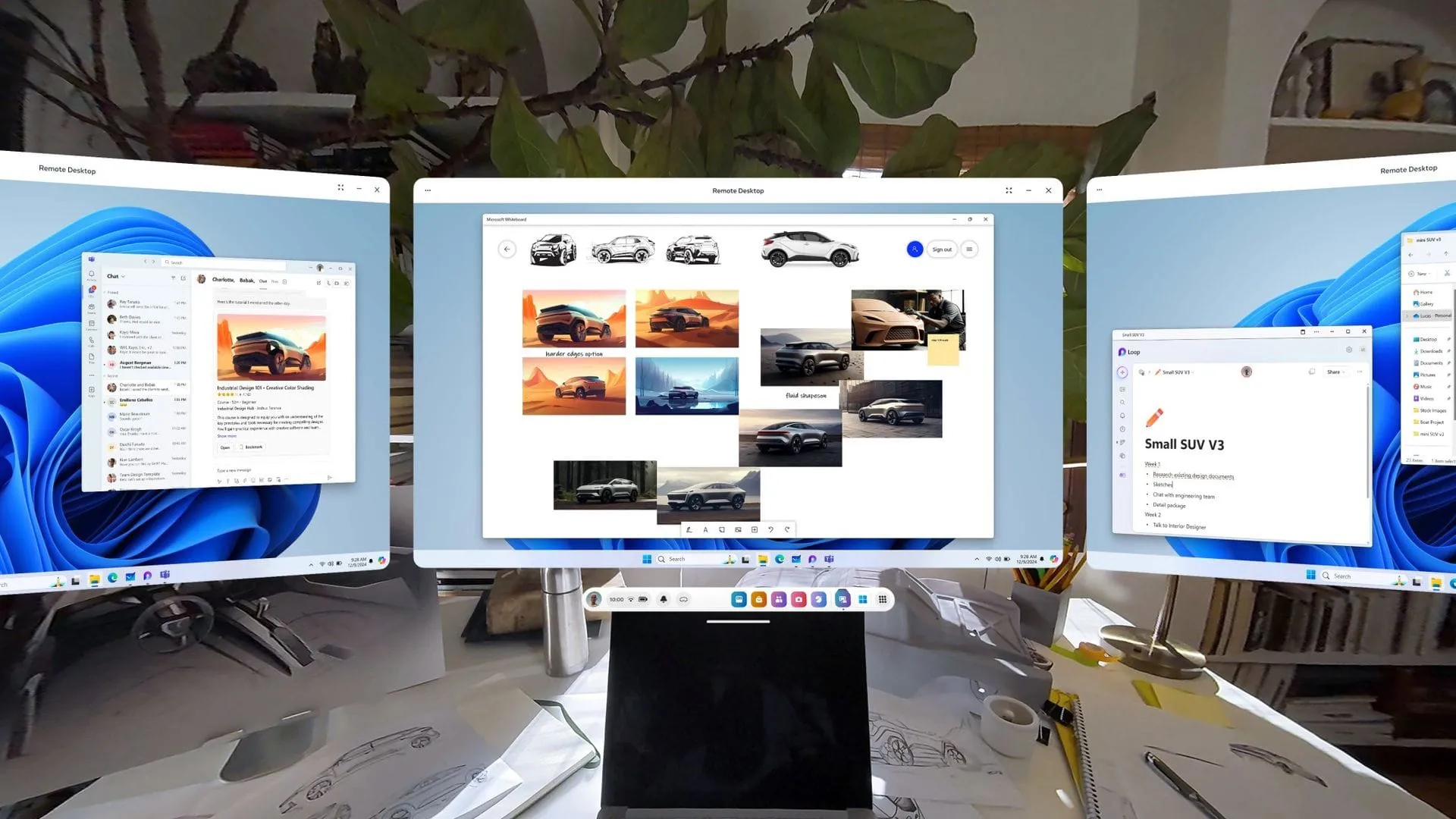
Remember the days when mixed reality and virtual reality were the hottest buzzwords in the tech world? Before the rise of tools like ChatGPT and the latest wave of artificial intelligence, tech giants poured billions into the metaverse and VR—a futuristic vision that, while ambitious, often felt like a distant dream.
While I’d argue the VR push yielded more concrete results than AI, the interest in immersive technology clearly demonstrated a human desire to explore new digital frontiers. Today, mixed reality is still here, and Microsoft continues to invest significant time and effort in making it a practical reality.
At the heart of this continued development is the Mixed Reality Link application. This tool allows users to extend their computing experience by connecting up to three virtual monitors to their PC using supported headsets like the Meta Quest 3 or Quest 3S, bridging the gap between high-fidelity hardware and powerful desktop processing.
The core concept of Mixed Reality Link is simple: turning a standalone headset into a versatile, high-resolution virtual display. Whether connecting via a wired or wireless connection, it allows users to seamlessly integrate their virtual space with their physical environment.
However, the initial experience with the application had some notable limitations. For instance, integrating the native audio and visual sensors built directly into the VR headsets into the computing environment felt awkward. Users often had to rely on external microphones and cameras, which complicated the setup and added unnecessary friction to the experience.
That’s why the recent update to Mixed Reality Link has been a welcome development for enthusiasts. The latest version introduces significant enhancements, finally allowing users to utilize the headset’s built-in microphone and camera directly within Windows applications. This integration allows for a much more natural, intuitive connection between the physical world and the virtual workspace.
Furthermore, the update enables the virtual representation of the user’s Meta avatar to function as a camera source. This shift transforms the headset from just a display device into a true interactive input and observation tool, deepening the immersion for anyone engaging with mixed reality. It proves that even as the technology evolves, the focus remains on delivering a seamless and powerful user experience.
Buy on Amazon
Credit
