Move your Windows 11 taskbar like Windows 10 with this free app
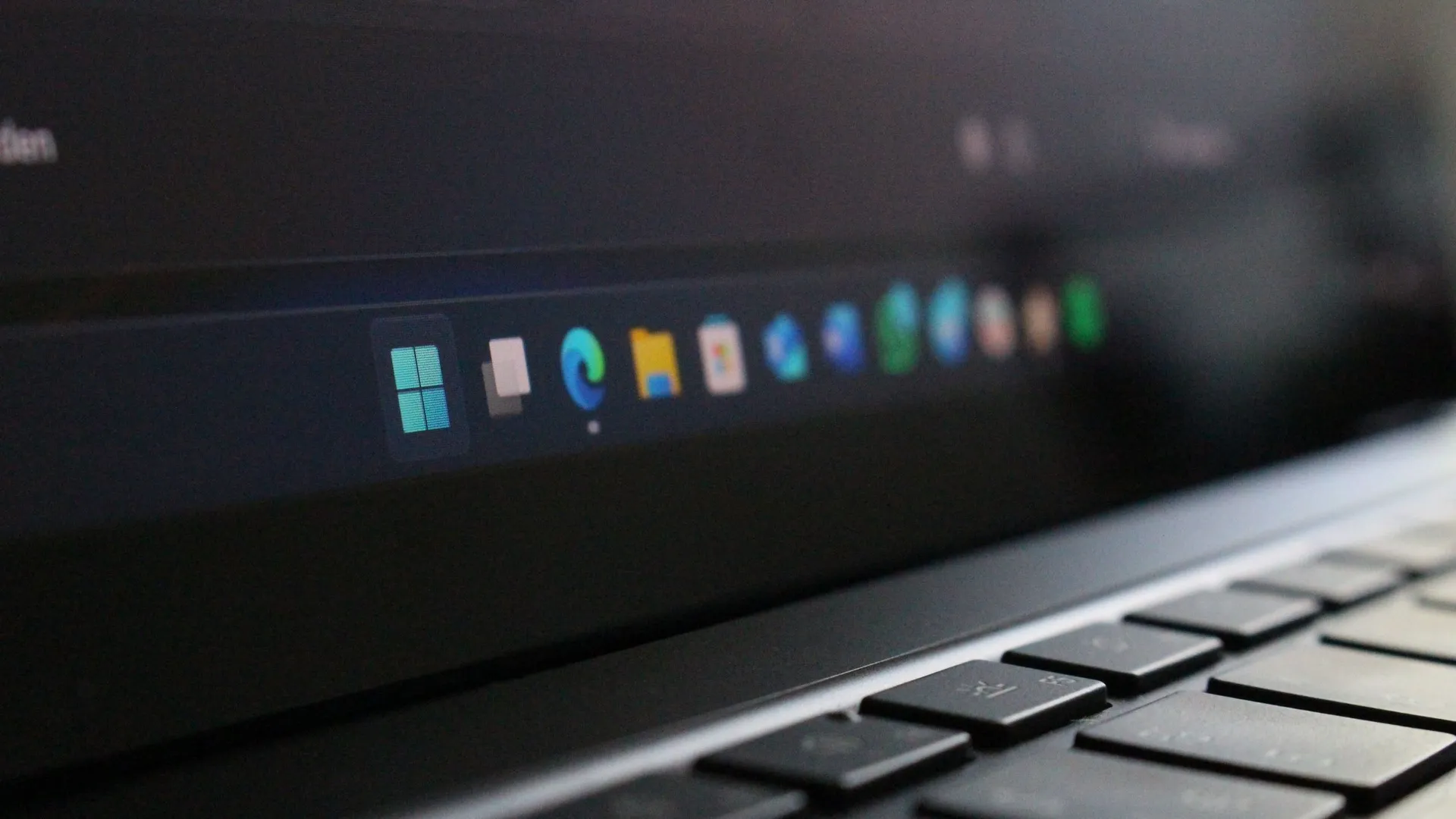
Reclaiming Your Screen: How One App Restores the Lost Art of Taskbar Dragging
For many Windows users, the taskbar isn’t just a static strip of icons; it’s a dynamic element that dictates how we navigate our desktop. But in the transition to Windows 11, this crucial functionality suffered a significant regression. After years of user feedback, the ability to easily move the taskbar to the top, left, right, or bottom of the screen was one of the most passionately requested features.
While Microsoft eventually restored this capability, the method of access felt like a detour. Instead of a simple, intuitive drag-and-drop action, users were forced to navigate deep into the Settings menu to change the taskbar’s location, turning a simple adjustment into a multi-step process.
This frustrating experience highlighted a gap between functionality and user experience. The core ability was back, but the ease of use was missing, leaving many wishing for the simple, fast interaction they were accustomed to from Windows 10 and previous versions.
Fortunately, the community stepped in to bridge this gap. Developer Michał Łeptuch created an application called Taskbar Location Options, designed to bring back the lightning-fast drag-and-drop movement that many users missed.
This innovative app allows users to right-click and instantly reposition the taskbar on the edges of their display, or simply click and drag it to any desired spot. It delivers the quick, fluid control that was once standard, sidestepping the convoluted menu system.
While the installation process requires a few extra steps—involving downloading a certificate and running a PowerShell script—the result is a streamlined experience. It transforms a buried setting into an accessible feature, restoring a lost piece of desktop fluidity.
Ultimately, while Microsoft deserves credit for finally restoring the ability to move the taskbar, it is the external solution that truly elevates the experience. Taskbar Location Options proves that sometimes, the best way to fix a broken interface is to build a better bridge over it.
Buy on Amazon
Credit