Mute Teams without hiding from your boss
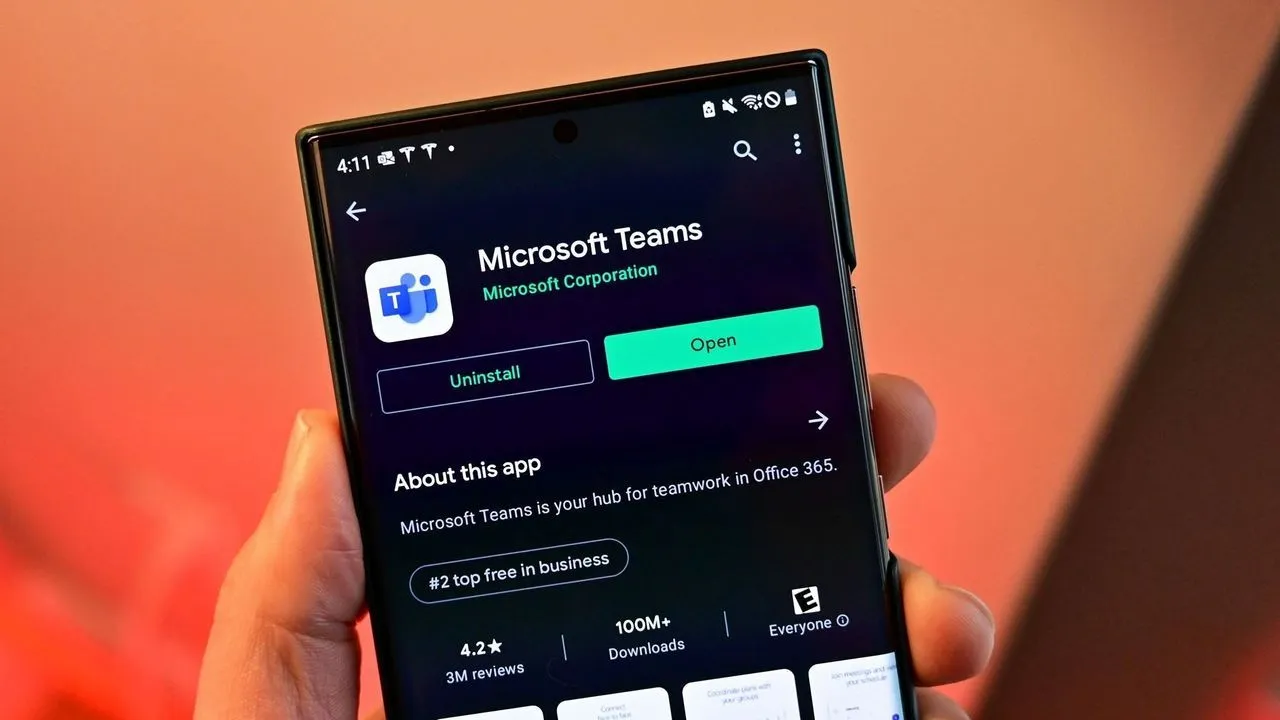
Reclaim Your Focus: Teams is Rolling Out a Powerful Notification Pause Feature
In an increasingly crowded digital workspace, notification overload has become the silent killer of productivity. For those juggling multiple communication platforms, the constant stream of alerts can derail deep work and make it impossible to focus on the task at hand. Microsoft is stepping in to address this common frustration by introducing a new capability within Microsoft Teams that gives users unprecedented control over their interruptions.
This new feature allows users to temporarily pause notifications for a specific duration, offering a much smoother way to manage workflow without needing to overhaul existing settings. With the rollout starting this month, the feature is scheduled to be available to all Teams users by early October.
The goal of this update is simple yet powerful: to help individuals achieve focused work, whether they are deep into a project, attending a critical meeting, or simply needing a mental break, all without having to manually fiddle with complex notification settings. It’s essentially giving you the digital equivalent of a mental ‘Focus’ mode, tailored specifically for the Teams environment.
How does this new pause function stack up against current options? While Teams already offers channel muting, which operates on a per-channel or per-chat basis, this new capability operates across the board. Critically, it offers a distinct approach compared to the standard ‘Do Not Disturb’ settings. While turning on Do Not Disturb changes your public status indicator to red, pausing notifications allows users to maintain their status, offering discretion while still silencing incoming chatter.
This distinction is key. Users can now temporarily quiet the noise without altering their visibility to colleagues, making it an intuitive tool for managing context switching during high-stakes activities. Imagine presenting a project while needing to block out the chat noise—this feature could prevent accidental visibility of sensitive discussions appearing in the notification stream.
As professionals navigate the complexities of remote and hybrid work, managing attention is paramount. By introducing this flexibility, Microsoft is providing a layer of control that acknowledges the reality of constant digital demands, allowing users to dictate when and how they are interrupted.
The new feature will be accessible directly through the profile menu in the upper-right corner of Teams, making it easy to engage and instantly deploy when needed. It’s a subtle but significant upgrade, ensuring that Teams evolves from a source of potential distraction into a genuine tool for maximizing professional concentration.
Buy on Amazon
Credit
