One change upgrades Surface Laptop Ultra to a gaming system
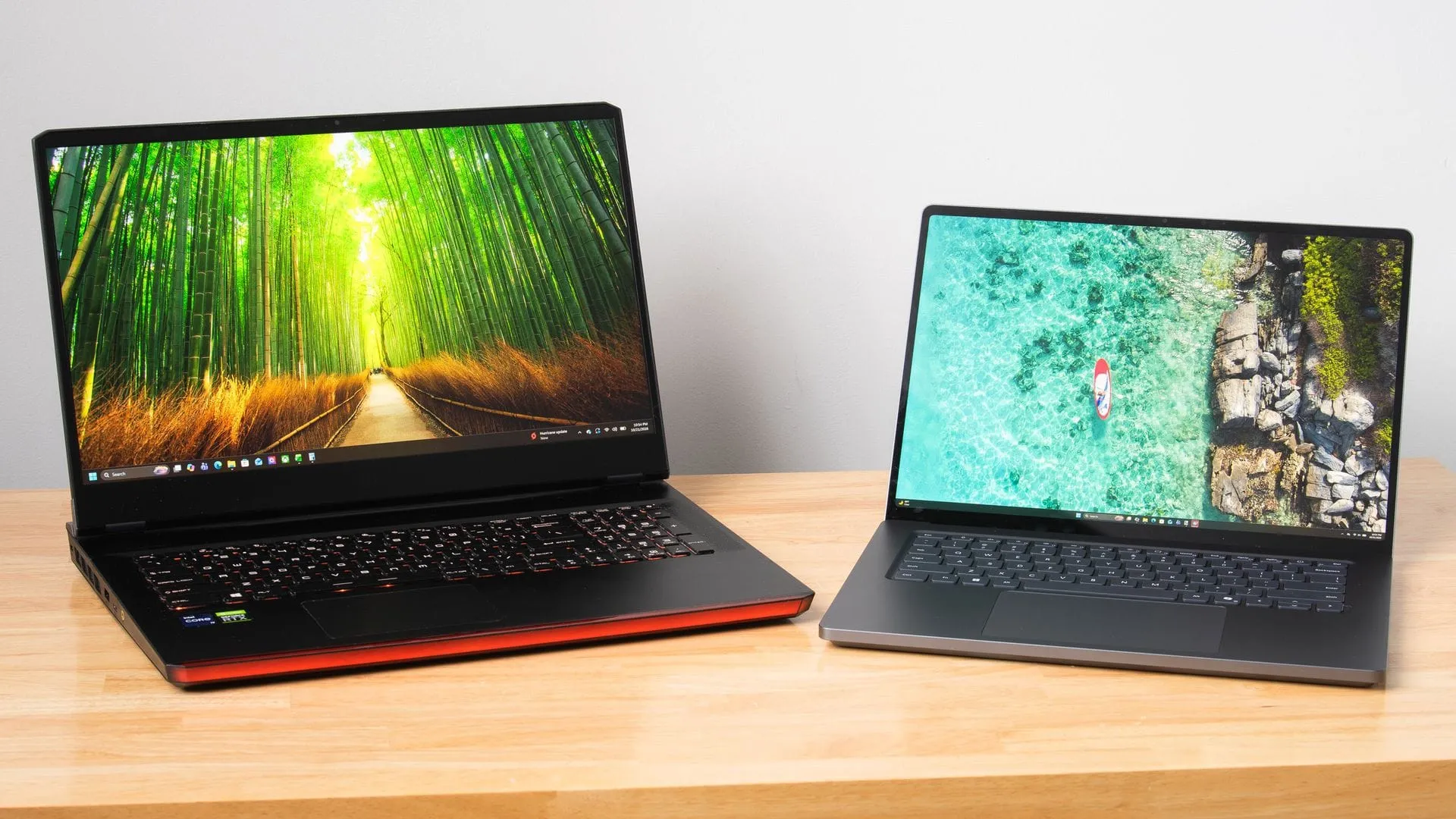
The Surface Laptop Ultra: Where Local AI Meets High-End Gaming
When you look at the cutting edge of mobile computing, you often find yourself grappling with a paradox: how do you pack serious creative power and top-tier gaming into a device that is also truly portable? Enter the Microsoft Surface Laptop Ultra, powered by the RTX Spark platform, which boldly positions itself at the intersection of local AI inference and high-fidelity content creation. But is it just a creative workstation, or can it truly handle the gaming demands that come next?
The Surface excels in its design. It boasts a vented keyboard that keeps critical WASD keys cool under intense load, a smooth 120Hz display capable of reaching 2000 nits for HDR games, and speakers that are genuinely impressive—a welcome change for a laptop. It promises a seamless blend of professional productivity and serious play.
However, achieving true performance harmony with this hardware comes with some geometric challenges. The Surface utilizes an unusual 3:2 aspect ratio, which presents a headache for many games designed for 16:9. Trying to scale content up to fill the screen often results in noticeable vertical distortion of character models and objects. Furthermore, the screen’s high-density panel, while sharp, means that upscaling demands—like DLSS—increase the computational load, especially when dealing with lower native resolutions.
This is where the magic of customization comes in. While the display resolution is inherently limiting, the solution lies in redefining the screen itself. By shifting away from standard aspect ratios, users can unlock display modes that offer a much better visual experience. For those seeking optimal sharpness and performance, diving into custom resolutions—such as targeting an intermediate 1764×1176 resolution—allows the system to deliver significantly cleaner, sharper images than standard scaling permits.
When performance testing surfaces, the real story emerges when comparing this custom setup against dedicated high-end systems. We put the Surface Laptop Ultra through the wringer, pitting it against a laptop equipped with an RTX 3080 Mobile GPU. While the dedicated system is powerful, the Surface proves that optimization matters. By leveraging custom resolutions and Nvidia’s frame generation features, the Surface can deliver a competitive gaming experience. It manages to bridge the gap, offering performance that is remarkably close to its much larger, heavier counterpart.
Crucially, the performance payoff is not just about frames per second; it’s about efficiency. The Surface system, running with optimized settings and custom resolutions, delivers a solid gaming experience while drawing significantly less power—often less than half the wall wattage of the high-end mobile setup. This translates directly to portability. The Surface Laptop Ultra, weighing only 5.3 pounds, easily fits into a bag and offers excellent battery life, making it a true powerhouse that doesn’t sacrifice mobility.
Ultimately, the Surface Laptop Ultra isn’t just a device; it’s a statement. It proves that combining industry-leading AI capabilities with high-performance gaming is not a compromise. With the right configuration, the Surface delivers a portable, efficient, and genuinely powerful machine ready to redefine what mobile content creation and gaming can achieve.
Buy on Amazon
Credit
