Phantom Blade Zero dev warns against latest Nvidia drivers
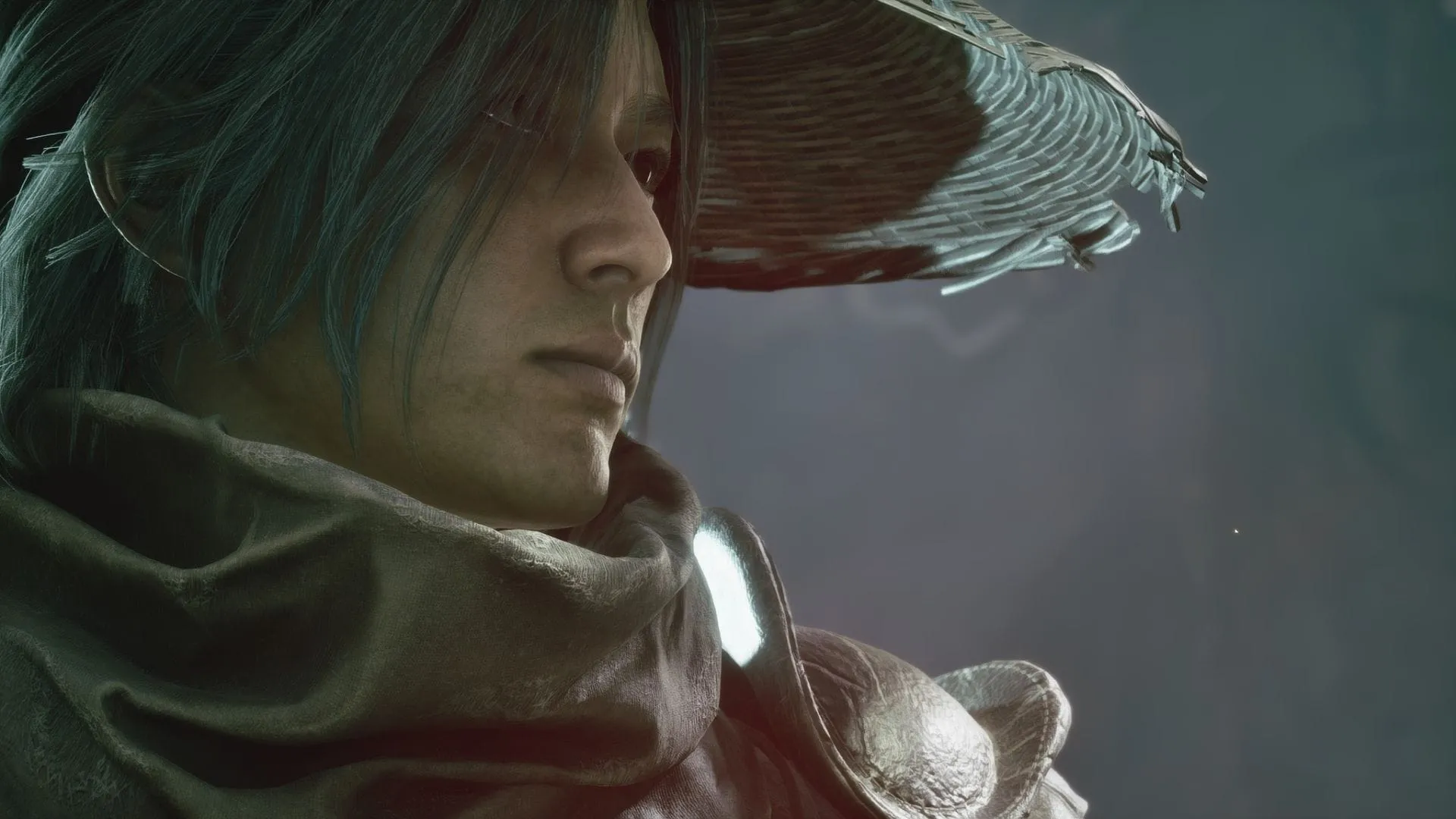
The highly anticipated wuxia action RPG, Phantom Blade Zero, has finally arrived, promising an epic journey through martial arts and action. But before diving into the world of shadow and sword, the developers offered some highly specific, and perhaps slightly contrarian, advice to gamers planning their launch. It turns out that sometimes, the path to peak performance involves dodging the latest updates.
The development team took to the Steam platform to share more than just game details. They published a post titled “Reason and Madness,” which provided a fascinating look into the history of the team, their previous works, and the journey that led to the creation of Phantom Blade Zero. Beyond the history, they offered practical tips for setting up the game flawlessly.
Among the key recommendations, the developers advised players to download the 5 GB day one patch immediately. They also encouraged a wider audience, suggesting that the game is perfectly playable on handheld devices and lower-end or mid-range PCs, broadening the game’s accessibility.
However, the most critical piece of advice focused on the graphics settings and system drivers. The team explicitly cautioned players against installing the newest Nvidia driver, specifically version 621.01. While this update is designed to enhance features like DLSS and RTX support in games such as Phantom Blade Zero, the developers found that this latest version could actually negatively impact the gaming experience.
To ensure the smoothest possible performance, the team recommended rolling back to a previously tested version: 617.42. They noted that this older driver currently offers the best experience for the game. If a newer driver has been installed, the advice is to revert to 617.42 and select the clean installation option.
This recommendation highlights a common tension in the gaming world: the desire for the newest features versus the need for optimal performance. In this instance, the team suggests that for a game like Phantom Blade Zero, the proven stability of an older driver may outweigh the theoretical performance gains of the latest release.
For those who wish to implement this fix, rolling back the driver is surprisingly straightforward. Users can manage this process either through the Nvidia App, where they can navigate to ‘Drivers’ and select a previous version, or through the Windows Device Manager, where they can access the ‘Display Adapters’ section to manage their GPU drivers.
Regardless of which method is chosen, the ability to easily roll back system drivers is a relief for many users. While the developers do not provide an exact timeline for when Nvidia will release its next update, their advice suggests that holding out for future releases might be wise if you are focusing on playing Phantom Blade Zero in the immediate future.
Buy on Amazon
Credit
