scrcpy: Android mirroring that barely uses RAM
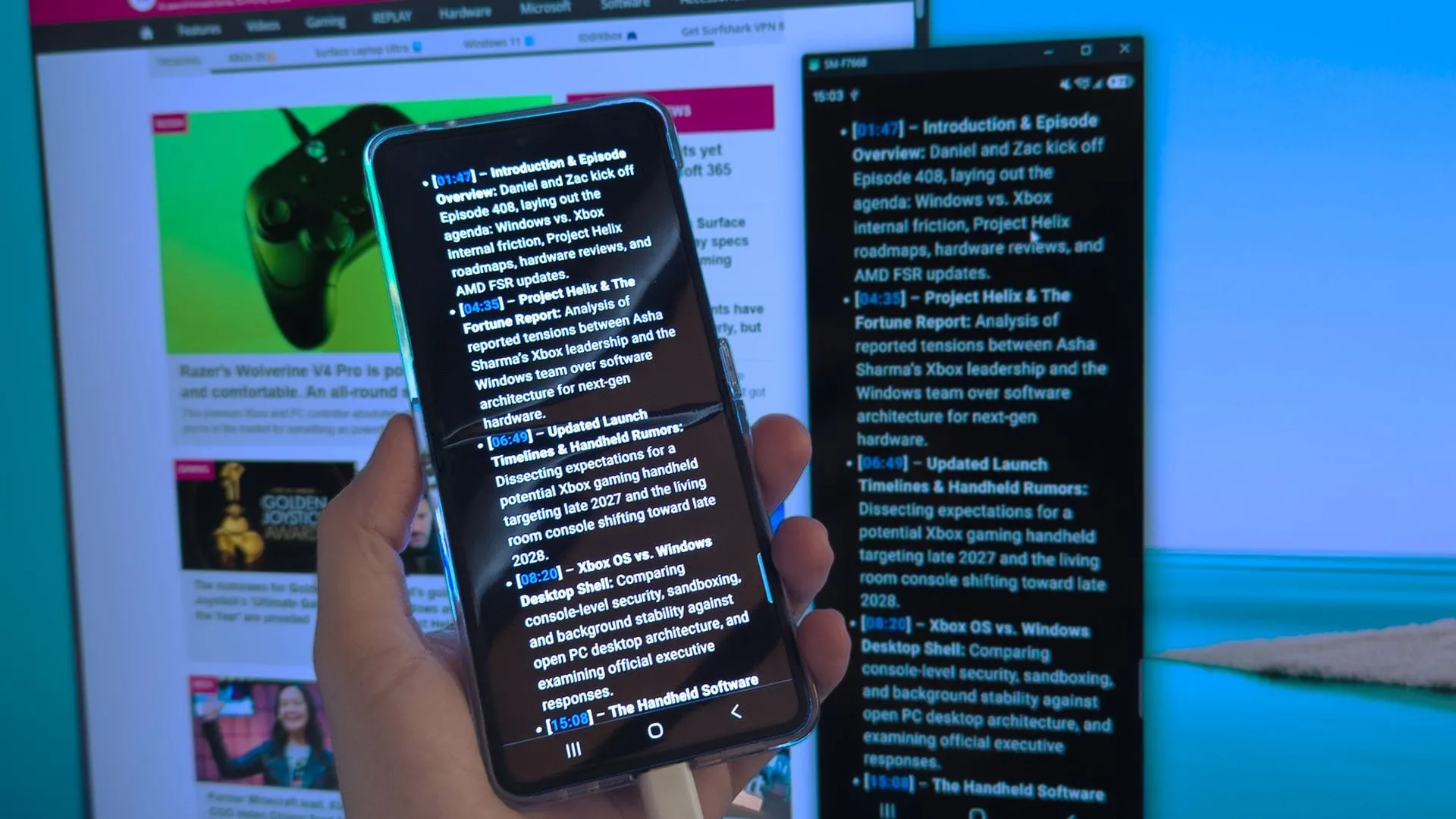
We all love the convenience of connecting our devices, but sometimes the digital bridges we rely on can prove frustrating. For years, users have been leveraging Microsoft’s ‘Link to Windows’ app to bring their smartphones into the desktop environment. While the idea is brilliant—gaining access to your phone from your PC with just a couple of taps—the reality often involves battling frustrating random disconnections, making seamless, constant access feel like a persistent headache.
When a connection breaks, the desire to constantly re-pair devices is the last thing anyone wants. Since true, seamless connectivity proved elusive, the search for a more robust, independent solution led some tech enthusiasts down a fascinating path: the open-source world of custom tools.
Enter scrcpy: The Screen Mirroring Powerhouse
This is where a tool called scrcpy on its GitHub repo”>scrcpy steps in. Simply pronounced “screen copy,” this application acts as a powerful, flexible bridge between a mobile device and a desktop operating system, mirroring the screen in a way that goes beyond standard proprietary apps.
Because scrcpy is open-source, it’s free and highly customizable. It allows users to take full control of their phone using a mouse and keyboard, giving them access to live camera feeds, text copying, and even health metrics. It’s not just about seeing the screen; it’s about having granular control over the entire experience.
To get started, the process involves a simple setup. Users need to enable ‘USB debugging’ and ‘Developer options’ on their Android device—a process that is generally straightforward across most devices. Once enabled, the potential for deep control unlocks.
Beyond Mirroring: Practical and Witty Applications
While mirroring the screen is a core function, the real magic of scrcpy lies in its command-line arguments. These simple commands unlock functionality that transforms the tool from a mere mirror into a powerful utility.
For instance, users can command scrcpy to turn-screen-off the phone display while still maintaining responsiveness, or use commands like stay-awake to prevent the device from sleeping when idle. These features, combined with options to crop specific areas of the screen, allow for highly efficient screen capture with minimal resource usage.
This flexibility opens up creative workarounds. One clever application is capturing live data, such as heart rate metrics from wearable devices like Fitbit, which sometimes cannot directly interface with a Windows PC. This provides a unique way to capture real-time health data while, say, playing a horror game.
Another practical use involves accessing content that lacks a dedicated desktop app. For example, users have found ways to view live feeds from security cameras, such as those from Tapo, directly on their desktop. This transforms the phone into a functional, customizable peripheral.
The utility extends even to clipboard management. scrcpy allows for cross-device text transfer, letting users copy text directly from a mobile application into a traditional Windows application without needing the standard Ctrl+C shortcut. This small feature adds up to significant time savings in a busy workflow.
Ultimately, scrcpy offers a satisfying level of control and experimentation. While there are advanced features to explore, the core capabilities—mirroring, command control, and cross-device data movement—provide an exciting, powerful alternative to proprietary solutions. It proves that sometimes, the most innovative solutions are found by diving into the open-source code.
Buy on Amazon
Credit
