ShareX gets a massive update with native screen recording and 120 FPS capture
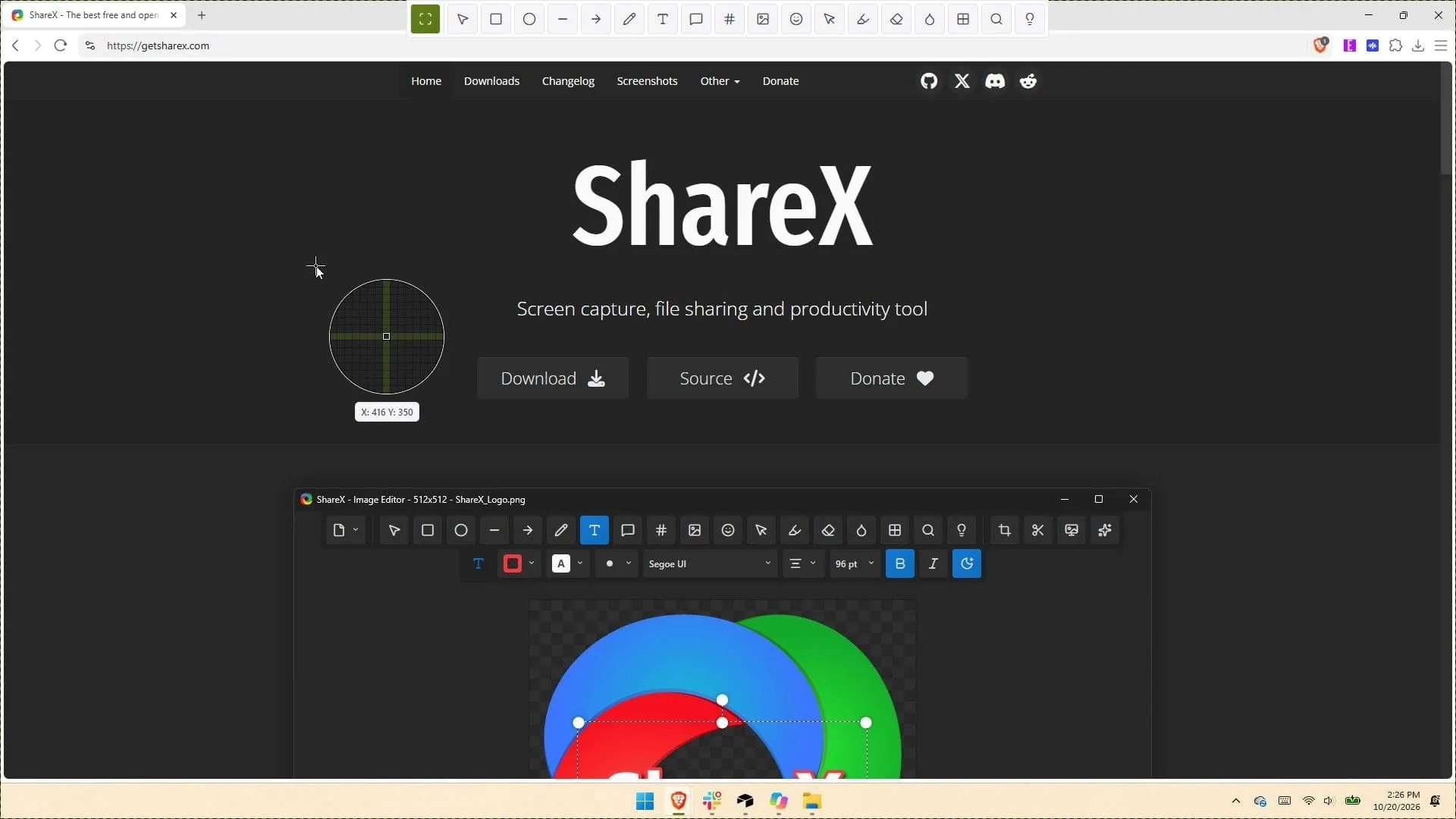
For nearly two decades, ShareX has been a fixture in the digital world, serving as a powerhouse for screen capture and content management. But in a recent update, the app didn’t just receive a minor polish; it underwent a complete overhaul, transforming into something far more capable and feature-rich. ShareX version 22.0.0 arrives packed with changes that fundamentally redefine what users can do with their screen and files.
The most significant shift is the introduction of native screen recording capabilities. Gone are the dependencies on external tools, as the update now includes built-in support for recording video at a high-fidelity 120 FPS. This upgrade is complemented by a new screen recorder bar that puts all the essential settings right at your fingertips, allowing for granular control over recording options, including system audio, microphone input, camera overlays, and cursor highlighting.
This new recording framework is incredibly detailed. Users can now choose whether to record system audio, microphone sound, or camera feed directly, giving creators immense flexibility. Furthermore, the app introduces quality-of-life improvements, such as a convenient “Restart” button and options to easily show or hide the recording timer and button labels, streamlining the user experience.
Beyond screen capture, the tool has expanded its arsenal of utilities. Existing features have been completely redesigned, and a vast array of new tools have been added across categories like Screen & color, Images, Video, and Data & text. This expanded toolkit includes advanced image editing features, powerful video converters, animated GIF makers, and robust data analysis tools like OCR and QR code generation.
File handling has also seen a major upgrade, integrating support for advanced cloud storage options. Users can now handle Amazon S3 multi-part uploads and concurrent uploads, along with seamless integration for popular services like MEGA, Amazon S3, and IMMICh for file uploading and management.
Under the hood, the application benefits from significant technical modernization. ShareX has been updated to utilize .NET 10 and the FFmpeg library, bringing in improved stability and performance. The developers also enhanced security and platform integration, including code-signing and a comprehensive range of new language support, offering options in twenty-eight languages.
Despite the sheer volume of new features, the application remains impressively snappy. The streamlined interface and enhanced performance make the revamped ShareX feel native to Windows 11, proving that powerful functionality doesn’t have to come with a steep learning curve. If you enjoy mastering your PC and need a tool that truly justifies running at startup, this updated version is a potent choice.
Credit
