Have you ever stopped to wonder why minimum system specifications seem determined to climb higher and higher? The answer isn’t just about hardware demands; it’s tied deeply into how software is built and designed.
The real story behind this obsession with high specs lies in the sheer bloat of modern applications. Developers today don’t face the same historical constraints that once forced efficiency. Yet, despite this freedom, we find ourselves dealing with increasingly bloated programs that require more RAM just to manage our daily productivity workflow than they did even a decade ago.
Think about the journey of software development. In the early days of Windows, developers were often constrained by hardware limits and specific system caps. This reality inadvertently forced them to be efficient; building something small meant maximizing what was available. As one programmer observed, “A tiny native Windows program does not bring along its own entire civilization. It arrives with a lunchbox and a map of the city.”
But where do we stand now? Modern applications, while offering incredible features, often seem to bundle an entire digital universe into a single package. A simple notepad application might now include a layout engine, a renderer, a telemetry client, an auto-updater, and even a small portion of Chromium. It seems that just because the hardware can handle it doesn’t mean the software should carry the weight.
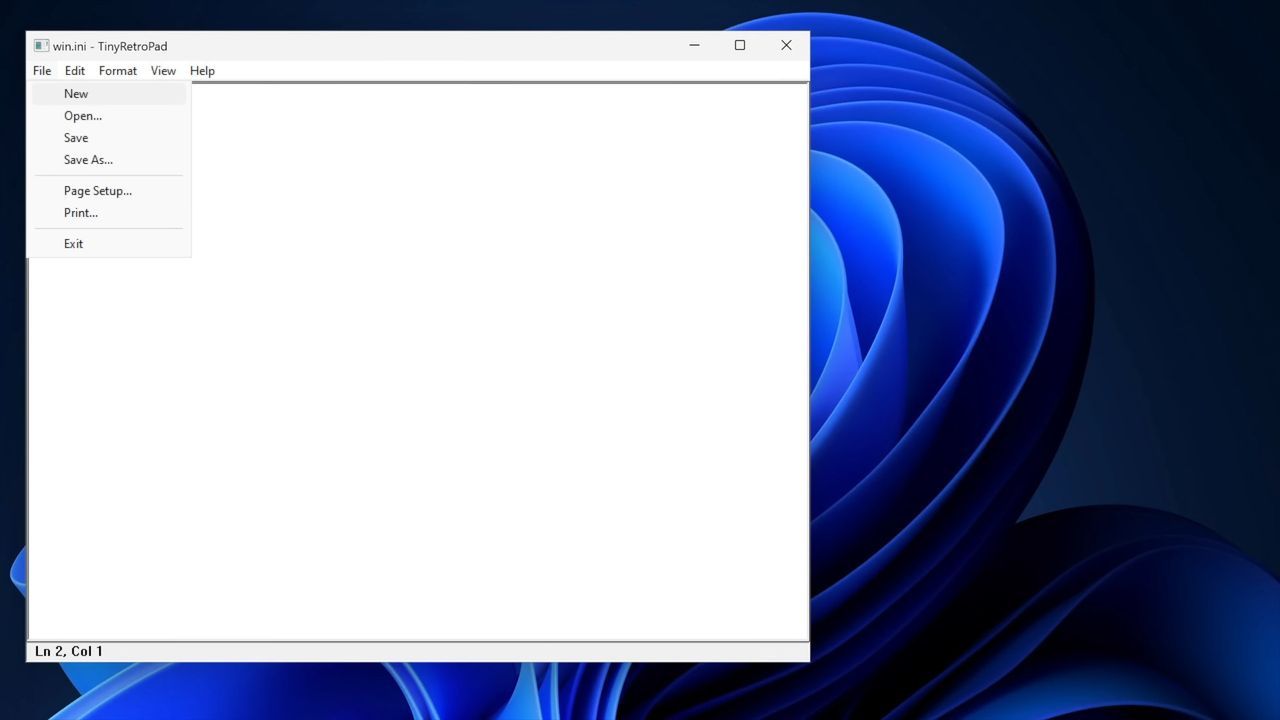
This contrast becomes stark when we look at specific examples. A recent demonstration by developer Dave Plummer highlighted this issue by building a notepad application that measured just 2,686 bytes—smaller than a typical YouTube thumbnail. This project, known as Tiny Retro Pad, strips away unnecessary complexity to focus solely on core functionality.
While the modern version of Notepad incorporates advanced features like Copilot, exploring minimalist alternatives like Tiny Retro Pad offers a valuable lesson. It demonstrates that minimizing code and removing extraneous dependencies leads to a cleaner, more efficient experience for both the developer and the end-user.
The takeaway is clear: while modern computing power allows us to run massive applications, developers have an opportunity to rediscover efficiency. If a greater number of developers prioritized writing lean, efficient code, we might see operating systems like Windows 11 feel smoother across the board, without requiring such astronomical memory demands. Ultimately, achieving peak performance isn’t just about faster processors; it’s about designing software that respects the constraints of reality and avoids carrying unnecessary baggage.
Buy on Amazon
Credit: Windows Central
