Test Microsoft’s new Windows Search now
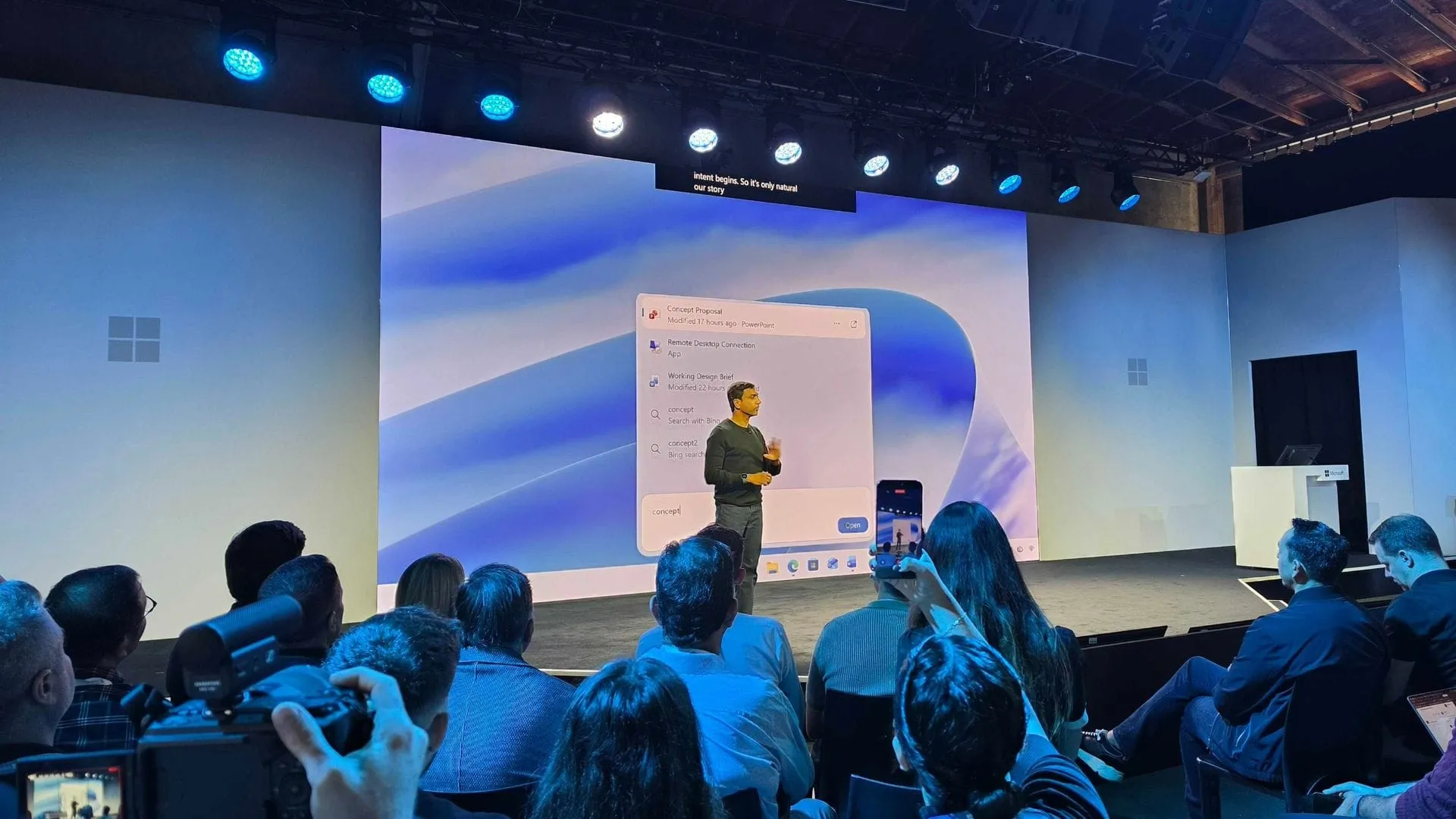
Beyond Finding Files: Microsoft Unveils a Search Experience Built for Action
When Microsoft recently showcased its vision for Windows 11 and the Surface ecosystem, the focus was sharply aimed at revolutionizing the user experience. While the grand event generated buzz, the real excitement lies in the deep, functional improvements that are rolling out to the community, particularly through the Experimental and 26H1 Insider builds. These updates are less about cosmetic changes and more about fundamentally changing how we interact with our operating system, starting with the one place we all use constantly: the search function.
The biggest overhaul is undoubtedly the new Windows Search experience. It is fast, more efficient, and boasts a streamlined design that makes navigating information feel intuitive. But this is more than just faster file finding. Microsoft is pushing the boundaries by integrating powerful “inline actions,” allowing users to perform tasks directly within the search bar. Imagine switching your PC to dark mode, adjusting volume, or changing screen brightness—all with just a few clicks, right from the taskbar.
This new system is designed to understand intent better, featuring improved matching for typos and synonyms, promising a search that anticipates what you need before you even finish typing. Engineers are continuing to fine-tune these enhancements, ensuring the experience becomes even more seamless in the coming weeks.
Beyond the intelligent search, Microsoft is making utility more visible. For the first time, Insiders are getting access to the Battery Status widget. This feature provides a unified, at-a-glance view of power levels across your PC and connected peripherals, eliminating the need to hunt through multiple settings panels just to assess your device’s power status.
This focus on practical utility extends across the operating system. Insiders are also getting early access to features like the Narrator, which allows users to explore and explore math equations in a more engaging way. Furthermore, experimental enhancements are being made to core functionality, including updates to Task Manager, which now groups background processes into unified categories, making it easier to understand resource usage. Security features are also being refined, simplifying the sign-in experience by removing unnecessary icons.
Under the hood, the improvements are also focused on system stability and advanced authentication. Enhancements to Kerberos, including the default enablement of IAKerb, are designed to improve compatibility and reduce reliance on older authentication methods, making modern security scenarios smoother and more reliable.
These updates demonstrate a commitment to refining Windows 11 into an even more intuitive and powerful platform. By pushing these experimental builds, Microsoft is giving the community a chance to test and contribute to a future where the operating system is not just a tool for finding files, but a dynamic assistant for completing tasks effortlessly.
Buy on Amazon
Credit
