This hidden app unlocks better Windows settings and updates
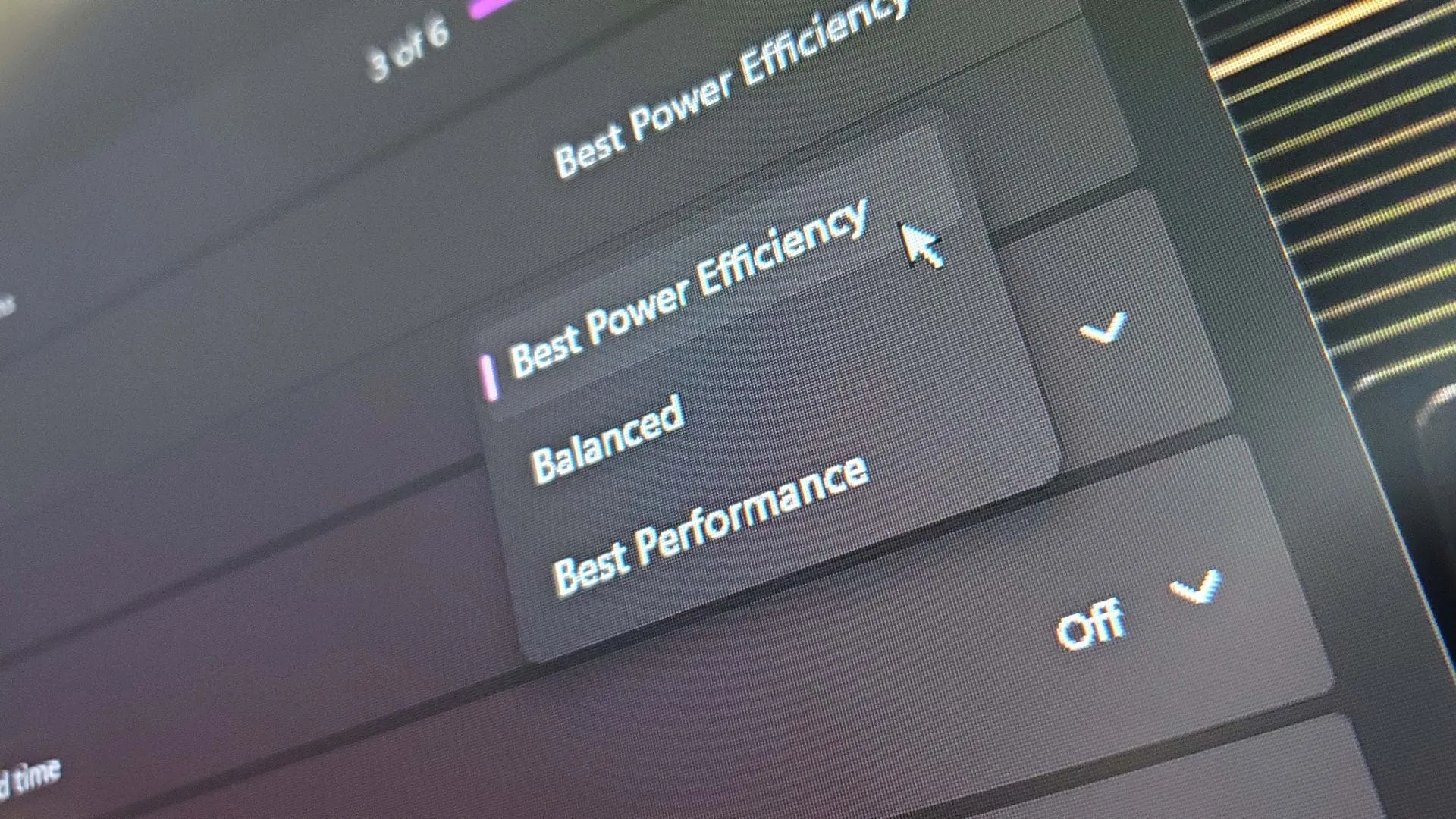
Microsoft has long maintained two separate menus for managing system configurations: the classic Control Panel and the newer Settings application. But in a surprising move, whispers of a major shift are emerging, suggesting a future where all these settings might finally live in one streamlined, cohesive place. This potential consolidation is being tested behind the scenes, and the clues are starting to appear in the Microsoft Store.
Recently, some observers spotted a project, tentatively dubbed Project Odeon, within the Store. This application shares a familiar icon with the Windows Settings app and appears to mimic the familiar interface, hinting at Microsoft’s ambition to unify system management into a single, discrete piece of software. Finding and installing this test application, however, seems to be an exclusive experience, requiring users to be on Windows 11 build 26100 or newer.
While the vision is exciting, the early test phase reveals that this is still in the experimental stage. The application exhibits some jank, featuring unfinished pages and grayed-out options, which is perfectly expected for a developmental tool. However, areas like the display settings page show more depth than the standard Settings application, revealing advanced controls such as monitor display paths, HDR support, and SDR white levels—features that suggest a much richer capability is being tested.
Delving into the application’s code further, developers uncovered that the application relies on modular helper executables that require special permissions. These add-ons manage various functions, from changing time zones to renaming the PC, demonstrating the complex, underlying architecture Microsoft is exploring.
This testing effort raises the tantalizing possibility that the Settings app could evolve into a true application store experience. Such a transition could drastically simplify updates and feature rollouts, potentially eliminating the need to wait for traditional Windows Update cycles for crucial system enhancements.
For those who remain devoted to the Control Panel, the ongoing development serves as a reminder that Microsoft is actively migrating functionality. The fact that new features are being tested in an interface closely mirroring Settings suggests a clear direction, even if the roadmap takes time to solidify.
Ultimately, the goal is greater user accessibility. If the consolidated system proves to be as intuitive and customizable as the traditional tools, the shift will be a win for the user experience. We are watching to see if this ambitious project delivers the unified system management we all hope for.
Buy on Amazon
Credit
