Unlock Multi Frame Gen on RTX 40 series
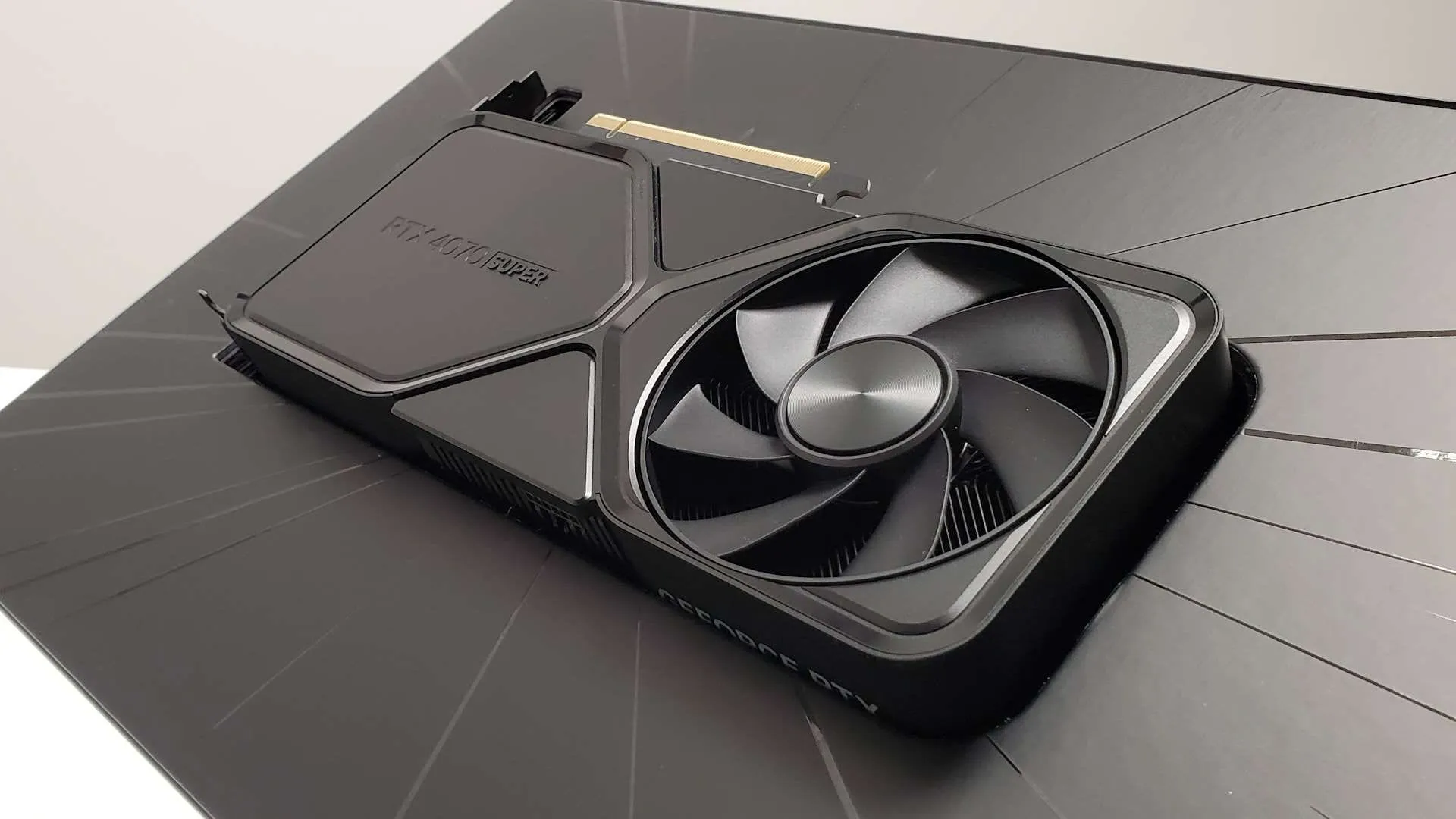
Imagine napping under a cool mossy rock since January 2025. That kind of buttery smooth gaming experience is now possible thanks to a tech known as Multi Frame Generation, or MFG, an AI-powered feature designed to boost frame rates and smooth out visual stutter.
Nvidia introduced the initial 2x Frame Generation feature with the RTX 40-series graphics cards in 2022, and the results were impressive. However, the cutting edge of the technology—the 5x and 6x modes—has been largely restricted to the newer RTX 50-series cards. This limitation exists because the newer silicon incorporates specialized features, like a dedicated AI Management Processor (AMP), which handle the frame generation and delivery in a way the older architectures do not.
While this restriction means the absolute highest frame rates are locked behind the newest hardware, it doesn’t mean gamers have to wait for the next generation to enjoy the smoothness. A clever workaround exists for users with older Nvidia graphics cards—allowing them to unlock most of the extra smoothness through software tinkering.
But this route comes with a caveat. MFG is not a magic bullet. Enabling higher levels of frame generation, while exciting, can introduce smearing frames and noticeable latency issues. Even when the frame rate appears high, the actual experience might not be perfectly smooth, depending on the game and system load.
If you are willing to embrace this trade-off for better performance, here is how you can attempt to unlock 4x MFG on your RTX 40-series card using community tools. It requires a little software adventure, but the payoff can be substantial.
The Path to 4x MFG
To begin, you will need to download the Nvidia maintains a list of compatible titles. We recommend picking a single-player game for testing, as installing these mods can sometimes trigger anti-cheat systems.
Select your desired game from the left panel in RHI. Scroll down to the options and install the necessary mods, including ‘RTX 40 MFG‘ and ‘OptiScaler.’
After installation, navigate back to ‘Nvidia Profile Overrides’ and click the blue button labeled ‘Multi Frame Generation.’ A dialog box will appear, where you can select ‘Dynamic’ and ‘Up to 4x’ for the frame count, ensuring ‘Target Frame Rate’ is set to ‘Off.’
Finally, launch your chosen game and adjust the in-game Frame Generation options. With this small amount of tinkering, you can push the boundaries of your older hardware and enjoy some wonderfully smooth frame rates.
Credit
