Upgrade Videos to 4K with Clipchamp
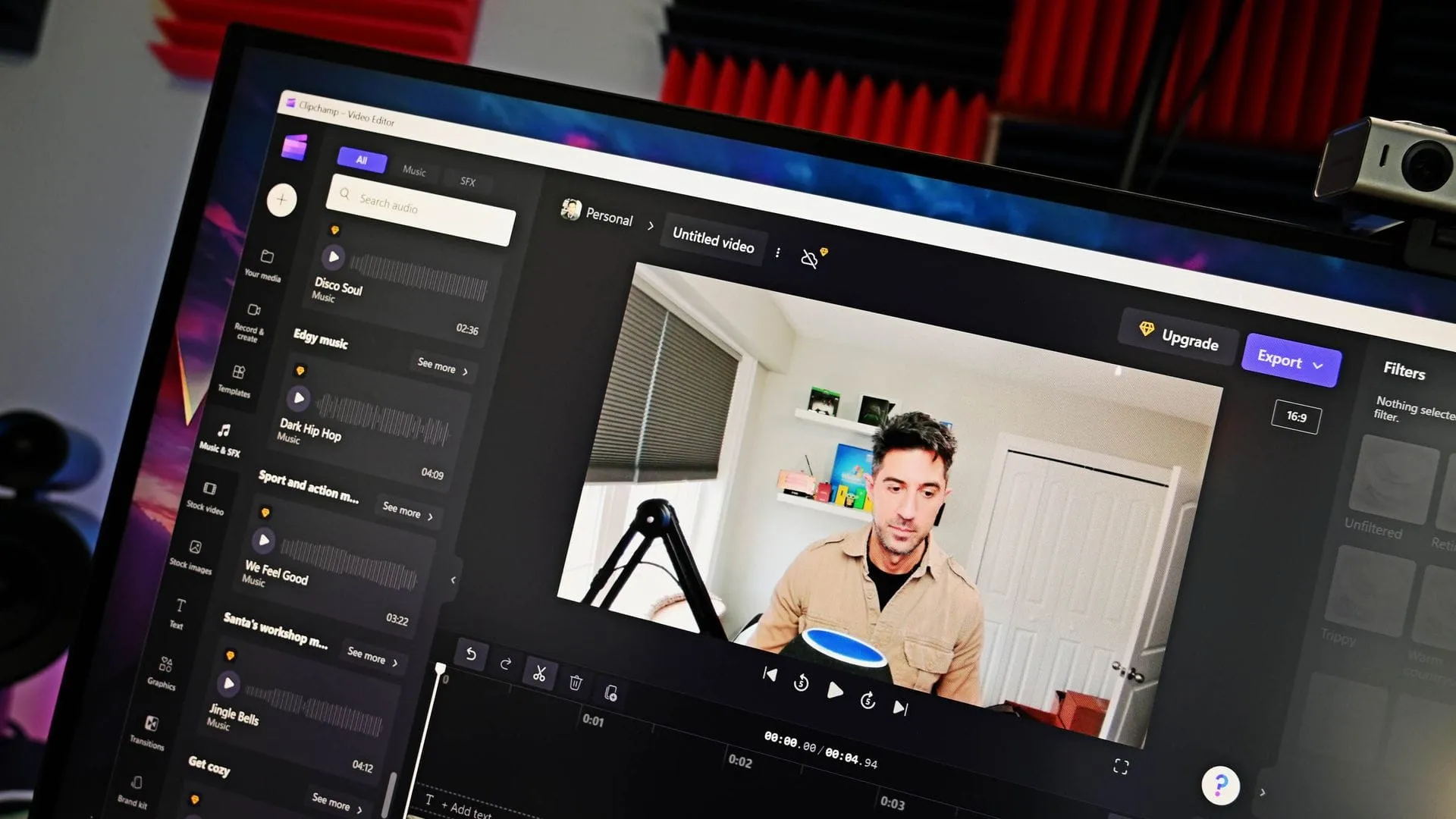
Clipchamp Unleashed: How Windows 11‘s Built-in Editor is Mastering the Art of Video Upscaling
When you think of the standard Windows 11 experience, you probably picture a collection of familiar apps. But tucked inside the operating system is a surprisingly powerful creative tool: Clipchamp, the built-in video editor. Far from being just another place to trim clips, Clipchamp is now proving that even a mainstream application can deliver genuinely impressive, cutting-edge features.
The latest revelation is Clipchamp‘s ability to handle massive video files through its AI-powered Video Super Resolution. This feature allows users to seamlessly upscale footage, moving clips up to 4K resolution while intelligently adding detail and clarity. Forget the notion that you need professional studio equipment to achieve high-definition results; now, the power is right there on your desktop.
How does this digital magic happen? Clipchamp utilizes advanced AI to perform the upscaling process. Crucially, this processing is handled locally on eligible Windows devices. While systems equipped with a Copilot+ PC or compatible Neural Processing Units (NPU) benefit from accelerated processing, the feature is designed to work effectively on compatible CPUs as well, ensuring that the power of upscaling is accessible across a wider range of hardware.
Getting started with this high-definition upgrade is straightforward. Users simply import their video into the timeline and select the specific clip they wish to enhance. A simple menu option handles the rest: select the Upscale icon, choose the desired resolution, and watch the AI work its magic. It’s a remarkably streamlined process for turning standard footage into crystal-clear content.
However, like any powerful feature, there are nuances. While the ability to upgrade individual clips is fantastic, the current functionality doesn’t allow for upscaling an entire project at once. This means that while you can perfect your individual shots, complex, multi-clip projects will still require traditional editing techniques.
The story of Clipchamp isn’t without its quirks. Microsoft introduced a requirement for users to sign in with a Microsoft account to edit projects within the application. While this requirement might feel like an extra hoop to jump through, it ultimately underscores the belief that Clipchamp is a capable and powerful editor, provided the user is willing to cooperate with the platform.
Ultimately, Clipchamp has transitioned from a simple editor to a sophisticated tool capable of delivering high-resolution results. With its built-in AI upscaling and flexible hardware compatibility, it demonstrates that the future of video creation isn’t just about professional software—it’s about unlocking the potential hidden within everyday tools.
Buy on Amazon
Credit
