Why you can’t drag the Windows 11 taskbar
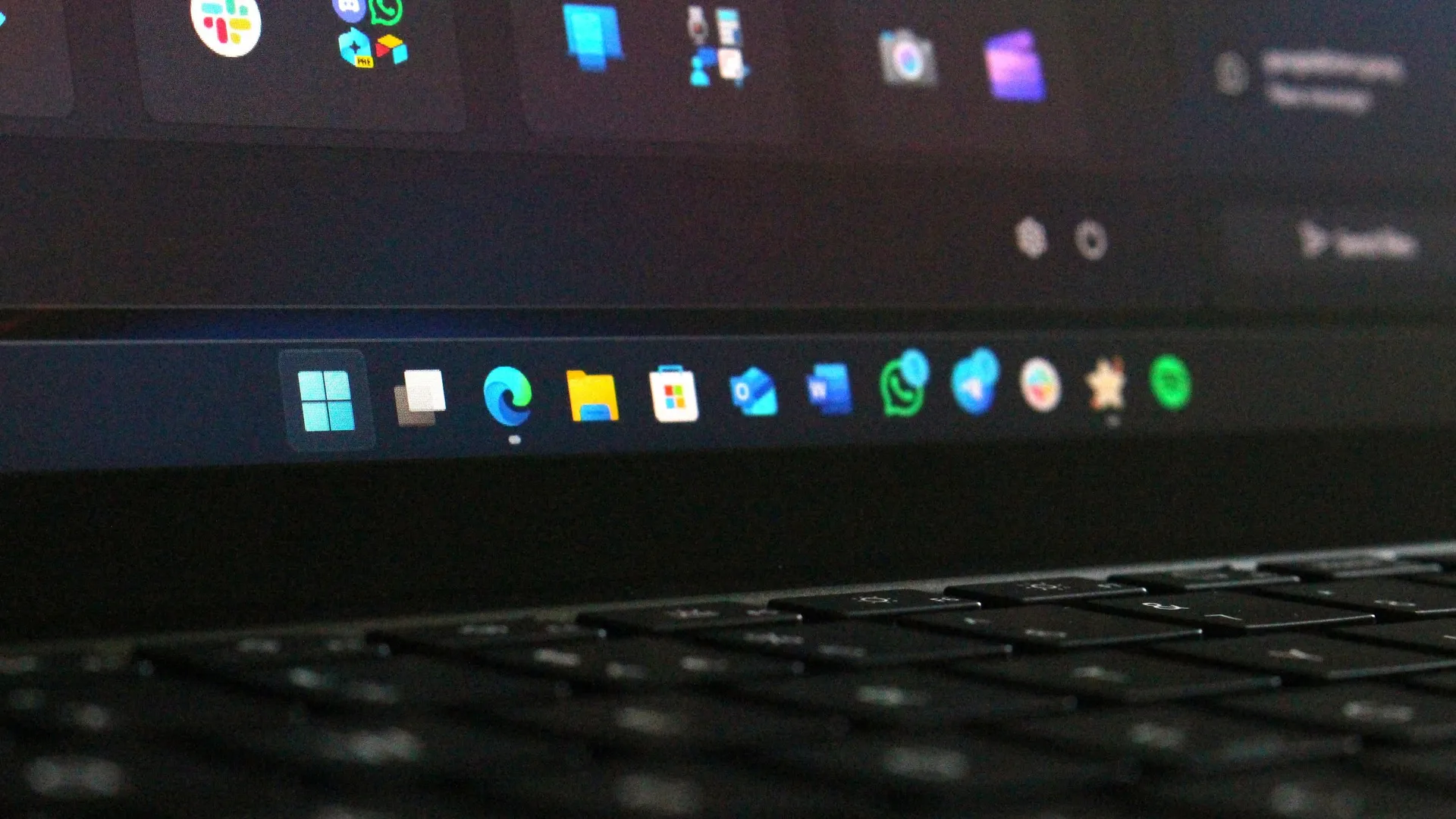
For many long-time Windows users, the transition to Windows 11 brought a subtle, yet significant, change to the familiar desktop experience: the beloved ability to drag and reposition the Taskbar. While this functionality was readily available in Windows 10, it was conspicuously absent in Windows 11, prompting users to wonder if this was a simple omission or a complex design choice.
Microsoft has finally offered a clear explanation, confirming that the absence of this feature is not an oversight but a deliberate design decision. Diego Baca, Vice President of Design at Microsoft, clarified that the decision was rooted in minimizing user error and ensuring a more predictable experience.
In his explanation, Baca revealed the core reasoning: dragging the Taskbar carries the risk of accidental movements. He noted that in previous versions of Windows, the feature “Lock the taskbar” existed precisely to mitigate these unintentional shifts.
“From our research, dragging the taskbar to reposition it can lead to accidental movements,” Baca explained. “We also found that changing the taskbar position isn’t something people do frequently.”
The company felt that providing an easily discoverable setting, accessible with a single right-click, offered a more intentional and reliable user experience than a free-form dragging mechanism. In essence, they determined that predictability outweighed immediate convenience.
This design philosophy extended beyond simple movement. Microsoft has also chosen to omit the ability to resize the Taskbar in Windows 11, likely following the same principle of intentionality to reduce potential for unintended changes to the workspace layout.
The operational difference between the two systems is telling. On Windows 10, moving the Taskbar was straightforward: right-click, uncheck “Lock the taskbar,” and drag. Windows 11, while requiring slightly more steps, prioritizes precision. Users now navigate through the Windows Settings to select a desired location, a method that, while perhaps less immediate, is undeniably tidier.
This shift demonstrates Microsoft’s commitment to transparency. By openly sharing the rationale behind feature availability, the company is reinforcing a strategy focused on creating a stable, intentional, and ultimately better-designed operating system for its users.
Buy on Amazon
Credit
