Windows 11 preview features Bigfoot and Copilot key remapping
Forget the hype about the next big hardware reveal; the real digital revolution is happening right inside Windows 11, bringing a wave of subtle, yet incredibly impactful, quality-of-life improvements to Insider builds.
Microsoft recently rolled out Windows 11 Builds 26100.9539 and 26200.9539 to the Release Preview Channel, and these updates are packed with enhancements that will make your daily interaction with the operating system noticeably smoother and more intuitive.
For those who simply love to express themselves, the emoji scene gets a major upgrade. Emoji 17.0 support is now available, bringing delightful new additions like the distorted face, the fight cloud, and the hairy creature (Bigfoot). Users can easily access this expanded library by pressing the Windows key and the period key, and the system has also refined the design of several existing emojis, ensuring better visual consistency across platforms.
Beyond the fun, Microsoft has tackled some long-standing frustrations in core areas like file management and customization. File Explorer has been streamlined, introducing features that make navigating files far more efficient. The new design preserves the state of sections, meaning when you close and reopen the application, everything is exactly where you left it. Furthermore, thumbnail previews for cloud files are now more reliable, and the overall layout in the Details pane has been reorganized for quicker access to file properties.
To aid in managing the digital world, new widgets are joining the lineup. The helpful Tips widget provides quick guidance on Windows features, making essential information easily accessible. While the highly anticipated battery widget is still in development, the addition of these helpful tools is a welcome step toward a more personalized interface.
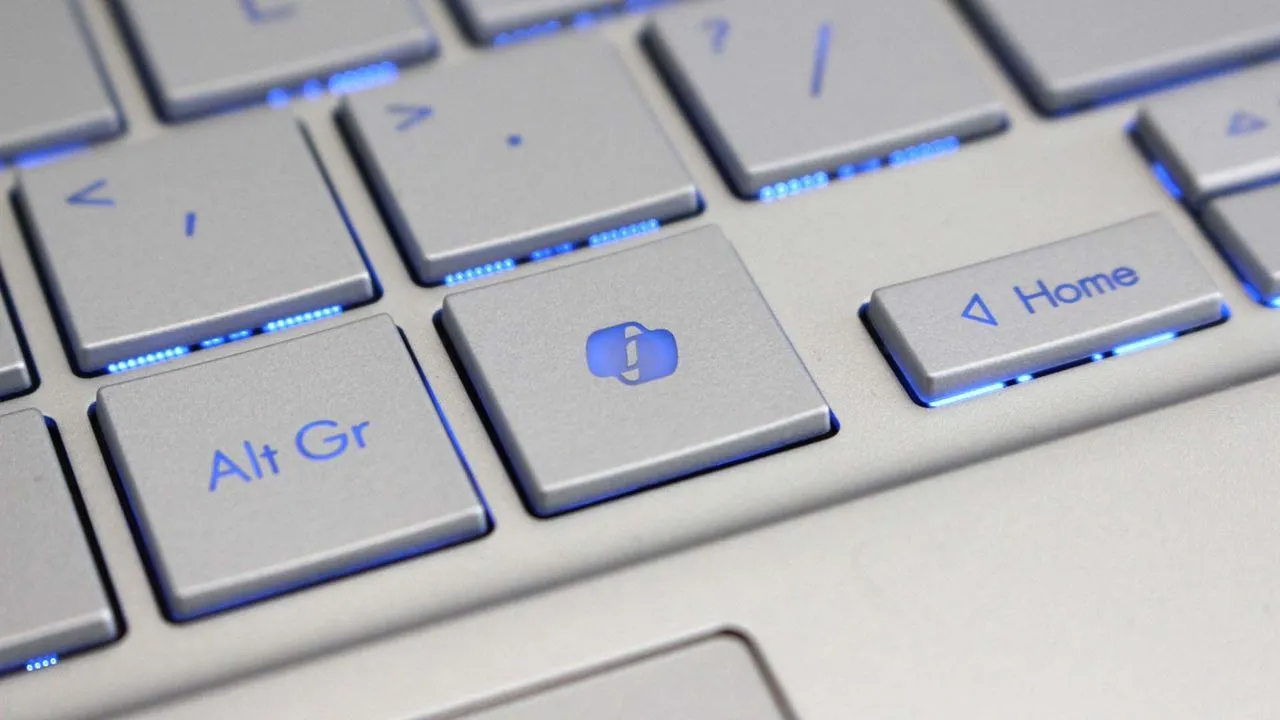
A significant workflow change involves the Copilot key. To better integrate with established keyboard habits, the key has been remapped to function as the Right Control or Context Menu key, giving power users more familiar shortcuts and streamlining interaction with AI tools.
The focus on personalization also shines through. Enhancements to desktop background experiences mean better reliability for slideshow transitions, improved handling of DIB image files, and smoother preview displays, especially on portrait monitors. Additionally, new settings allow users to control and refine their screen setup, including new gesture controls for touchpads that offer single-finger scrolling and automatic scrolling.
The stability of connectivity has also been dramatically improved. Bluetooth performance has seen significant enhancements, addressing issues related to voice calls, shared audio reliability, and LE Audio compatibility, ensuring a more stable connection whether you are streaming music or using Bluetooth devices.
Finally, accessibility has received a thoughtful refresh. A brand-new setting, Open apps maximized, automatically maximizes application windows upon launch, removing friction for users utilizing screen readers or magnification tools. There are also visual updates, such as a modernized look for the Magnifier taskbar icons, and font support for new scripts, bringing a polished and cohesive experience to every corner of Windows 11.
Buy on Amazon
Credit