Zooming in Windows 11 Camera app gets an upgrade
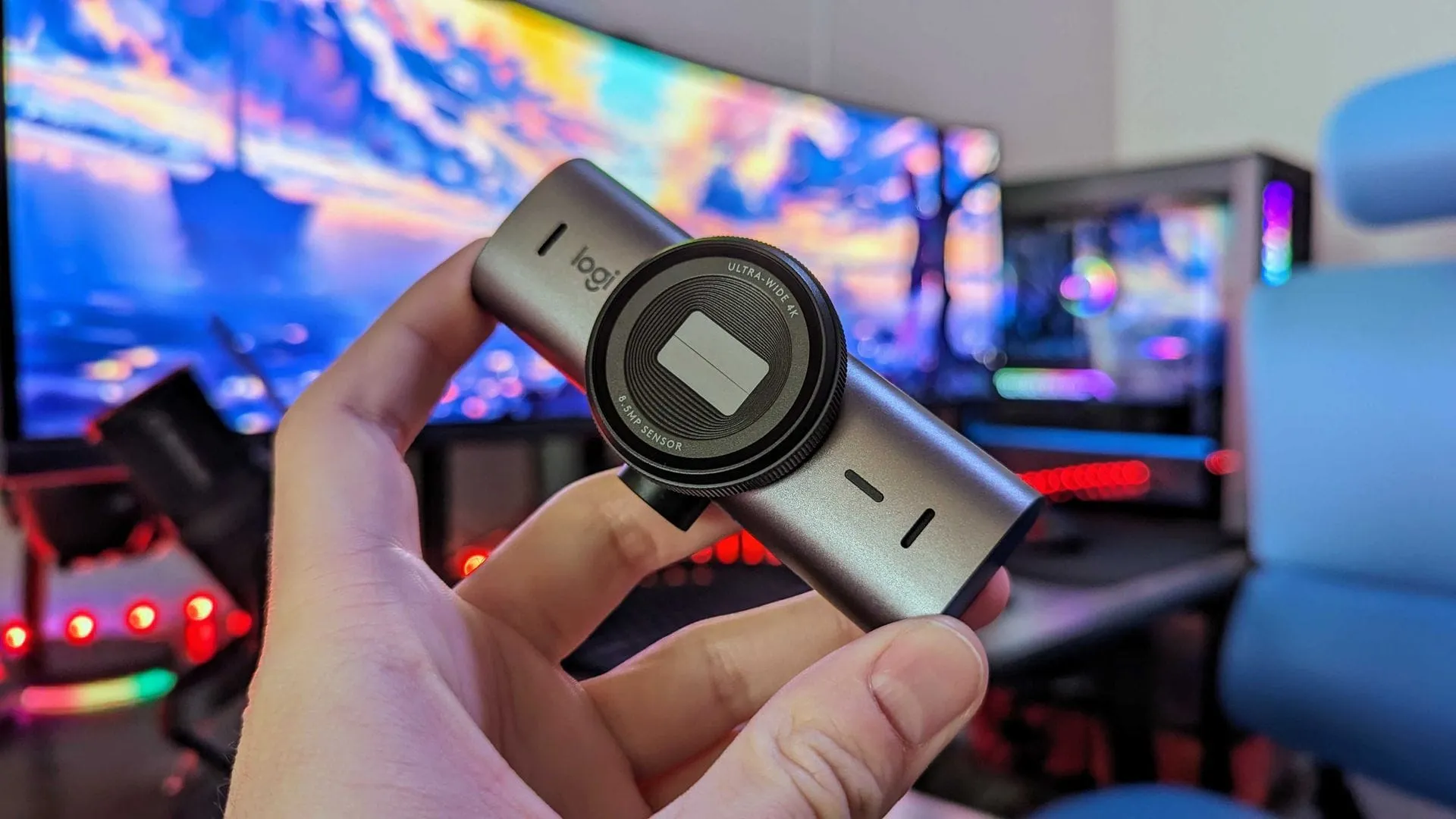
While Microsoft has been busy redesigning the Photos app for Windows 11, the real focus for content creators should be on the Camera app. As the platform continues to evolve, recent updates have delivered a suite of quality-of-life improvements and powerful new tools that enhance how users capture and manage their media.
A wave of enhancements has recently been rolled out to Windows Insiders, bringing several thoughtful changes to the photography experience. These updates focus heavily on optimizing the experience, particularly around zooming capabilities and file management, making the process of capturing content smoother than ever.
One of the most significant advancements addresses zooming. The Camera app now features improved digital zoom functionality, providing users with flexibility even when hardware zoom is unavailable. Microsoft has dedicated effort to refining this experience, and while this feature is robust, it’s important to note that software zoom remains limited in specialized modes like Living Images, scanning, or panorama previews.
Beyond image manipulation, the updates pack a punch regarding workflow efficiency. Users can now seamlessly copy content directly to the clipboard using Ctrl+C after capturing a photo or video, drastically simplifying the process of moving media into documents or other applications. Furthermore, a brand new Copy path action has been introduced, allowing users to easily copy the file path immediately after capture—a feature that significantly streamlines file navigation.
The app also refined the experience around timing and video recording. When delayed capture is used, the timer ring now clearly displays the remaining seconds. For video recording, playback now offers greater clarity, showing the remaining time next to the seek bar, and the application has become more responsive and accurate when starting a new video session.
These refinements demonstrate Microsoft’s commitment to improving the integrated applications within Windows 11. By enhancing core functionality in the Camera app, these updates offer immediate benefits, solidifying the app’s role as an essential tool for anyone who relies on Windows for their daily creativity and content creation.
Buy on Amazon
Credit
