6 Apps to fix Windows 11 and replace Microsoft apps
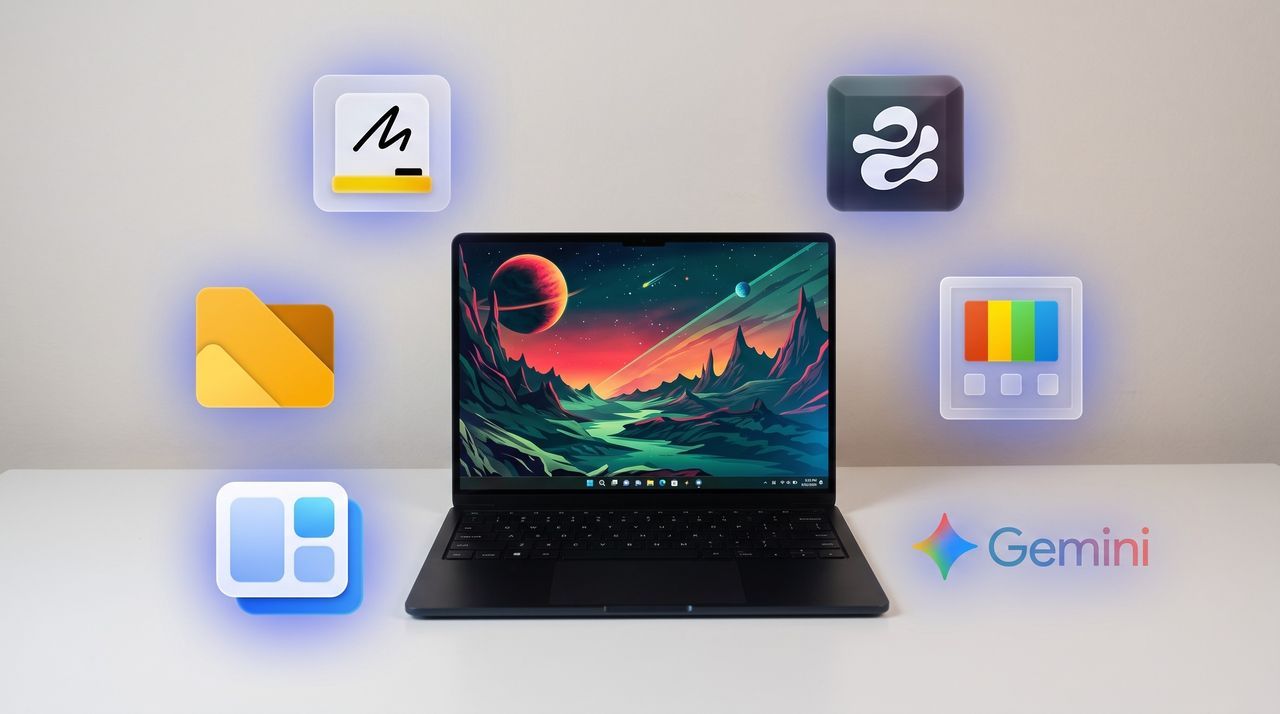
Windows 11 offers a powerful operating system, but for many power users, the true magic lies not in what Microsoft provides by default, but in what you choose to install. With hundreds of apps available, the PC experience transforms from merely functional to truly personalized.
For those dedicated to optimizing their workflow, the goal often becomes replacing default applications with tools that genuinely enhance, improve, or simply surpass the built-in functionality. It’s about taking control of your computing environment and fine-tuning every interaction you have with the operating system.
This philosophy is why some users are constantly searching for alternatives—tweakers and utilities that refine the everyday computing experience. Whether it’s managing text, organizing files, or customizing the visual interface, there is a vibrant ecosystem of third-party tools ready to step in.
As one enthusiast recently undertook a complete clean install of Windows 11, their mission was clear: rebuild the setup using only the best custom applications. The focus turned immediately to replacing Microsoft’s defaults with streamlined, superior alternatives that offer unique functionality.
In the realm of productivity, for instance, when it comes to writing and editing, users are swapping out standard tools for more intelligent companions. While the built-in Microsoft Editor handles basic proofreading, tools like Gemini step in to catch subtle phrasing errors, suggest structural improvements, and refine the overall tone, making the writing process significantly smoother.
File management is another area ripe for improvement. Moving beyond the standard File Explorer, some users are exploring apps that experiment with new layouts and features before they hit the official release. This allows them to test out innovative ways of navigating and organizing their digital assets.
For streamlining tasks, simple utilities offer massive gains. A popular choice is a clipboard manager, such as Edge Drop, which lives on the side of the screen and supports drag-and-drop functionality, allowing users to bypass cumbersome keyboard shortcuts for managing copied information.
The power of customization extends deeply into interface management. Tools like Microsoft PowerToys provide a comprehensive collection of utilities that often outshine native Windows features. Features such as FancyZones offer far more sophisticated window snapping than the default system allows, and tools like PowerToys Run can replace the entire Start menu, offering lightning-fast access to applications.
Even the widget experience benefits from this shift. Some users have found that dedicated widget applications offer a richer, more dynamic display than the standard Windows 11 panel, placing widgets strategically in empty spaces for a cleaner aesthetic.
Ultimately, the journey of customizing Windows is less about installing new software and more about curating an experience. By swapping out default applications for specialized tools, users unlock a level of efficiency and control that transforms a standard operating system into a truly bespoke digital workspace.
Buy on Amazon
Credit
