Stop using Windows Media Player for ripping CDs switch to this instead
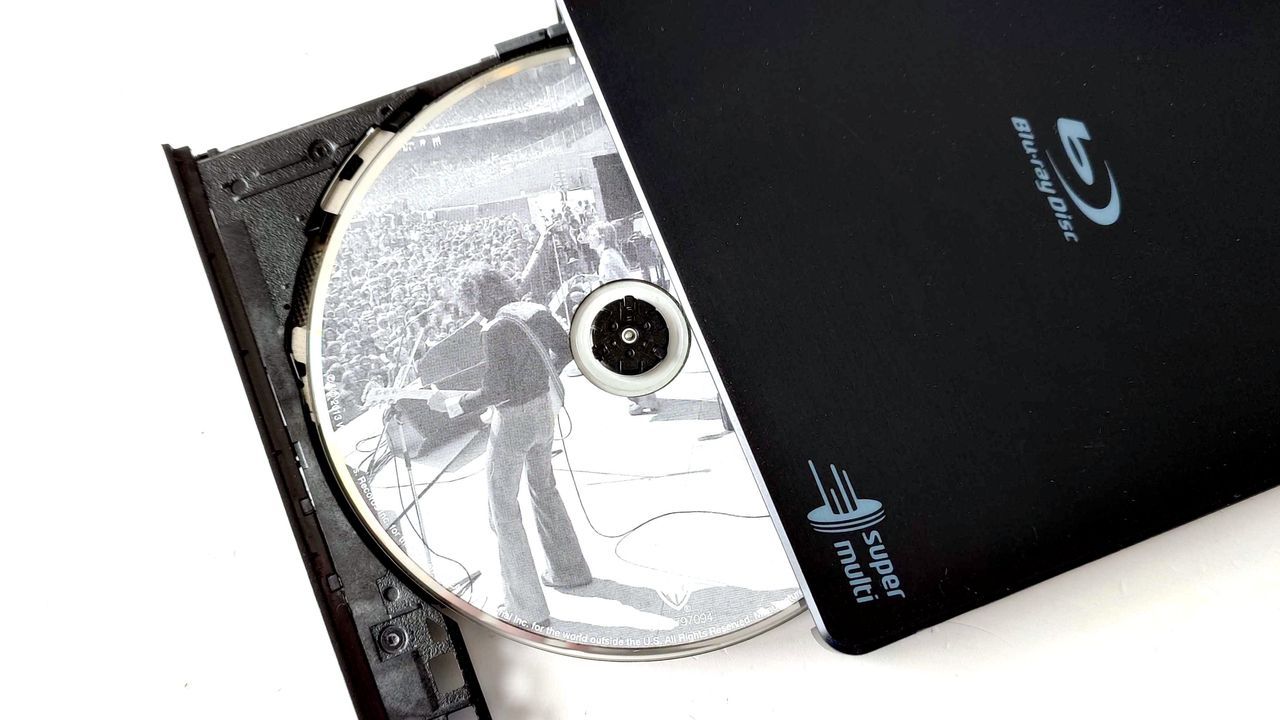
For many of us, the magic of physical media—be it vinyl, film, or CDs—represents a connection to an era when content felt tangible and cherished. We grew up in a time when we simply owned the music and movies we consumed; there was no streaming service dominating the landscape.
But today, the quest for perfect digital preservation introduces a new layer of complexity. While convenience reigns supreme, the true archival enthusiast still seeks to manage a vast stack of physical discs, needing to convert them into accurate, high-quality digital copies complete with essential metadata and artwork.
This process, however, often hits a frustrating roadblock. Attempts to use built-in operating system tools, like the standard Windows Media Player, quickly reveal their limitations. While these programs can handle the basic act of ripping a disc, they often fall short when it comes to extracting accurate metadata or correctly embedding artwork into the final files.
The frustration is compounded by changes in software development. As online services for metadata disappeared, built-in tools became even less reliable, leaving users scrambling for alternatives. Trying to manually enter information or relying on defunct online tools only adds to the headache, often resulting in incomplete or inaccurate digital archives.
Fortunately, the community has developed powerful, dedicated solutions for this exact problem. Enter Exact Audio Copy (EAC), a free and incredibly robust application that tackles the complexities of CD ripping with surgical precision.
EAC is not just another ripping program; it’s a complete workflow designed for quality and accuracy. It ensures that when you convert a physical disc to a digital file, you get more than just audio—you get complete control over the resulting files. The power lies in EAC’s ability to integrate complex data, making it an indispensable tool for anyone serious about digital archiving.
One of the most impressive features of EAC is its commitment to accuracy. It incorporates checks like AccurateRip, which cross-references your rip against a vast database of other exact rips to ensure your digital copy is as perfect as possible. This feature is critical, especially when dealing with older or scratched discs.
Furthermore, EAC offers flexibility in handling metadata. While some default options exist, the application allows users to easily select alternative metadata providers, such as the free and open-source MusicBrainz database, giving users complete control over the data they embed in their files.
This powerful combination of accurate ripping, customizable metadata, and robust performance makes EAC the clear frontrunner for those looking to transition their physical media collection into a perfectly organized and accessible digital library. It turns a frustrating archival task into a satisfying, high-quality experience.
Buy on Amazon
Credit
