Windows 11 search box unexpectedly grows taller
4 Pixels of Personality: Microsoft Tweaks Windows 11 Search for a Smoother Future
In the world of operating system design, change is often measured in grand overhauls. But sometimes, the most significant shifts happen in the details—in the pixels that govern our daily interactions. Microsoft has recently unveiled one of these subtle adjustments to Windows 11, a minor alteration that might seem insignificant but is quietly reshaping how we interact with the operating system.
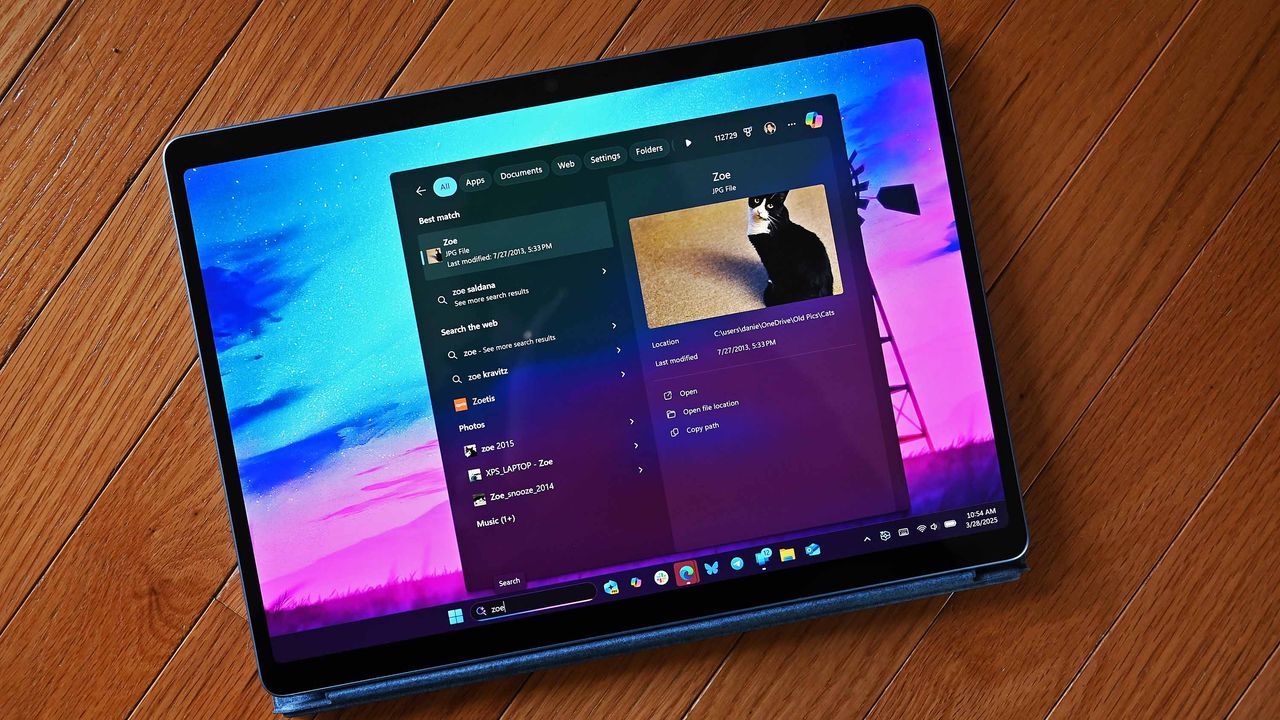
The change centers on the search box, the focal point for launching applications and accessing information, found both on the Taskbar and within the Start menu. Microsoft has decided to make this element slightly larger, increasing its height by a mere four pixels. On the surface, four pixels sounds negligible, yet this tiny adjustment has a tangible effect: it makes the search box appear chunkier, giving it more visible presence above and below the input field.
This subtle expansion isn’t just about aesthetics; it’s about alignment. The shift moves the search bar closer to the edge of the Taskbar and causes a slight rearrangement of content within the Start menu. It’s a quiet calibration designed to harmonize the default experience with newer design philosophies.
So, why the small adjustment? The answer lies in Microsoft’s push towards a new search experience called Ask Copilot. This alternative search mode, which integrates Copilot chat directly into the user interface, features a different visual approach: a search box that is thicker but narrower than the standard Windows Search box.
By making the default search box 4 pixels taller, Microsoft is essentially attempting to bridge this design gap. The goal is to make the standard search experience feel more cohesive and visually aligned with the emerging Ask Copilot interface, creating a unified look across the operating system.
This ongoing refinement highlights the iterative nature of major software updates. While an official explanation for the pixel change remains elusive, it serves as a fascinating example of how large technology companies fine-tune user experience through incremental changes. We can anticipate this shift rolling out gradually, likely first within Insiders before becoming generally available to all users.
It’s a reminder that even the smallest tweaks in interface design can lead to significant improvements in usability and visual harmony. Keep an eye on Windows 11; these small changes are paving the way for a future where the digital experience is not just functional, but thoughtfully designed.
Buy on Amazon
Credit
