Windows Hello vs Enhanced Sign-in Security Which keeps your PC safer
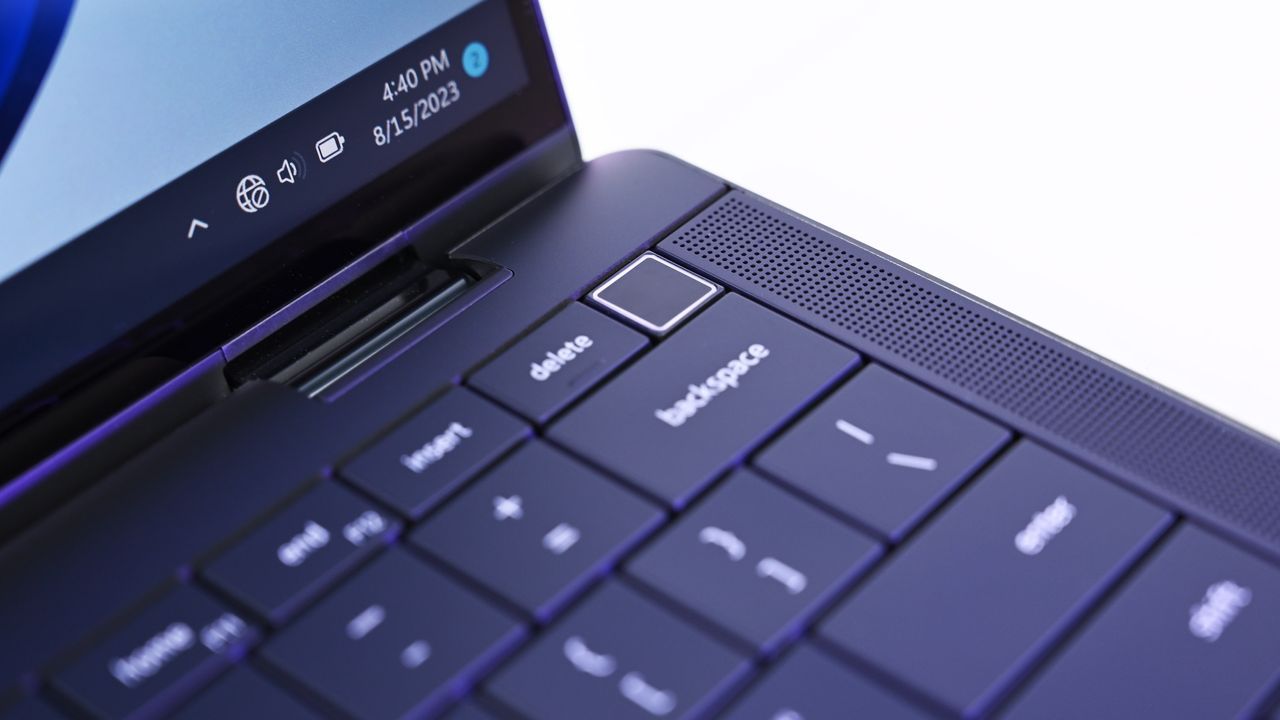
The Evolution of Biometrics: How Microsoft is Supercharging Windows Security
Microsoft is quietly rolling out an expansion of one of the least understood security features in Windows 11, pushing the boundaries of biometric protection. Beginning with the August 2026 update, Enhanced Sign-in Security (ESS) is now compatible with a wider range of external fingerprint readers, extending the company’s most secure authentication experience to devices that don’t have built-in biometric hardware.
This evolution has left many users slightly puzzled. Since its introduction, terms like Windows Hello and Enhanced Sign-in Security have often been confused, leading some to assume they are interchangeable. The truth is more nuanced: while both features share the same sign-in experience, they protect your sensitive biometric data in fundamentally different ways.
To truly appreciate the change, it helps to understand where the trust is placed. Standard Windows Hello has long been a stellar security tool, replacing vulnerable passwords with stronger cryptographic credentials tied to your computer’s Trusted Platform Module (TPM). In this standard setup, facial recognition and fingerprint data are used only to unlock those credentials, ensuring your biometric templates never leave the device or are uploaded to Microsoft servers.
Enhanced Sign-in Security doesn’t replace this excellent foundation; it builds upon it. It’s not about making facial recognition instantly faster or fingerprints more accurate. Instead, ESS focuses on fortifying the entire authentication process by isolating sensitive operations using Virtualization-Based Security (VBS) and TPM 2.0 technology.
This architectural shift is where the real security upgrade occurs. With ESS enabled, Microsoft ensures that biometric operations are isolated within protected, hardware-enforced environments. The algorithms for facial recognition run in a secure memory region, fingerprint matching happens directly within the hardware itself, and communication between the sensor and the operating system remains encrypted and tightly controlled.
The practical benefit of this isolation is clear: ESS protects both your credentials and the path your biometric data takes before Windows 11 authenticates you. It creates a smaller attack surface, making it significantly harder for malicious software to interfere with the authentication process.
The distinction becomes particularly relevant when considering external hardware. Standard fingerprint readers rely on the operating system and TPM for verification. ESS-compatible readers take things further by integrating security directly into the sensor itself. These advanced readers include dedicated secure processors, store biometric templates internally, and possess Microsoft-issued certificates to prove their trusted status.
This hardware-level approach allows external fingerprint readers to move more of the authentication workload onto the device, receiving only the final successful authentication result from Windows 11 rather than raw biometric data. This difference is key, especially as Microsoft expands support for compatible external readers, clearly prioritizing hardware security in this evolution.
If your current system already supports Enhanced Sign-in Security-compatible hardware, enabling it is a simple step to adding an extra layer of defense. While standard Windows Hello remains incredibly strong, opting into ESS provides robust, hardware-backed assurance that your biometric data is handled with the highest level of protection.
If you are planning to invest in a new external fingerprint reader or seeking maximum security for your device, choosing an Enhanced Sign-in Security-compatible model is a smart long-term investment. It’s simply another layer of defense built right into the foundation of modern Windows security.
Credit
