
Defender vs VLC: Which slows MP3 loading by 30 seconds
Sometimes, the most dramatic stories in technology aren’t about groundbreaking new features; they are about the frustrating, often absurd friction between essential software and operating system security.
This is the story of a conflict that escalated quickly on social media: an issue involving the popular open-source media player VLC, giant corporate security systems like Microsoft Defender, and the passionate world of software development ideals.
The saga kicked off when video game designer Jonathan Blow voiced his frustration with the open-source community regarding performance glitches he encountered with VLC. The complaint centered on how sluggish the program became when trying to handle simple tasks, such as opening MP3 files.
“I finally switched away from VLC to Microsoft Media Player because VLC would take over 30 seconds just to start playing an mp3 after clicking it,” Blow noted, highlighting the extreme inconvenience of the bug.
Blow suggested that this performance issue was attributable to corporate security software, not the application itself. He argued that holding open-source software responsible for an issue caused by a Windows update felt fundamentally unfair.
VideoLAN, the creators of VLC, responded, pointing out that the root cause lay in a “bug” introduced by Microsoft Defender during a specific update to Windows 11. They maintained that reinstalling the application or regenerating cache settings would resolve the problem, firmly placing the blame on the operating system environment.
But the debate wasn’t over. The friction quickly drew attention from the wider tech community, with discussions shifting from who was responsible to what actually caused the slowdown. On platforms like Reddit, cooler heads prevailed, focusing less on the blame game and more on practical solutions.
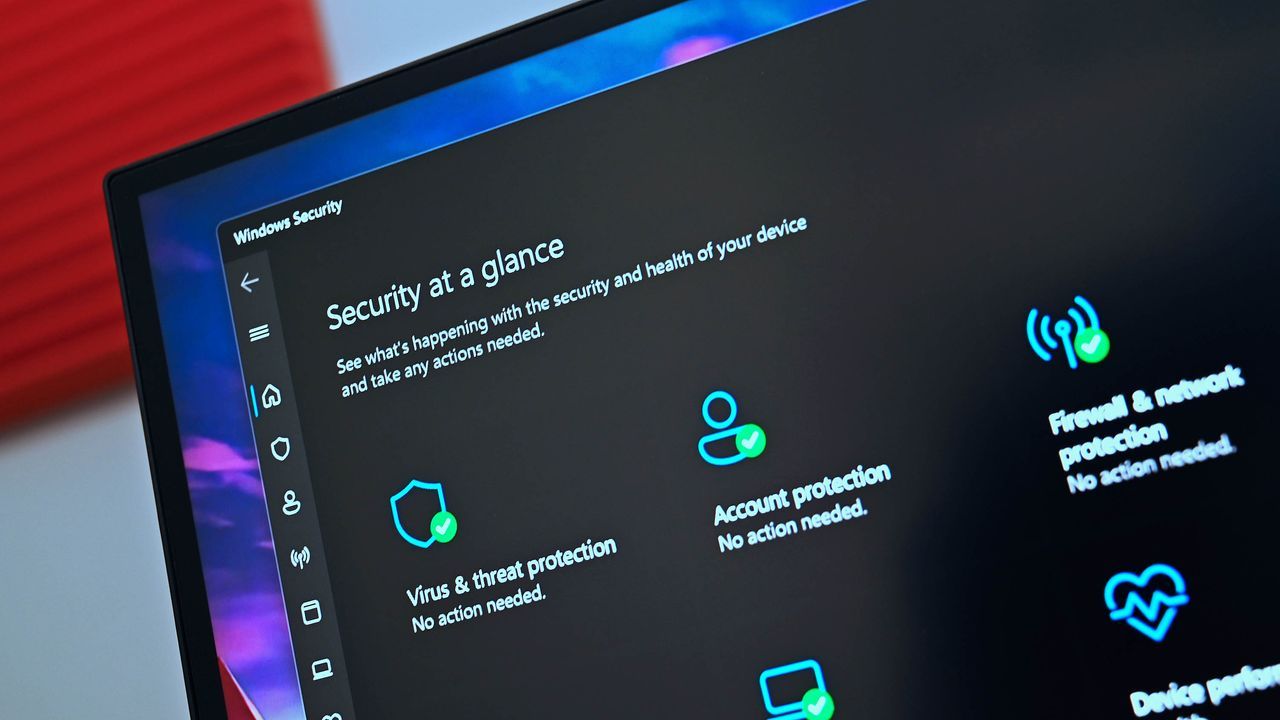
It turned out that while the initial conflict involved a complex chain of events, the technical reality pointed toward a specific interaction between VLC and Microsoft Defender. As one user discovered, simply adding an exception for the VLC folder within Windows Security resolved the performance crisis entirely.
This finding revealed a fascinating dynamic: even when software bugs seem to stem from operating system security features, often the interaction point—the boundary between two systems—is the true culprit. The resolution demonstrated that sometimes the fix isn’t about blaming one party, but understanding the mechanics of how they operate together.
Ultimately, the high-stakes argument boiled down to a simple technical adjustment and a powerful lesson for all users: in the complex world of software, identifying the true source of friction often requires looking beyond the surface blame and diving into the specific settings that connect the systems.
Buy on Amazon
Credit

