
Hands-on checks expose CPU cooler clearance errors in PC cases
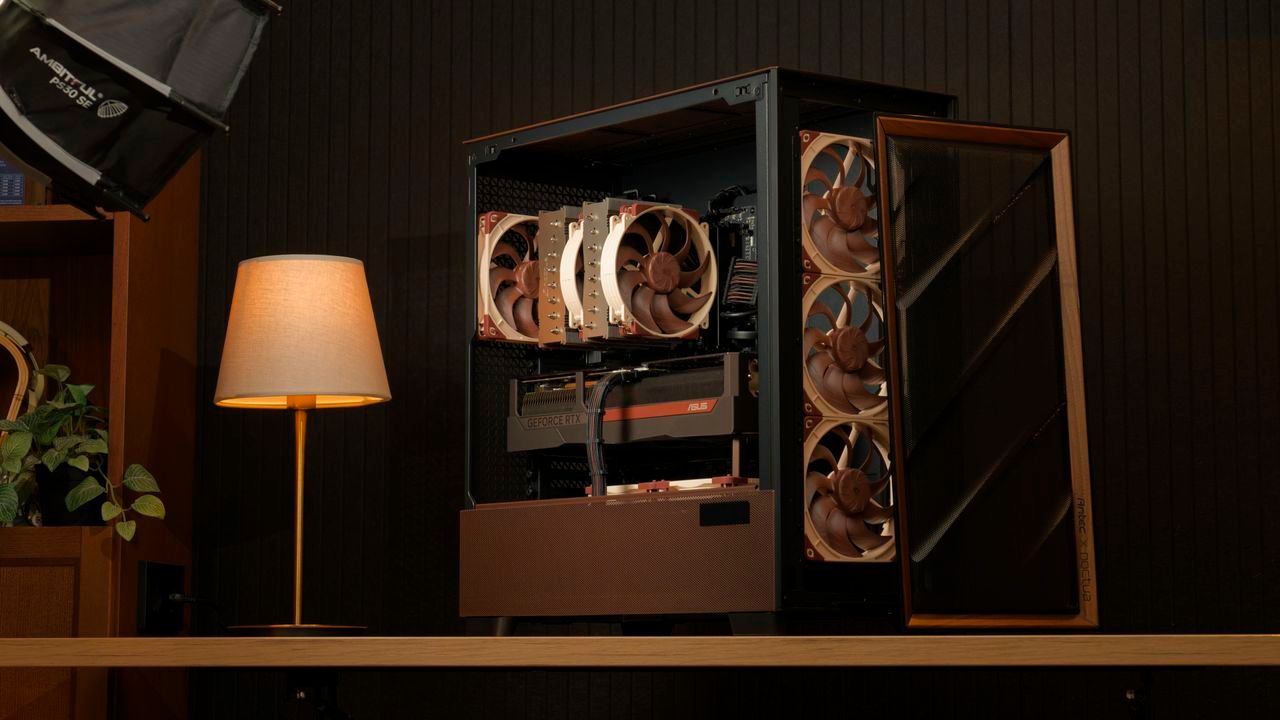
The Cooling Conundrum: How a PC Legend Navigates the World of Compatibility
For two decades, Noctua has cemented its reputation as the gold standard in PC cooling, crafting high-end fans and air coolers renowned for their quality and performance. Now, that legacy is expanding into the liquid cooling arena with the release of Noctua‘s first AIO coolers, signaling an exciting new chapter for enthusiasts looking to push thermal limits.
But as innovation marches forward, so too does the complex reality of PC building: the relentless hunt for perfect compatibility. While Noctua is pioneering high-performance cooling solutions, they have recently faced some scrutiny regarding their case compatibility data, revealing that the digital specifications sometimes diverge from the physical reality of the hardware.
The company addressed these discrepancies by undertaking its own rigorous measurements, finding that out of more than 100 cases they tested, a significant number showed notable deviations from the official figures listed online. This wasn’t just a minor error; it touched on the very geometry of the components we assemble.
One area of confusion involved cooler clearance. For instance, a case might be advertised as supporting a maximum 75mm CPU cooler, but physical measurements indicated it could actually accommodate an air cooler up to 79mm. This discrepancy poses a choice: builders relying solely on manufacturer specs might buy coolers that fit, but miss out on the opportunity to install larger, more performance-driven units within their chosen chassis.
The challenge becomes even more interesting when considering cases that appear smaller than their listed specifications. Some models were found to be shorter or narrower than advertised—even by a few millimeters. If builders rely strictly on these sometimes inaccurate numbers, it could lead to frustrating physical issues, where components might touch the case panels or fail to close properly, requiring time and effort to return items for adjustment.
To navigate this landscape successfully, the best advice remains grounded in physical reality. The safest strategy is to prioritize the physical space first. Before diving into component shopping, securing the PC case physically and measuring it yourself provides absolute confidence that whatever you purchase will fit.
Alternatively, Noctua offers a helpful resource: their compatibility search tool. This feature verifies the clearances for their tested cases, offering a layer of assurance when shopping for coolers or other compatible parts. While this tool provides excellent peace of mind regarding cooling solutions, it is important to remember that these specific measurements focus primarily on coolers.
Ultimately, while component compatibility can feel like a frustrating puzzle, approaching the build with measured confidence—whether through physical verification or utilizing trusted tools—ensures that the quest for peak performance remains achievable. The story of Noctua’s expansion is one of bold innovation, beautifully paired with the real-world lessons required to master the art of PC compatibility.
Buy on Amazon
Credit

