10 things to know before the Windows 11 update
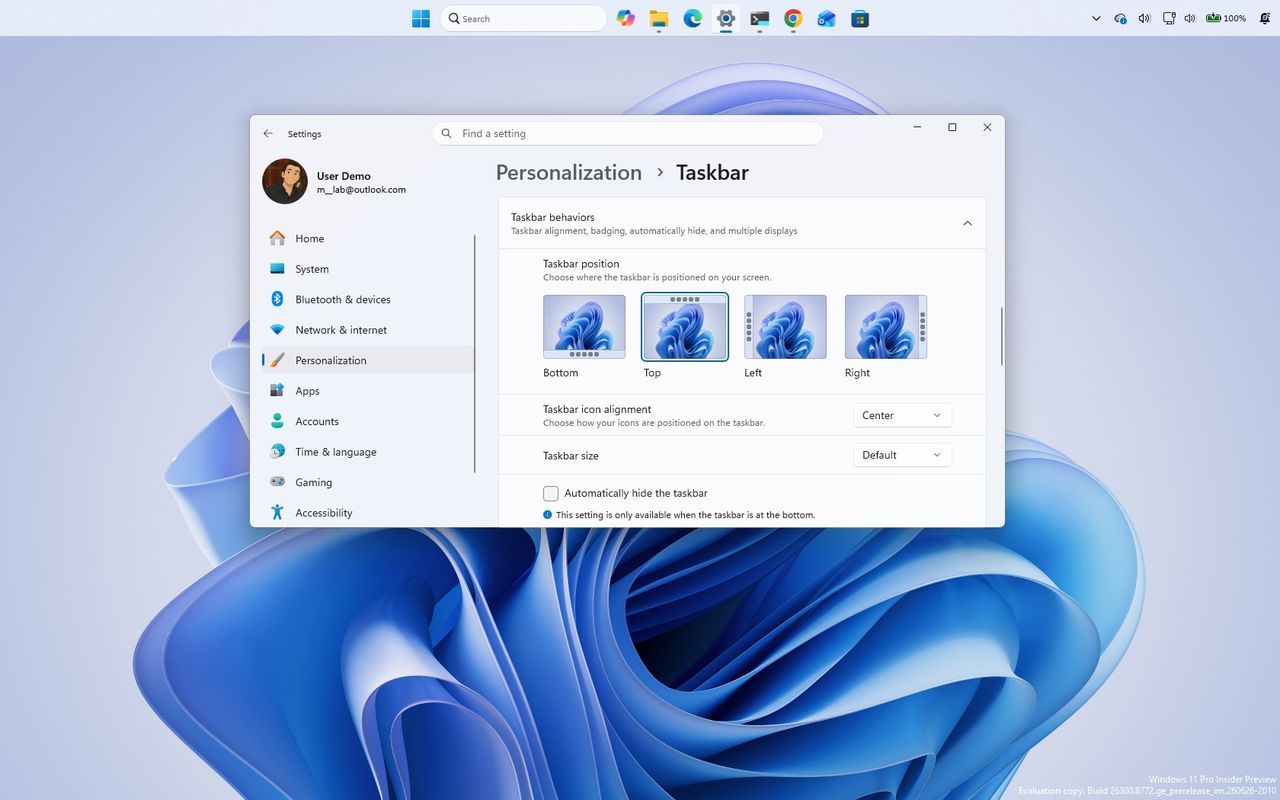
As Microsoft gears up for its next major release, the focus isn’t on a complete operating system overhaul, but rather on perfecting the transition. The upcoming Windows 11 version 26H2 is shaping up to be less of a revolutionary shift and more of a smooth, incremental update—a story in itself about how big tech can make upgrades simpler than ever before.
While this is the fifth feature update for the desktop operating system, understanding what comes next requires looking past the version number and digging into Microsoft’s new upgrade strategy. The central theme of 26H2 isn’t introducing massive new capabilities but extending support and ensuring that the transition process is as seamless as possible.
How does this incremental update work in practice? Rather than forcing a full operating system swap, Microsoft is leaning into an “Enablement Package” model. This approach treats version updates like monthly cumulative patches, allowing users to activate new version numbers without needing a complete reinstallation of their system.
This enablement package acts essentially as a switch, activating features that are already present within the operating system but kept dormant. When installed, it simply changes the build number from 25H2 to 26H2, preserving all existing settings and files. This dramatically reduces the potential for compatibility issues and offers a much less disruptive path forward for users.
The difference between this method and a traditional full feature update lies in the process. For devices already running a recent version like 25H2, moving to 26H2 via an enablement package is expected to be quick, requiring only a single restart, rather than demanding a lengthy, resource-intensive installation.
However, the upgrade path still depends on what version a user currently holds. For users on older releases, such as 23H2, a full feature update is necessary to reach 26H2. Conversely, if an upgrade uses official ISO files or installation media, it performs a standard in-place feature update, which reinstalls the operating system while keeping personal data intact.
Hardware requirements remain consistent across these versions. Windows 11 version 26H2 shares the same minimum standards as its predecessors, meaning there are no new demands placed on processors, RAM, or storage. If your device was capable of running the previous version, it will be fully compatible with the next.
Perhaps the most compelling reason for users to consider upgrading is not a hunt for flashy new features, but an extension of support. By moving to 26H2, users gain extended longevity for their investment, ensuring they receive crucial security updates and bug fixes for longer periods. This focus on stability and extended life aligns with Microsoft’s philosophy of making the operating system maintenance experience smoother.
Ultimately, the rollout strategy promises a gradual expansion, utilizing systems like the Controlled Feature Rollout to monitor stability before mass deployment. This measured approach signals a commitment to reducing the friction associated with major OS changes, positioning future updates as smaller, faster, and significantly less stressful experiences for everyone.
Buy on Amazon
Credit
