Accessibility drives Windows 11 stories
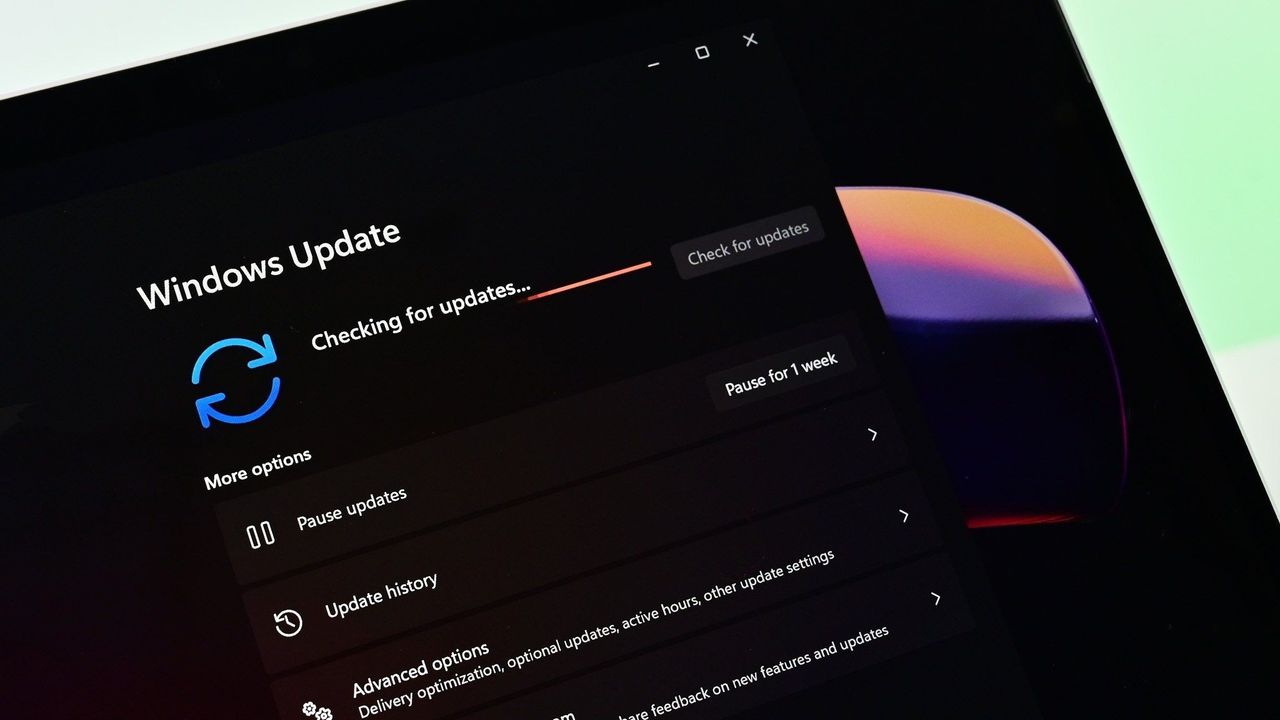
The quest for truly inclusive technology is hitting some major milestones in Windows 11, bringing a wave of exciting accessibility improvements to Windows Insiders. This latest build isn’t just about new visual flair; it’s about fundamentally changing how users interact with their computers, especially in dynamic, real-world environments.
The headline feature is the evolution of Voice Access. Previously, controlling your PC with voice commands could be frustrating when background noise or other people were around. Now, through an update that includes Voice Isolation, Voice Access can intelligently filter out distracting sounds and voices, allowing users to maintain focus while giving voice commands.
Imagine working in a bustling office or a noisy home environment. Voice Isolation makes the experience far smoother. It allows users to utilize voice control effectively without the communication friction that often accompanies shared spaces. This small technical leap transforms how accessible tools can be used seamlessly, moving us closer to making computing truly effortless for everyone.
This enhancement is part of a long-running commitment by Microsoft to make technology accessible, demonstrating that innovation doesn’t have to be complicated. The journey toward this inclusive future has seen numerous strides, from earlier features like eye tracking on Windows 10 to advancements in hardware integration.
Microsoft has consistently prioritized accessibility as a core value. This dedication is reflected across the operating system and partner technologies. Examples include the development of the XBOX Adaptive Joystick and controller, pioneering inclusive gaming experiences, and integrating features like screen tint and improved Braille support directly into Windows 11.
The focus now shifts to deep integration with hardware standards. For users relying on non-visual interfaces, accessibility extends to how the system interacts with display technology. Narrator is now designed to work seamlessly with displays that use the HID (Human Interface Device) standard—an open industry standard backed by major tech players.
This shift means refreshable braille displays can connect instantly via USB or wirelessly via Bluetooth, offering plug-and-play compatibility without complex setup. This ability to connect devices effortlessly is critical for creating true independence in computing.
Furthermore, this integration extends even to the initial setup experience. HID braille displays can now be set up independently during the Out-of-Box Experience (OOBE) over USB, providing crucial support for users who are deaf-blind right from the start of setting up their device.
These updates demonstrate that accessibility is not an afterthought but a core component of modern software development. By focusing on features like Voice Isolation and robust hardware compatibility, Microsoft continues its mission to ensure that technology serves everyone, making computing more intuitive, inclusive, and empowering for all.
Buy on Amazon
Credit
