AI hacks Linux to create a native macOS printer driver
The quest for seamless technology often involves frustrating roadblocks, and in the world of hardware and drivers, these roadblocks can feel insurmountable. But lately, a powerful new force is demonstrating that even the most stubborn technological barriers can be bypassed with a little artificial intelligence and some clever coding magic.
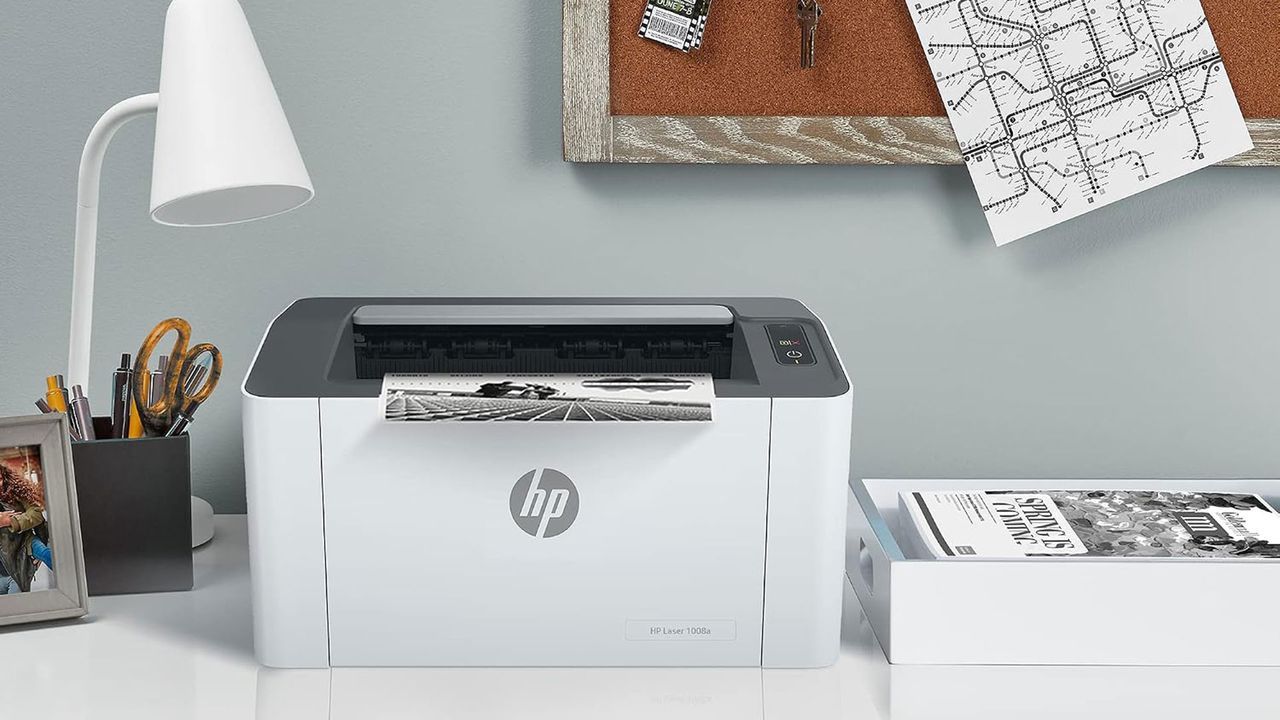
A developer recently achieved this breakthrough by utilizing a Claude-powered AI coding agent to engineer a functional macOS driver for an HP laser printer. This wasn’t just a simple fix; it was an ingenious workaround for a device that, despite its existence, had never received official support for macOS.
The target was the HP Laser 1008a, a machine built primarily for Windows users, which operates using proprietary communication standards that bypass widely accepted protocols like PostScript or Apple AirPrint. This lack of cross-platform support meant that turning this specific printer into a seamless part of the macOS environment was a complex, manual undertaking.
Instead of relying on traditional, time-consuming driver wrangling, the developer leveraged the AI to explore alternative routes. The solution involved tapping into HP’s existing rastertospl codec, which is utilized by the printer. The AI then used this existing knowledge to construct the necessary driver package. The trick was packaging this functionality inside a small Linux container, which then delivers the necessary data over a standard USB connection, effectively bridging the gap between the proprietary hardware and the macOS operating system.
The result is surprisingly elegant. For macOS users who own or are considering an HP Laser 1008a, this driver allows for printing directly from any application using the familiar Command-P shortcut. The process is designed to be incredibly straightforward, sidestepping the complexity usually associated with hardware integration.
Setting up this innovative driver is remarkably simple. A user only needs to ensure that Homebrew, Apple’s essential package manager, is installed. From there, navigating the Terminal and running a simple installation script handles the heavy lifting. The process culminates in a single step where the system configures everything, allowing the printer to instantly appear as an HP Laser 1008a ready for use.
While the innovation is impressive, a few minor operational notes are worth keeping in mind. The setup requires the user to have Colima running, which helps manage the necessary environment. Furthermore, developers noted that some users might occasionally need to update their USB product ID if the driver encounters any communication hiccups. Nevertheless, this demonstration highlights the exciting potential of AI-assisted development to unlock functionality for hardware that previously seemed locked away.
Buy on Amazon
Credit
