Apex Legends fatal errors with RX 9070 XT GPUs workaround
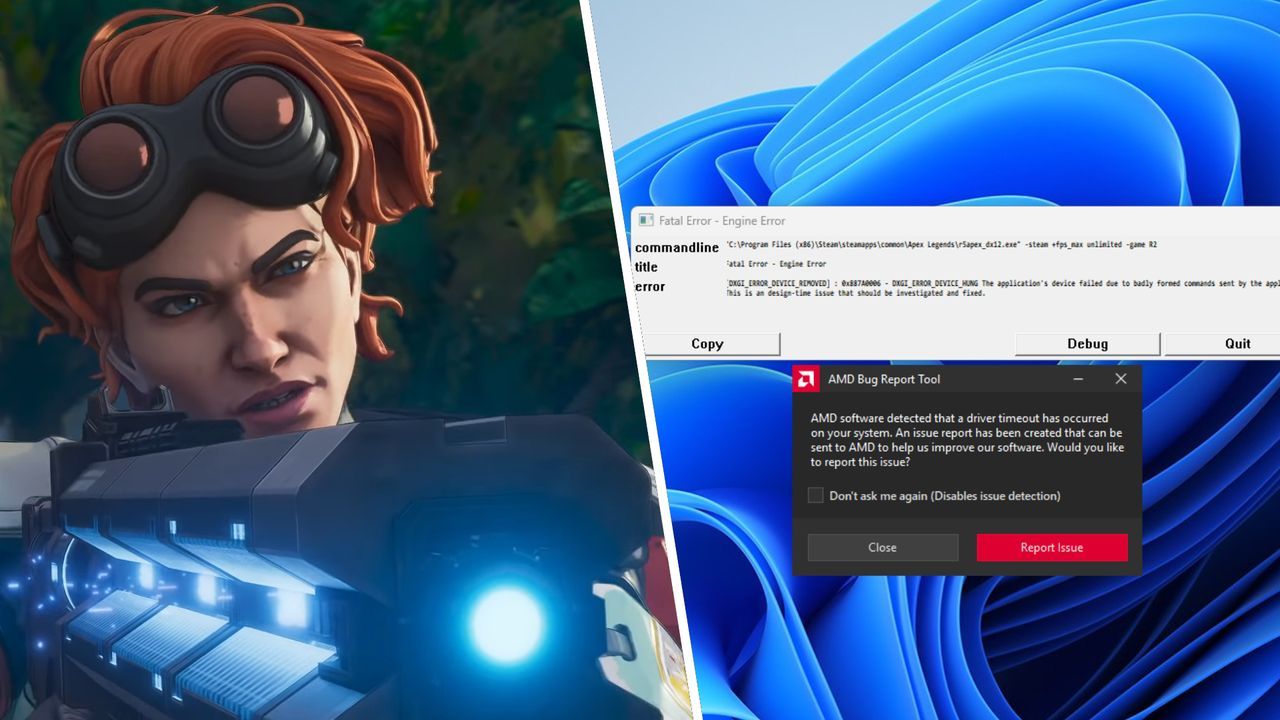
For some players running the latest hardware, the dream of smooth gameplay can quickly turn into a frustrating technical headache. Right now, users equipped with the AMD Radeon RX 9070 XT GPU are encountering stability issues within Apex Legends.
The problem manifests as unexpected crashes upon launching the game. When attempting to start Apex Legends on systems featuring this specific graphics card, players are receiving an error message that points toward a deep, design-time issue: “The application’s device failed due to badly formed commands sent by the application. This is a design-time issue that should be investigated and fixed.”
This frustrating experience is not isolated. Community reports indicate that while the developers are looking into the root cause, some users have found temporary measures to bypass the crashes. One suggested step involves rolling back the graphics driver to an older version, specifically version 26.7.1, as a temporary fix recommended by community channels.
However, not all troubleshooting steps yield immediate success. While driver adjustments might offer a temporary reprieve, other users have discovered a more technical workaround involving modifying the game’s Steam launch options. This involves adding a specific set of commands intended to disable certain advanced rendering technologies, such as bindless rendering, which can resolve the crash for some users.
The workaround requires adding the following sequence to the launch options: +staticpropusebindless 0 +staticpropusebindless 0 +rdepth_bindless 0. While this method allows users to boot up and play the game, it does introduce a slight performance hit, confirming that it is a temporary solution.
Ultimately, the developers and hardware manufacturers are now facing the task of pinpointing and rectifying the underlying cause. Until a permanent fix is implemented, players will continue to navigate these temporary settings, hoping for a cleaner and more stable experience.
Buy on Amazon
Credit
