Apply DLSS 5 to your entire desktop with a free app
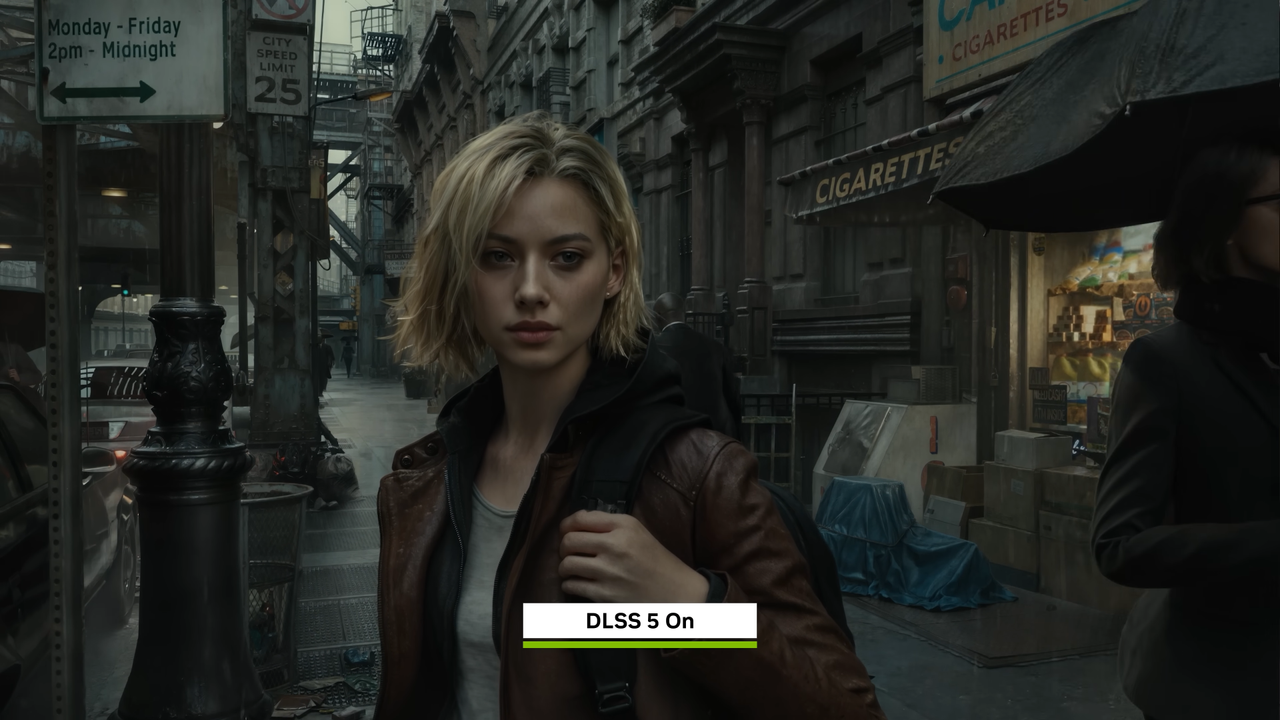
The world of graphics technology is constantly buzzing with new innovations, and the latest installment, DLSS 5, has caused quite a stir. While initially met with some skepticism, this powerful new rendering system is finally moving beyond the confines of hardcore gaming and entering the wider computing landscape.
What started as a contentious piece of hardware tech has now found a surprisingly flexible application. With the introduction of Neural Rendering, users are discovering ways to apply this advanced technology not just inside demanding games, but across their entire desktop. This breakthrough transforms DLSS 5 from a confined gaming tool into a versatile utility for everyday visuals.
The most interesting aspect is the accessibility. Dedicated developers have made the NeuralScreen feature available as a free application, complete with customization options to adjust intensity and swap resolution on the fly. This functionality allows users to bring high-end rendering techniques to their daily workflow without needing to dive deep into complex graphics settings.
Imagine applying this technology to your entire desktop. This isn’t just about setting a wallpaper; it’s about integrating advanced rendering into how you view information. Whether you are watching videos, viewing images, or simply browsing, the potential to leverage this technology is significant, offering a fresh perspective on how we consume digital content.
The appeal lies in efficiency. Instead of navigating complex in-game menus and waiting for settings to save, applying Neural Rendering through a dedicated application offers a more streamlined and immediate experience. It provides a quick way to manipulate visuals wherever they are needed.
However, like any revolutionary technology, there are practical limitations to consider. While the potential is vast, the implementation comes with specific trade-offs. The NeuralScreen application currently operates with a maximum resolution of 2560 x 1440 and does not support HDR. Furthermore, applying it introduces a slight latency of 40 to 60 milliseconds.
This latency is particularly relevant for competitive online gaming, where competitive play demands minimal input delay. The developers acknowledge that running the feature in fullscreen games may potentially trigger anti-cheat software due to the underlying processes involved, meaning most users are advised to reserve this feature for single-player experiences or media consumption.
Some users have noted aesthetic concerns, pointing out that the generative AI effects inherent in the system can sometimes wash out colors, leading to a less realistic visual experience. But for those seeking a window into the future of rendering, or those who value the freedom to experiment with cutting-edge visual techniques, NeuralScreen offers a compelling new frontier. It’s a powerful tool that reminds us that the future of computing is about breaking boundaries, even when it comes to our desktop background.
Buy on Amazon
Credit
