
Check if your ASUS Armoury Crate is vulnerable now
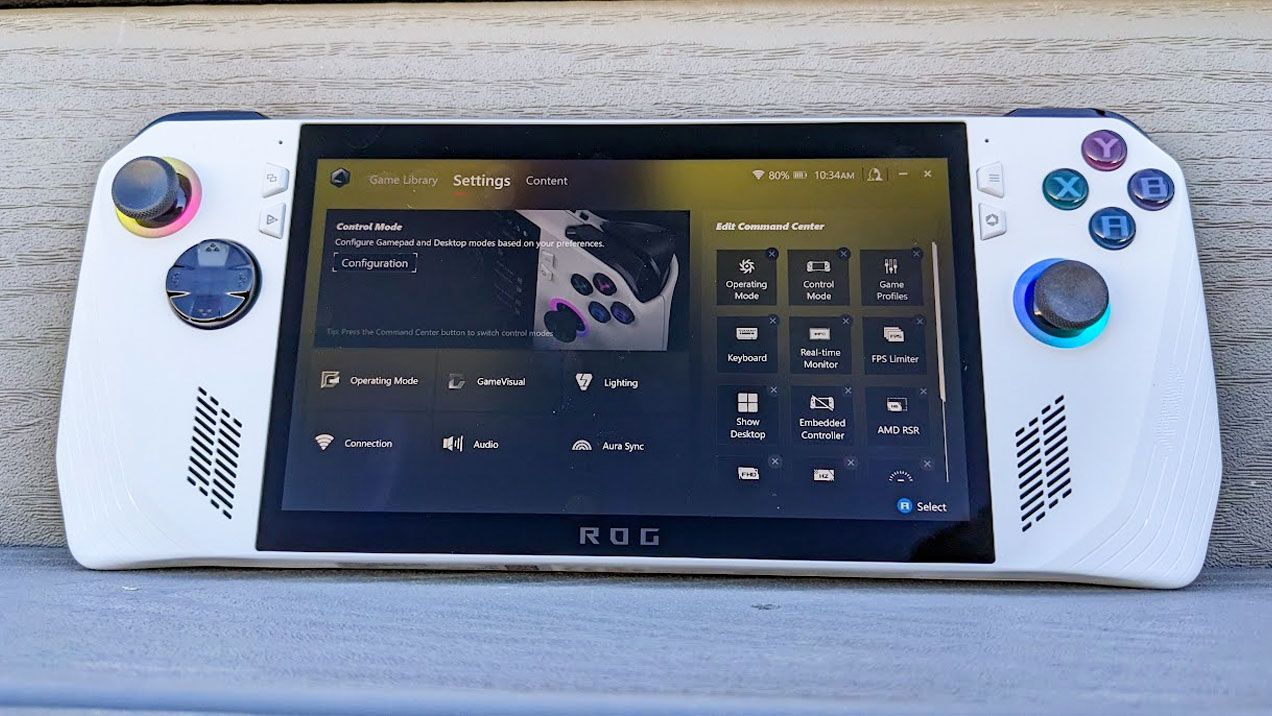
If you own an ASUS gaming device—be it a laptop or a handheld like the Xbox Ally X—you’ve likely installed some specialized management software without giving much thought to it. At the heart of this ecosystem is Armoury Crate, a suite of tools that many users employ daily.
But managing cutting-edge hardware always comes with a security caveat. A recent update from the ASUS advisory board brought an important piece of news: a component utilized by Armoury Crate has been identified as vulnerable, potentially leaving users exposed to attacks.
This isn’t just theoretical; it’s documented under CVE-2026-8917. The vulnerability is rated with an 8.4 severity, which is significant enough that ignoring it simply isn’t an option for those focused on system security.
What Exactly Is at Risk?
The technical details of the flaw involve an IOCTL vulnerability. Simply put, this allows a local attacker to write arbitrary values to specific memory addresses within the system. While this sounds complex, the potential consequence is serious: it could lead directly to privilege escalation.
Although the official record focuses on a “certain component” used by Armoury Crate, ASUS has also been actively releasing security updates for other integrated tools, including GPU Tweak III, GPU Tweak II, and AI Suite 3.
Navigating the Update Maze
When dealing with software updates, version numbers can be confusing. For instance, while one might see an affected version listed on a CVE record, the specific versions available on the official ASUS support site—such as version 2.1.7.2 for GPU Tweak III or 3.01.10 for AI Suite 3—are often newer than what is cited in security databases.
This discrepancy means users need to be diligent. For components like GPU Tweak II, where a vulnerable version is still listed on the CVE page, caution is advised. If you are concerned about applying an update that hasn’t been fully patched, removing the software entirely until a secure version is confirmed and available is a prudent step.
Beyond the Bloat: A Streamlined Alternative
While Armoury Crate certainly manages many system functions for dedicated desktop gaming rigs, the experience on mobile devices can often feel cumbersome. If you’re looking to streamline your ASUS experience without the potential headaches of managing complex software and vulnerabilities, there is a compelling alternative.
Meet G-Helper. Designed specifically for ASUS laptops and gaming handhelds, G-Helper offers all the necessary control in a single, streamlined application that is remarkably light on resources, consuming only about 5MB of space.
This lightweight solution provides the functionality many users need while avoiding the complexity, bloat, and potential security exposure associated with larger management suites. For a cleaner, safer, and more efficient gaming setup, exploring tools like G-Helper might just be the upgrade you’ve been waiting for.
Buy on Amazon
Credit

