Dell Pro 5 2K Webcam Review: Look professional in the office
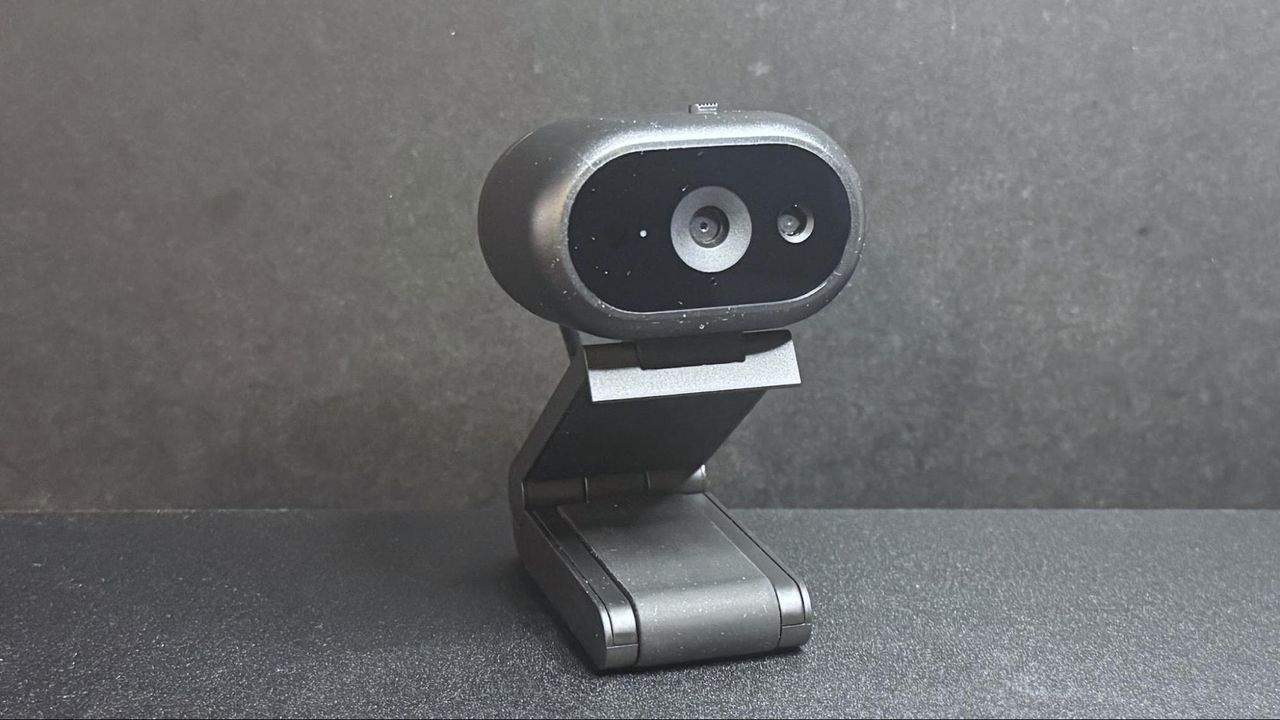
When you’re locked into the office grind, it’s easy to assume that a standard webcam is all you need. But the reality is, just because you’re sitting at your desk doesn’t mean you shouldn’t demand professional-grade video quality. Enter the Dell Pro 5, a device built specifically for the demands of the modern workspace, proving that high-end features don’t have to come with an astronomical price tag.
This sleek, lightweight webcam is designed to handle the daily necessities of video conferencing while offering some genuinely smart office-friendly features. It records video at 2K QHD at 30fps, or 1080p at 30fps, giving you plenty of crisp detail for those important virtual meetings. Powered by a Sony sensor, the Pro 5 packs features like autofocus, 2x digital zoom, and an aperture of f/2.0, making it capable of adapting to various lighting conditions.
Beyond the lens, Dell has addressed the logistical nightmare of managing cables and positioning. The design is compact and oval, making it easy to tuck away, and it features a physical lens shutter for privacy control. Crucially, it offers a clever “anti-theft interface” and a lockable cable system, allowing users to secure the setup easily. For the truly mobile worker, the inclusion of a sturdy, magnet-based monitor mount provides flexibility, letting you tilt the camera up to 90 degrees—perfect for reading documents during a call.
The smart features are where the Dell Pro 5 really shines. Through the Dell Display and Peripheral Manager software, users can fine-tune image settings, enable face tracking, and activate smart auto-exposure and AI auto-framing. This means the camera actively tries to optimize the shot, ensuring that even if the lighting shifts, you maintain a professional appearance.
In terms of performance, the webcam handles well-lit office scenarios effectively, providing the flat, professional image that suits a brightly lit environment. However, as with most lower-cost devices, performance in challenging low-light situations can be spotty, resulting in noticeable graininess during motion. While it manages light fairly adequately, it doesn’t deliver cinematic drama in the shadows.
The built-in omni-directional microphone is functional—it picks up your voice clearly enough for standard calls—but it’s not a superstar. If you need top-tier audio, you’ll still need a separate solution, but for simple communication, it gets the job done.
The bottom line is that the Dell Pro 5 is a solid, practical choice for the office environment. However, when weighing the cost against the competition, savvy shoppers might look elsewhere. For those prioritizing extreme value, the Elgato Neo offers comparable performance at a fraction of the price, proving that you don’t always need to pay a premium for the newest feature set. If you’re looking for a feature-rich, wallet-friendly solution, the market has some excellent alternatives ready to compete.
Buy on Amazon
Credit
