Developer tool unlocks 225W for RTX 5090 mobile GPU
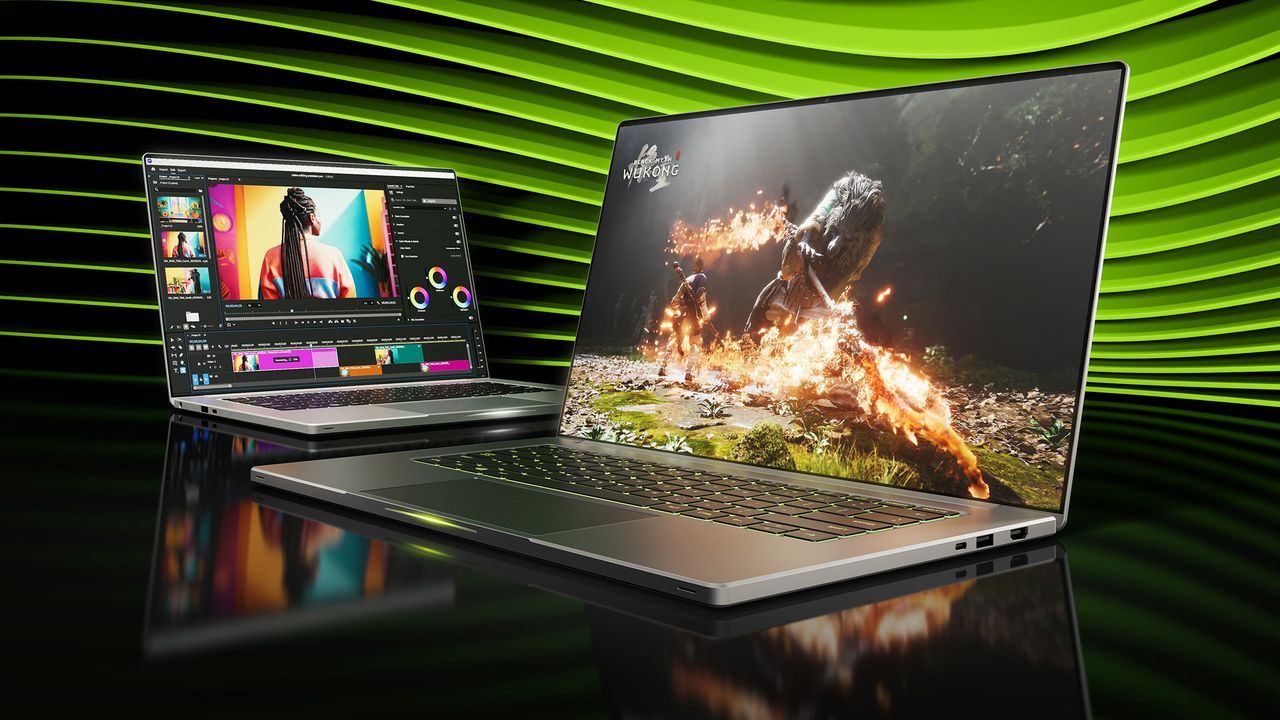
Gaming laptop enthusiasts often find themselves in a frustrating technological maze. Whether you are dealing with NVIDIA, AMD, or Intel, the naming conventions for mobile GPUs can be wildly misleading, leaving users guessing about true performance. Even with the latest generation of cards, stringent power limits often hold back the potential of powerful discrete graphics in a laptop form factor.
This is where a new, experimental tool is stepping in to challenge those limitations. Developers have released a utility called NvpwrControl, which allows users of Nvidia-based gaming laptops to unlock additional performance by manually adjusting the mobile GPU’s power limit. The appeal is simple: if the hardware is power-limited, why not try to push it a little further?
For high-end cards like the GeForce RTX 5070 Ti, the stock power limit might be capped around 140W. This limitation restricts the GPU’s ability to perform at its full capacity, regardless of how powerful the chip theoretically is. Tools like NvpwrControl aim to circumvent this bottleneck by increasing the power ceiling, potentially offering a significant performance boost.
The potential gains are tempting. While the developers do not provide official benchmarks, testing suggests that adjusting these power limits can yield nearly linear performance increases. Pushing the limit from a default setting up to a higher threshold might result in an uplift of twenty-five percent or more in demanding applications. Think of it as tapping into untapped processing potential that the laptop’s power delivery system was designed to hold back.
However, stepping into this experimental territory requires careful consideration. NvpwrControl is explicitly labeled as experimental, and the core risks involve hardware stability. Increasing the power draw by as much as forty watts introduces the risk of damaging the reliability or lifespan of your discrete GPU and the laptop’s cooling mechanisms. Users must be aware that these modifications are not verified across every brand or model, meaning attempting the tool comes with an inherent risk.
Beyond the hardware risks, the tool itself presents some technical hurdles. The development of NvpwrControl involved delving into low-level NVIDIA power policies that are generally not exposed to end-users. The developers found that the standard consumer controls intentionally omit these crucial settings to protect the hardware, forcing them to find an obscure path to modification.
One notable technical challenge is the method required to run the utility, which necessitates disabling Windows driver signature verification. This is a significant step that introduces further complexity and potential security concerns for advanced users.
The tool was developed by “LevinAI,” raising a point about the intersection of artificial intelligence and software development. While the results have been promising for many users who have reported substantial performance gains in benchmarks, the software is largely AI-generated, which brings up questions about reliability and the structure of the code. Despite some skepticism regarding the source’s structure, community reports confirm that many users have successfully tested the utility and seen noticeable performance improvements.
Ultimately, NvpwrControl offers a fascinating glimpse into the potential for user-level modification of hardware performance, but it sits firmly in the realm of experimentation. It is a powerful tool for those willing to accept the risks, promising greater performance in exchange for a degree of technical and physical caution.
Buy on Amazon
Credit
