
Devs blame Windows for 33-second VLC MP3 delay
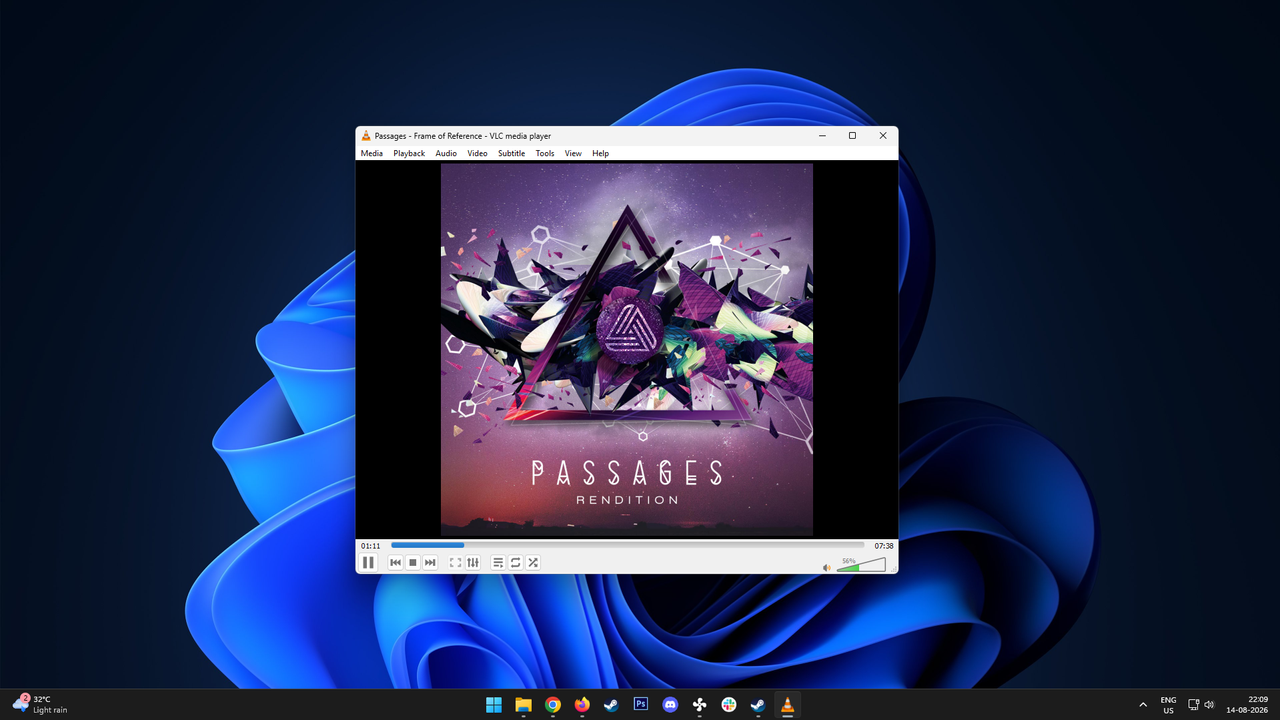
Ever waited 33 agonizing seconds just to start an MP3? For some users on Windows 11, this delay was the unwelcome side effect of a recent, unexplained system update, specifically affecting the popular open-source media player, VLC.
The frustration reached a critical point when game developer Jonathan Blow publicly expressed his dissatisfaction, noting that he had stopped using VLC in favor of Microsoft’s native Media Player simply because of the persistent loading delay. This incident quickly sparked a debate about the state of open-source software running on Windows systems.
VLC swiftly responded to the criticism, clarifying that the issue was not with the media player itself. Instead, the developers pointed the finger at a conflict caused by Microsoft Defender. The core problem lay in an update to Windows 11 that appeared to interfere with VLC’s vital plugin cache.
To understand why this delay occurs, one must look at how VLC operates. It doesn’t load every component at once; it relies on a plugin cache for codecs, demuxers, and input/output modules. The problem arises when Microsoft Defender mistakenly quarantines or blocks the necessary plugins.dat cache file, forcing VLC to spend precious time re-evaluating its system before playback can begin.
While replicating the issue on other Windows 11 machines did not yield the same delay, the conflict with Defender remains the primary suspect for affected users.
Fortunately, the community has found practical solutions to restore smooth playback. The simplest fix involves resetting VLC’s configuration by using the dedicated executable, VLC media player – reset preferences and cache files.” Be aware that this process will clear customized settings, such as audio equalizers and keyboard shortcuts.
For a more robust long-term solution, users can configure Microsoft Defender to treat the VLC installation folder as an exception. This action prevents Defender from interfering with the critical cache files, ensuring that open-source software like VLC can perform its job without unnecessary digital roadblocks.
While there is no official comment from Microsoft regarding this specific conflict yet, the fix remains accessible: either reset the cache or establish a protective exception for your media player. Ultimately, the goal is simple—to ensure that playing an MP3 file on Windows 11 is as smooth as it should be.
Buy on Amazon
Credit

