Fix your worst keyboard key finally with Microsoft
Giving Power Back to Your Keyboard: The New Customization Options for the Copilot Key
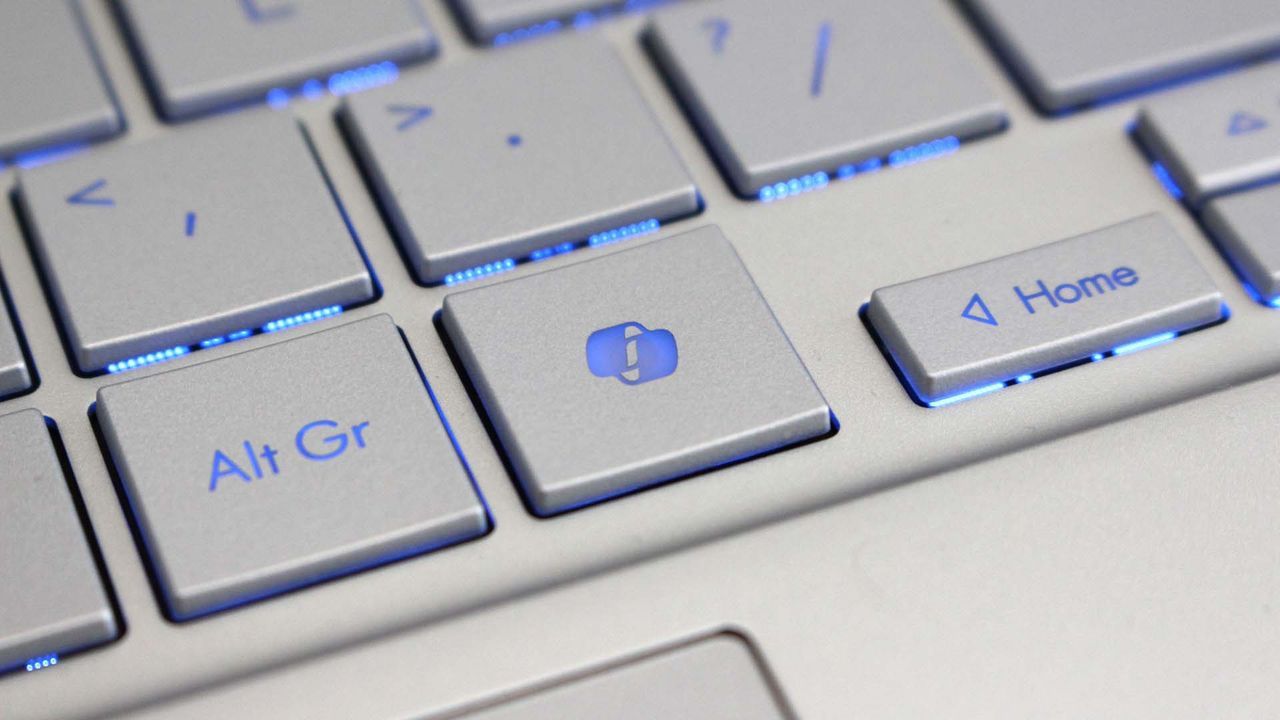
For years, many PC users have wrestled with a nagging question: what good is that dedicated Copilot key? While it’s meant to enhance productivity, if you don’t use it every day, it often feels like an unused button cluttering the workspace. But things are finally shifting. Windows 11 is rolling out exciting new customization options, giving power users the control they’ve been asking for over this modern shortcut.
Microsoft has officially listened to user feedback, announcing plans to let users redefine the function of the Copilot key. This update allows you to remap the key to act as either the Context menu key or the highly useful Right Ctrl key. Plus, there is an option to completely disable the key if it simply becomes a source of distraction.
This change moves the Copilot key from being a fixed feature to a flexible tool tailored to individual workflow preferences. For those who find themselves navigating complex software environments, reassigning this key offers a fresh perspective on keyboard efficiency.
The roadmap for this feature is clear: a forthcoming Windows 11 update will introduce a setting option accessible within the system settings. Users can manage these new functions by navigating to Settings > Bluetooth & devices > Keyboard.
While anticipation is building for this feature, some users have noted that the options have appeared inconsistently across different systems. This is a common hurdle when new features roll out, but it shows a commitment to making keyboard customization accessible across all devices.
For those who demand granular control beyond the specific settings Windows provides, the broader keyboard community offers powerful alternatives. Tools like PowerToys provide comprehensive keyboard management utilities that allow enthusiasts to remap virtually any key on the system. This means that even if you miss a specific Windows option, robust third-party software ensures your keyboard remains perfectly aligned with your needs.
Ultimately, this evolution demonstrates Microsoft’s dedication to making operating systems truly personalized. The future of keyboard shortcuts isn’t just about pressing buttons; it’s about giving the user complete command over their digital workspace.
Buy on Amazon
Credit
