Halo Campaign Evolved Handheld Upscaled Play
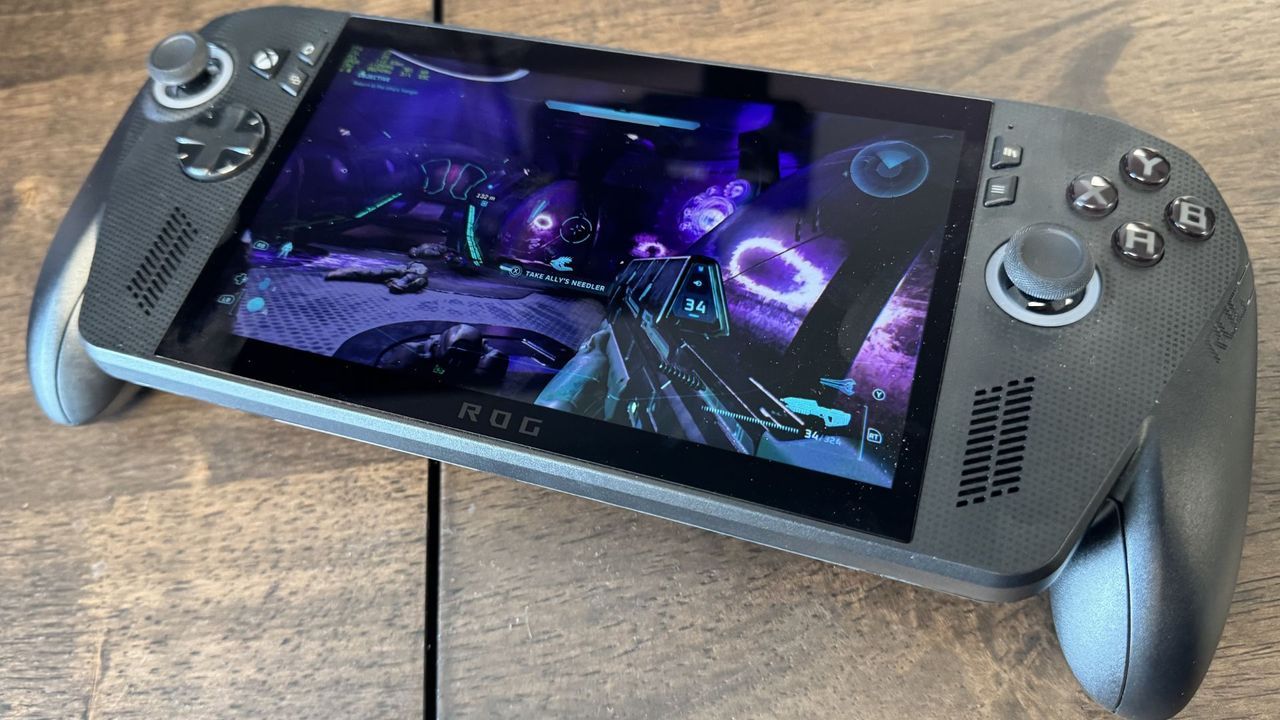
When you try to run a massive title like Halo: Campaign Evolved on a handheld device, the real question isn’t just whether it runs—it’s whether it looks good while doing it. This is especially true when dealing with portable hardware like the Asus ROG Xbox Ally X, which packs serious power into a small package.
My recent testing of the game revealed that to achieve smooth performance without sacrificing too much visual fidelity, upscaling technologies become essential. We looked at how different methods—TSR, FSR, and native modes—impact the experience on this particular system.
The choice often boils down to balancing frames per second (FPS) with visual clarity. When testing the various solutions, we found that while some upscalers might boost raw frame rates, others deliver a superior, smoother low-end experience. For instance, when running native modes without upscaling, performance was strictly limited. Even with TSR set to native, we observed an average of 20 FPS and lows of 14.3 FPS.
However, applying upscalers changes the equation. FSR offered comparable results in terms of overall average frames—around 22 FPS with low points around 19 FPS. Yet, TSR generally emerged as the preferred choice for balancing performance and visual quality during these demanding tests.
For those seeking the absolute best visual smoothness, I found that TSR Ultra provided a strong average of 31 FPS with lows hitting 26 FPS. While this is certainly an improvement over native modes, pushing for truly smooth gameplay often requires a trade-off.
If the goal is to get into the smoother 30s for buttery-smooth motion, some upscalers like FSR can achieve that result, though it comes at a noticeable cost. This highlights a key point: performance isn’t always about raw numbers; it’s about perceived fluidity.
Ultimately, my sweet spot arrived at a pragmatic conclusion. For the handheld experience, the ideal blend of performance and visual appeal is achieved by using FSR Medium combined with very low graphical settings. This setup delivered an average of 42.6 FPS with lows around 34 FPS.
This combination proved to be the perfect equilibrium for the smaller 7-inch display. It’s a testament to finding that middle ground, where you get excellent performance without needing to sacrifice clarity, especially when fine-tuning those settings and remembering to turn off motion blur—which, as anyone can tell, is absolutely awful.
Buy on Amazon
Credit
