Halo Steam forced art book viewing for early adopters
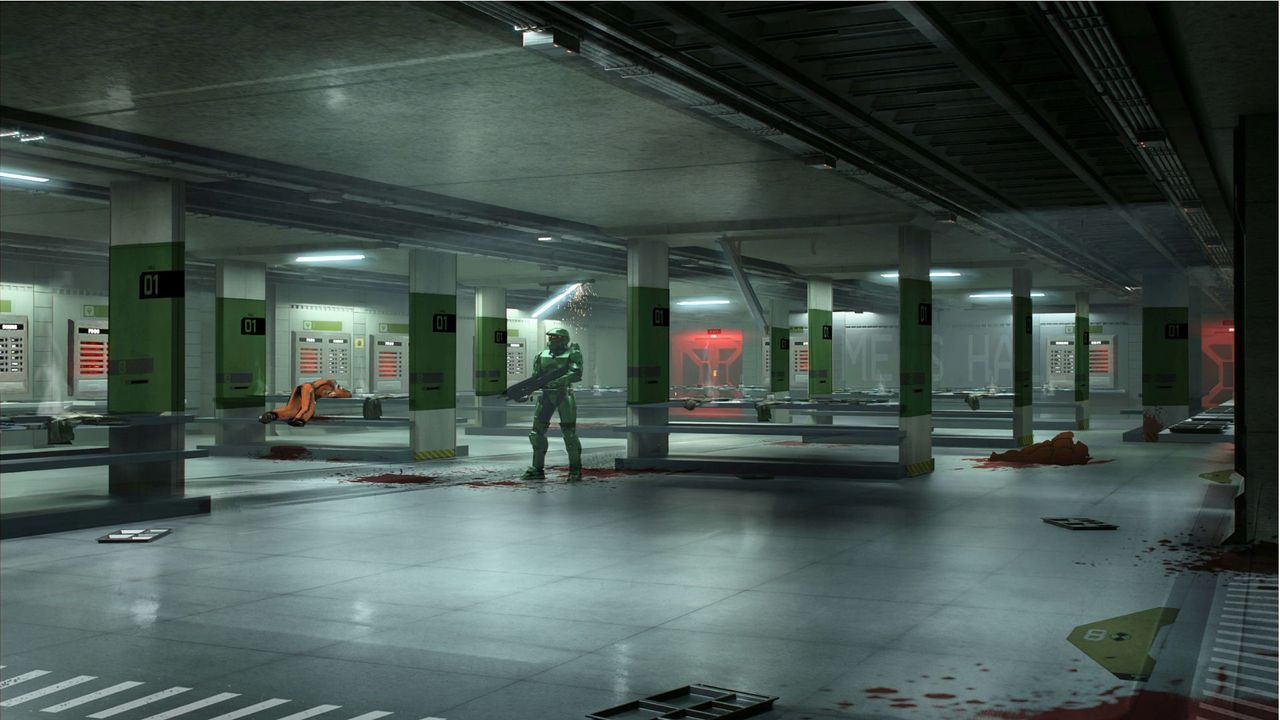
The launch of Halo: Campaign Evolved brought with it an impressive visual package, but for some early adopters, the experience began with a frustrating technical hiccup. Those who secured early access via Steam faced an immediate roadblock: instead of launching the game, they were greeted by the enormous art book.
For many gamers, the desire to dive into the action is immediate, not endless scrolling through digital art portfolios. But when a game launches, especially one you paid for, and immediately throws up unexpected barriers, it can turn excitement into annoyance. Early access users reported that upon attempting to launch Halo: Campaign Evolved, they were trapped in an endless loop of opening the supplementary material rather than playing the core experience.
Fortunately, the community response was swift. Within just forty minutes of reports surfacing, a member of the Halo team communicated on Discord, confirming that the issue should be resolved shortly and would only require a simple Steam Client restart. This quick acknowledgment showed how rapidly the development team was focused on restoring smooth gameplay.
While waiting for the patch, some users found a clever workaround. If you encountered the art book issue, right-clicking the game, accessing Properties, and uninstalling the supplementary art book successfully bypassed the block, allowing players to get back to the game. A handy tip for future launch frustrations!
Beyond the initial technical hiccups, the companion content itself is genuinely impressive. The art book is more than just static images; it functions as a standalone application featuring artwork, a game manual, and even a short story, complete with background music that plays while you scroll. It’s an impressively bundled experience.
The experience isn’t without its own complexities, however. To actually play the title, players must link their Microsoft accounts, a process which introduced further friction. This requirement meant that initial boots required server connections, which regrettably experienced instability at launch.
Once the necessary linkage is complete, players can enjoy Halo: Campaign Evolved offline on their PCs. However, to maximize performance and enjoyment, some advice focuses on graphical settings. For a healthy performance boost, it is recommended that players skip Ultra graphical settings and opt for Low. Furthermore, those aiming for maximum immersion should turn off motion blur, which some found particularly distracting in the campaign.
For players using handheld devices, optimizing performance is key. It is advisable to play on Very Low settings with FSR Medium enabled to ensure smooth performance, especially if you are utilizing powerful hardware like an Asus ROG Xbox Ally X. These small adjustments can ensure that the focus remains squarely on the epic narrative and satisfying gameplay.
Buy on Amazon
Credit
